can't get PyMakr to start in VSCode
-
Already blown 1/2 a day trying to trouble shoot this and getting no where, please help!
I followed the instructions on setting my PyMakr https://docs.pycom.io/gettingstarted/software/vscode/
- I am using a Windows machine
- I already had VScode installed with PlatformIO
- I downloaded node.js 64 bit version, I couldn't get PyMakr to work, so removed and installed the 32 bit version as advised in Pycom trouble shooting. Both gave same result.
- Confirmed Node is installed using node -v in command prompt (v12.18.3)
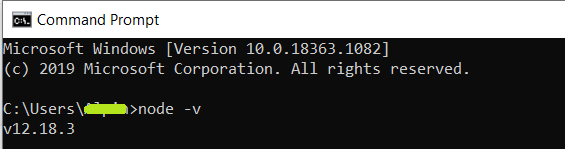
This is odd as VScode is saying it is using version 12.14.1 of Node.js
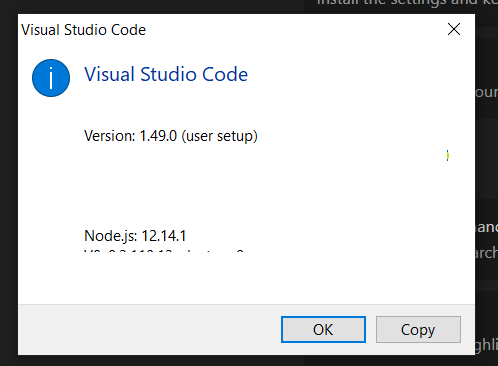
- VScode version is 1.49.00
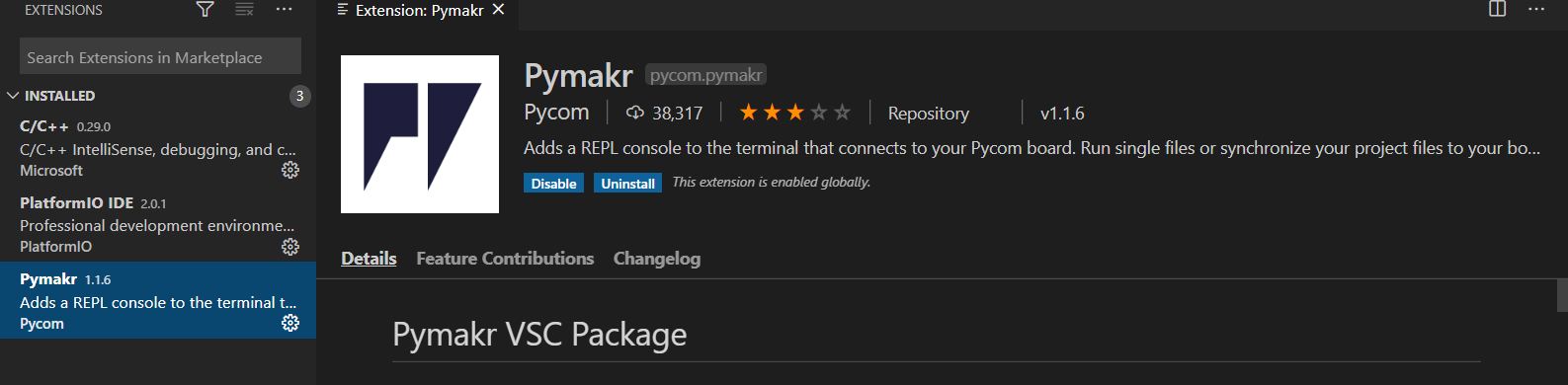
- PyMakr plugin is v1.1.6, it is installed globally
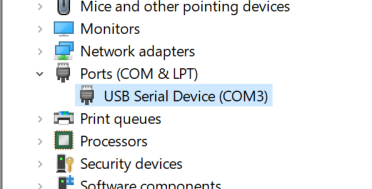
- The PyMakr device is coming up as following COMM port
I am not getting the blue bar down the bottom. I have a purple bar which is from Platform IO.
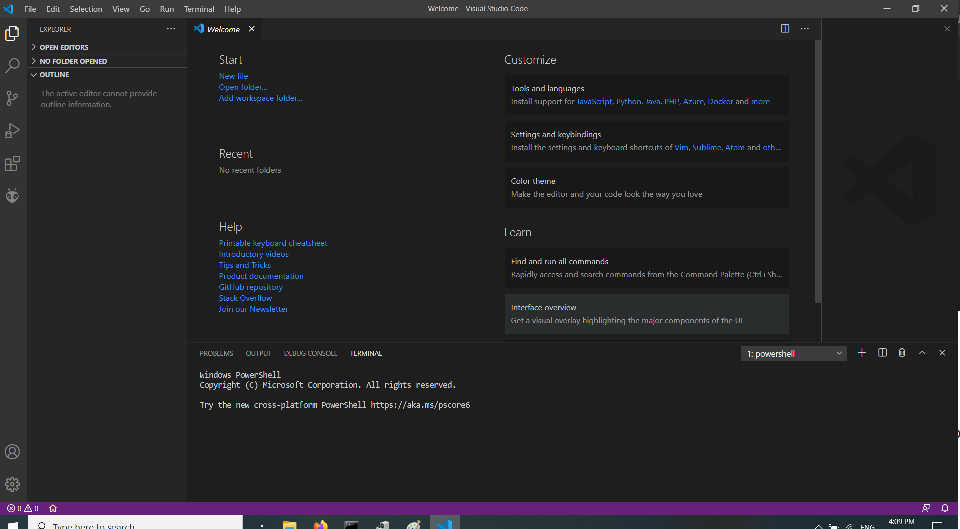
Any help on what to do? Not sure where I have gone wrong. Thanks
-
I also have the issue since my VSCode updated to 1.49 (August 2020). Before this update, it was working.
So I guess that the VSCode update has killed the PyMakr plugin, like has happened in the pastIf you manually install 1.48.2, it should work:
https://code.visualstudio.com/updates/v1_48
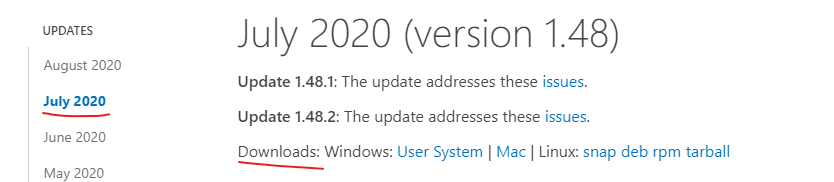
Then in settings, disable automatic updates.
This worked for me. Will need to keep using 1.48.2 until Pycom release a fix for PyMakr -
This post is deleted! -
Hi,
Thanks for notifying us! We were not aware of the issue. Ill notify the developers!
Gijs -
@benc Yes, thanks, rolling back VScode one version worked. Appreciated!
-
Please check the new version 1.1.7!

Hello! It looks like you're interested in this conversation, but you don't have an account yet.
Getting fed up of having to scroll through the same posts each visit? When you register for an account, you'll always come back to exactly where you were before, and choose to be notified of new replies (either via email, or push notification). You'll also be able to save bookmarks and upvote posts to show your appreciation to other community members.
With your input, this post could be even better 💗
Register Login