New firmware release for Pytrack and Pysense version 0.0.6
-
Hello everyone,
We have released a new firmware for Pytrack and Pysense that finally allows to check the wake up reason.
You can get the firmware from here: https://docs.pycom.io/chapter/pytrackpysense/installation/firmware.html
and use the
.get_wake_reason()method to query it. It can return 3 different values:WAKE_REASON_ACCELEROMETER = 1 WAKE_REASON_PUSH_BUTTON = 2 WAKE_REASON_TIMER = 4Please check the new libraries:
https://github.com/pycom/pycom-libraries/blob/master/pysense/lib/pysense.py
https://github.com/pycom/pycom-libraries/blob/master/pytrack/lib/pytrack.pyCheers,
Daniel -
Hi @daniel
I am having trouble downloading the Pysense firmware from the link shown.
When I go to the first link I see
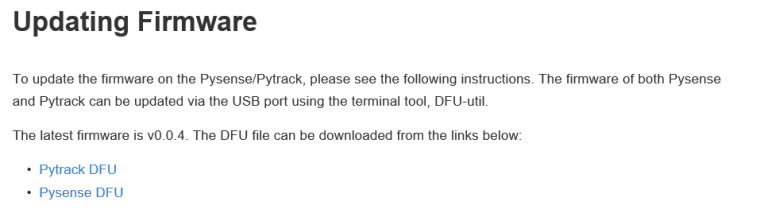
But when I click on the Pysense DFU hyperlink, the screen fills with characters as below
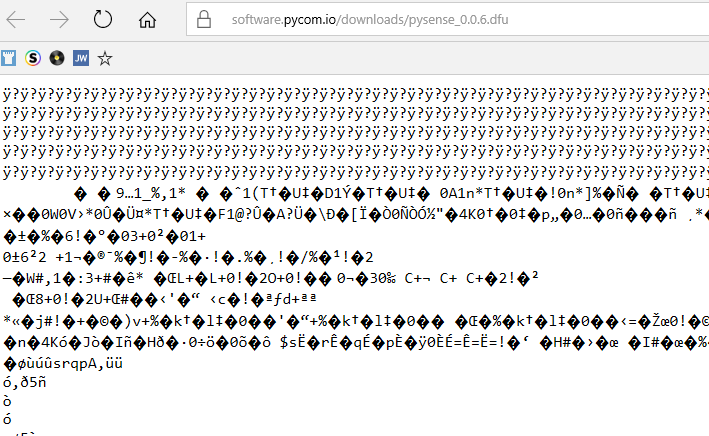
Is the link broken, or am I trying to access this in the wrong way?
I have followed all of the other instructions, including loading Zadig, but can't seem to download a copy of the latest firmware.
Thank you for your help:-)
-
@RodgerG I think you are trying to access it the wrong way. You simply need to download those files. In my browser (Chrome) if I click on the links, the files are downloaded immediately. Is that not the case for you?
-
@rodgerg your browser displays the dfu file. If you don't see it in your download folder try a right click and select somthing like "save link as...".
-
Hello! It looks like you're interested in this conversation, but you don't have an account yet.
Getting fed up of having to scroll through the same posts each visit? When you register for an account, you'll always come back to exactly where you were before, and choose to be notified of new replies (either via email, or push notification). You'll also be able to save bookmarks and upvote posts to show your appreciation to other community members.
With your input, this post could be even better 💗
Register Login