Lopy + PyTrack + Gravity UART GSM/GPRS module
-
Hi everyone,
I am just starting my PyCom journey and I am yet facing some little problems.
I want to connect an A6 GSM/GPRS module (https://www.dfrobot.com/wiki/index.php/Gravity:_UART_A6_GSM_%26_GPRS_Module_SKU:_TEL0113) to my LoPy board via UART.
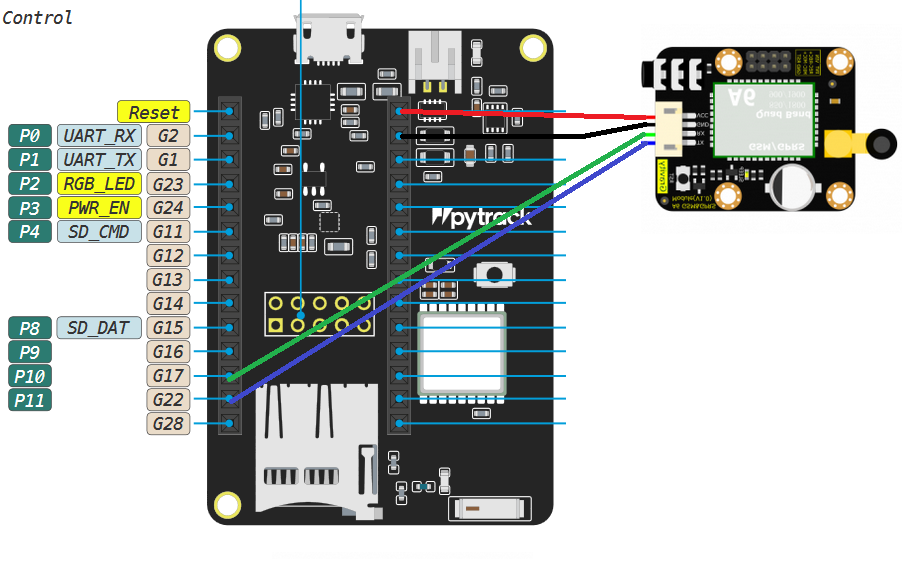
The LoPy board is mounted on a Pytrack expansion board and here is my connection :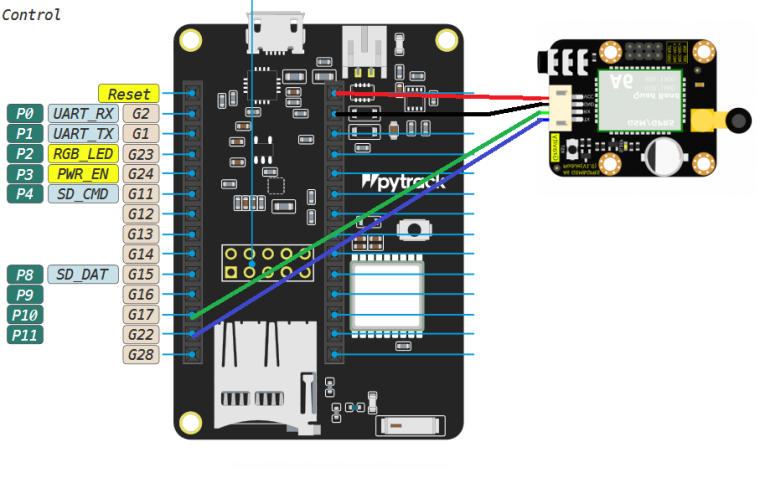
The Lopy is powered by an USB port of my laptop's dock plugged in PyTrack USB.
My code is :
from machine import UART
import binascii
import utime

def update_serial1():
    print("Waiting for response ...")
    utime.sleep(2)
    while serial1.any():
        print("Data read : <{}>".format(binascii.hexlify(serial1.readall())))

def send_and_wait(what):
    print("Sending <{}> ...".format(what))
    nb_sent = serial1.write(what + "\r\n")
    print("Sent : {}".format(nb_sent))
    update_serial1()

def loop():
    send_and_wait("AT")
    send_and_wait("ATOI")
    send_and_wait("AT+CSQ")

serial1 = UART(1)
serial1.init(baudrate=9600, bits=8, parity=None, stop=1, timeout_chars=2, pins=('P10','P11'))

loop()
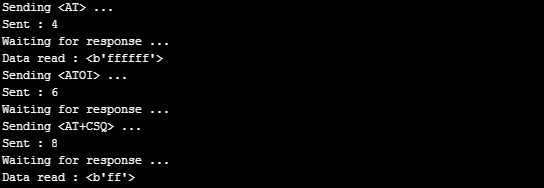
But when I launch my AT commands I only receive 'ff' bytes as you can see in the command line extract here:
Could anyone tell me what I am doing wrong ? What am I missing ?
Many thanks for your attention ! :-)
Arnaud
Hello! It looks like you're interested in this conversation, but you don't have an account yet.
Getting fed up of having to scroll through the same posts each visit? When you register for an account, you'll always come back to exactly where you were before, and choose to be notified of new replies (either via email, or push notification). You'll also be able to save bookmarks and upvote posts to show your appreciation to other community members.
With your input, this post could be even better 💗
Register Login