Broken update of LoPy4
-
We have problem after updating LoPy4 modules.
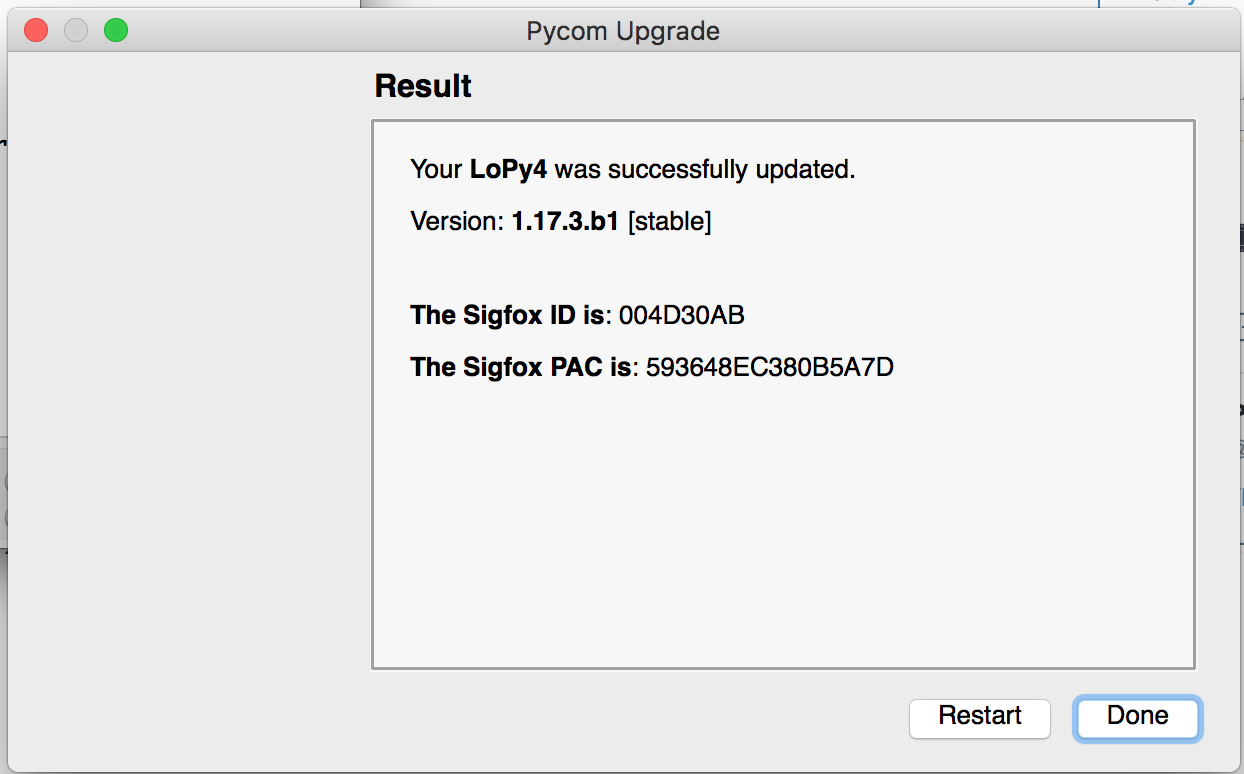
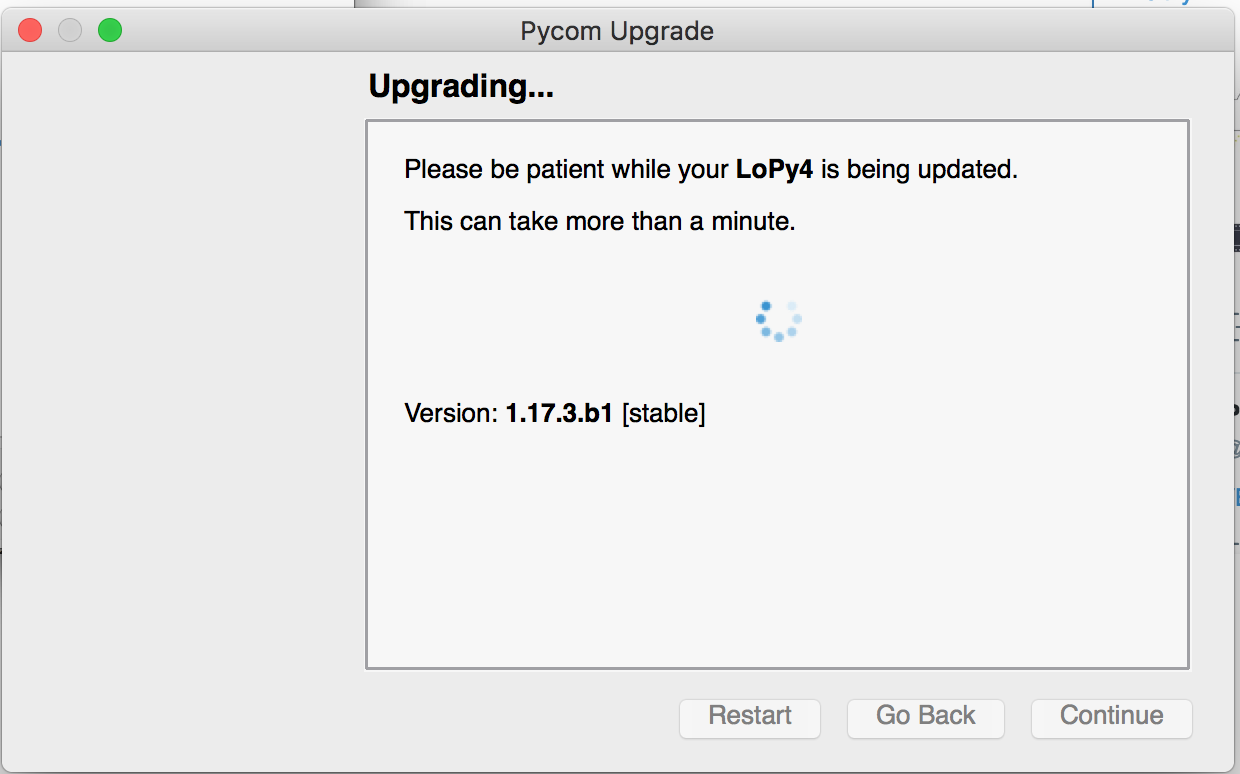
The update was performed on PyTrack module with latest firmware - version 1.17.3.b1 stable.
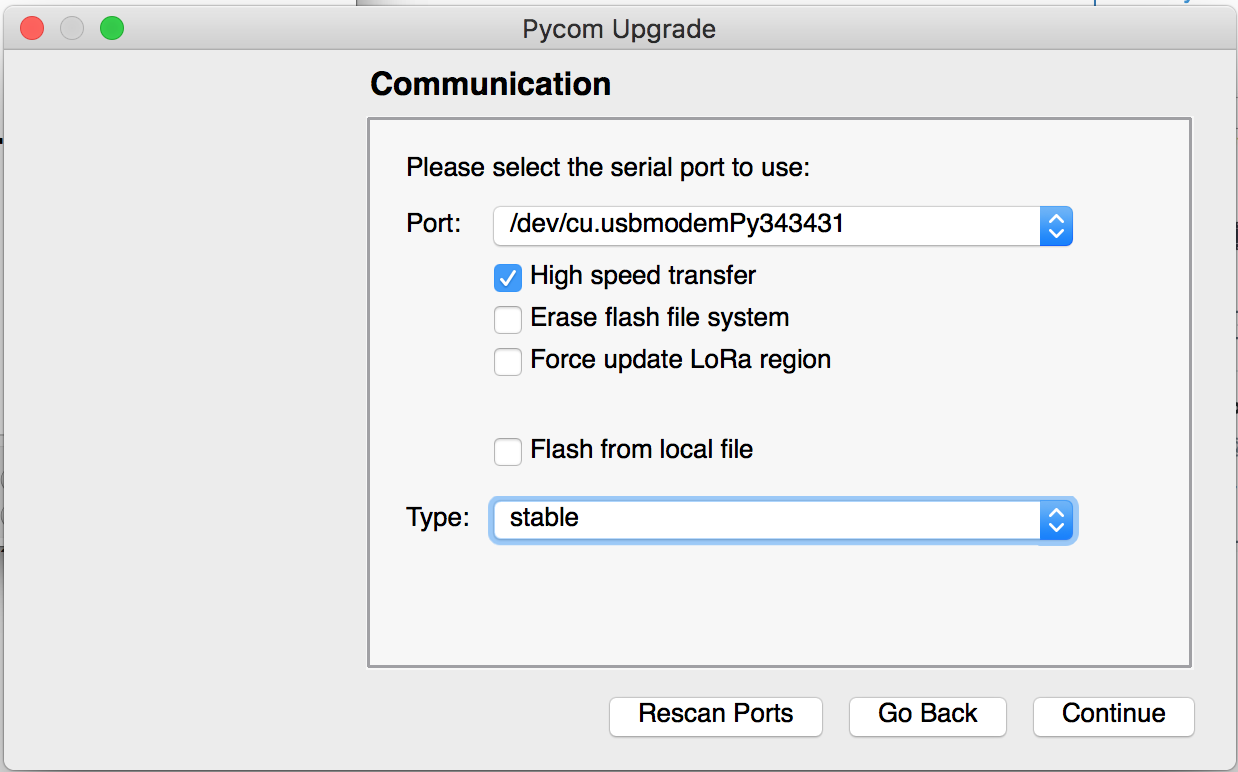
The update tool was launched on MacOSX High Sierra - version 1.14.2The problem happened the same way on 2 modules.
We tried manual update with all available files with the same result.
Scenario was: transmission was broken during update (it happened in both cases).
We repeated update procedure and update was successful.
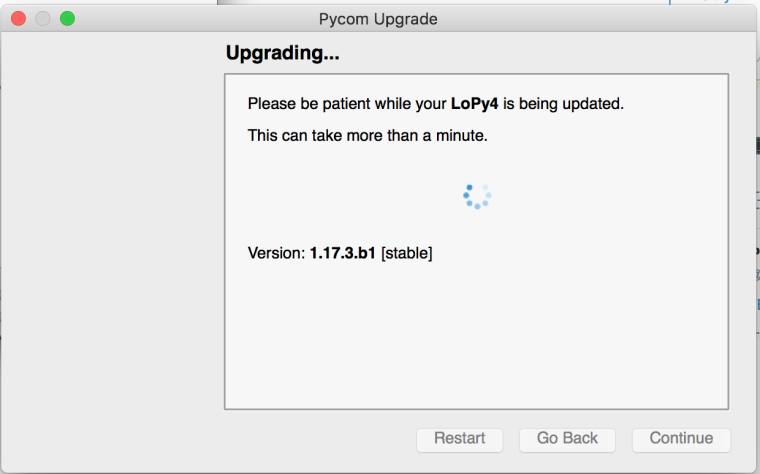
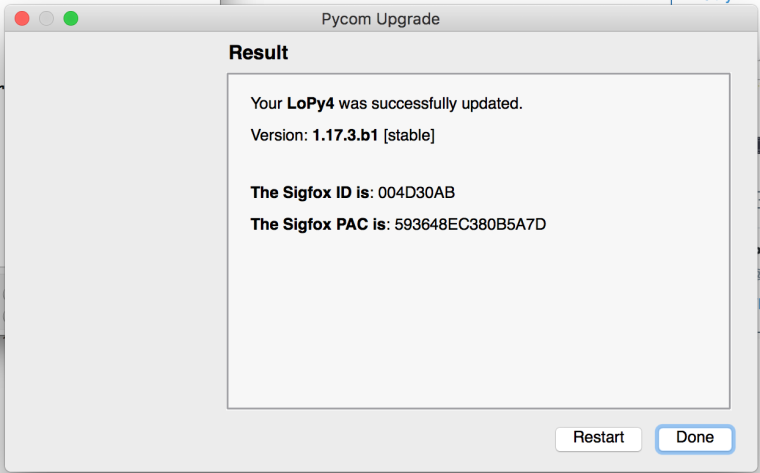
Unfortunately the module is constantly reseting after boot.
We performed complete flash erase with no luck.The terminal output seem like this (again and again):
ets Jun 8 2016 00:22:57
rst:0xc (SW_CPU_RESET),boot:0x17 (SPI_FAST_FLASH_BOOT)
configsip: 0, SPIWP:0xee
clk_drv:0x00,q_drv:0x00,d_drv:0x00,cs0_drv:0x00,hd_drv:0x00,wp_drv:0x00
mode:DIO, clock div:1
load:0x3fff8028,len:8
load:0x3fff8030,len:1728
load:0x4009fa00,len:0
load:0x4009fa00,len:14584
entry 0x400a059c
abort() was called at PC 0x40081468 on core 0Backtrace: 0x4008eddb:0x3ffe3c80 0x4008ee0c:0x3ffe3ca0 0x40081468:0x3ffe3cc0 0x400a0548:0x3ffe3ce0 0x400a066d:0x3ffe3e70 0x40007c31:0x3ffe3eb0 0x4000073d:0x3ffe3f20
Backtrace: 0x4008e503:0x3ffe38c0 0x4008d3fd:0x3ffe38e0 0x4008f36f:0x3ffe3910 0x4008f6ae:0x3ffe3ae0 0x4008f068:0x3ffe3b20 0x4008f1f8:0x3ffe3ba0 0x40083436:0x3ffe3bc0 0x4008edd8:0x3ffe3c80 0x4008edd8:0x3ffe3ca0 0x40081468:0x3ffe3cc0 0x400a0548:0x3ffe3ce0 0x400a066d:0x3ffe3e70 0x40007c31:0x3ffe3eb0 0x4000073d:0x3ffe3f20
Re-entered core dump! Exception happened during core dump!
Rebooting...This is probably not a hardware problem because we tried another firmware, for example:
arduino-esp32 or [https://github.com/micropython/micropython/]
and it is working properly. -
@bobie
What is the LoPy4 attached to? Expansion board v2, v3, Pytrack, Pysense?As a quick "sanity check" have you tried a different USB cable?
Thanks
-
Tested on PyTrack, PySense, without board (only UART + power).
USB cable is OK, because we tested different cables. -
Seems like nobody cares about this problem... ;-(
-
@bobie Try a complete flash erase with esptool.py and then a new update. The flash erase will also wipe out the Lora and other rregistration numbers, but there will be new ones assigned at the new firmware upload. After flash erase the device is in plain manufacturing state. If it ain't broken, it should recover from that point.
esptool.py is for instance here: https://github.com/espressif/esptool/blob/master/esptool.py
Connect P2 to GND, push reset, and then start esptool.py from the command line with:
python3 esptool.py -p <serial port> -b 115200 erase_flashesptool.py --help tells you the various options.
-
@robert-hh said in Broken update of LoPy4:
@bobie Try a complete flash erase with esptool.py and then a new update. The flash erase will also wipe out the Lora and other rregistration numbers, but there will be new ones assigned at the new firmware upload. After flash erase the device is in plain manufacturing state. If it ain't broken, it should recover from that point.
esptool.py is for instance here: https://github.com/espressif/esptool/blob/master/esptool.py
Connect P2 to GND, push reset, and then start esptool.py from the command line with:
python3 esptool.py -p <serial port> -b 115200 erase_flashesptool.py --help tells you the various options.
Done exactly what you described. The module has been successfully erased:
Connecting....
Detecting chip type... ESP32
Chip is ESP32D0WDQ6 (revision 1)
Features: WiFi, BT, Dual Core
Uploading stub...
Running stub...
Stub running...
Erasing flash (this may take a while)...
Chip erase completed successfully in 7.1s
Hard resetting via RTS pin...After this I made update using "Pycom Firmware Update" tool.
I selected:- High speed transfer
- Erase flash file system
- Force update LoRa region
Type: stable
The update to 1.17.3.b1 [stable] finished successfully.
The result is the same. On 2 modules:
ets Jun 8 2016 00:22:57rst:0xc (SW_CPU_RESET),boot:0x17 (SPI_FAST_FLASH_BOOT)
configsip: 0, SPIWP:0xee
clk_drv:0x00,q_drv:0x00,d_drv:0x00,cs0_drv:0x00,hd_drv:0x00,wp_drv:0x00
mode:DIO, clock div:1
load:0x3fff8028,len:8
load:0x3fff8030,len:1728
load:0x4009fa00,len:0
load:0x4009fa00,len:14584
entry 0x400a059c
abort() was called at PC 0x40081468 on core 0Backtrace: 0x4008eddb:0x3ffe3c80 0x4008ee0c:0x3ffe3ca0 0x40081468:0x3ffe3cc0 0x400a0548:0x3ffe3ce0 0x400a066d:0x3ffe3e70 0x40007c31:0x3ffe3eb0 0x4000073d:0x3ffe3f20*
Backtrace: 0x4008e503:0x3ffe38c0 0x4008d3fd:0x3ffe38e0 0x4008f36f:0x3ffe3910 0x4008f6ae:0x3ffe3ae0 0x4008f068:0x3ffe3b20 0x4008f1f8:0x3ffe3ba0 0x40083436:0x3ffe3bc0 0x4008edd8:0x3ffe3c80 0x4008edd8:0x3ffe3ca0 0x40081468:0x3ffe3cc0 0x400a0548:0x3ffe3ce0 0x400a066d:0x3ffe3e70 0x40007c31:0x3ffe3eb0 0x4000073d:0x3ffe3f20
Re-entered core dump! Exception happened during core dump!
Rebooting...No idea what is wrong. As I wrote before standalone arduino-esp32 or micropython both work properly.
I read some more info from LoPy and found in response on "chip_id":
Warning: ESP32 has no Chip ID. Reading MAC instead.I'm not sure if it should have one.
Maciej -
@bobie said in Broken update of LoPy4:
This is probably not a hardware problem because we tried another firmware, for example:
arduino-esp32 or [https://github.com/micropython/micropython/]
and it is working properly.None of the ports you cite use SPIRAM or the LoRa hardware. But it's mostly the same. Not that it is important for your case, there is another port, which supports at least SPIRAM: https://github.com/loboris/MicroPython_ESP32_psRAM_LoBo/tree/master/MicroPython_BUILD/firmware
B.T.W.: I'm not working for PyCom, I'm just another user of their devices
-
@robert-hh said in Broken update of LoPy4:
None of the ports you cite use SPIRAM
Yes the error is in the SPIRAM initialisation so you'd not see it in other ports.
@bobie Do you have anything else connected to the modules either now or during the update?
If not please open a ticket on the Pycom service desk https://pycomiot.atlassian.net/servicedesk/customer/portal/1 making reference to this thread.
Thanks
-
@jmarcelino The only thing connected during update is PyTrack module which I use to connect USB.

Hello! It looks like you're interested in this conversation, but you don't have an account yet.
Getting fed up of having to scroll through the same posts each visit? When you register for an account, you'll always come back to exactly where you were before, and choose to be notified of new replies (either via email, or push notification). You'll also be able to save bookmarks and upvote posts to show your appreciation to other community members.
With your input, this post could be even better 💗
Register Login