Pybytes release 20.7.2018
-
Before you start make sure you have updated your Pycom device to latest firmware.
Otherwise these new features won't work!Over the air update of /flash directory
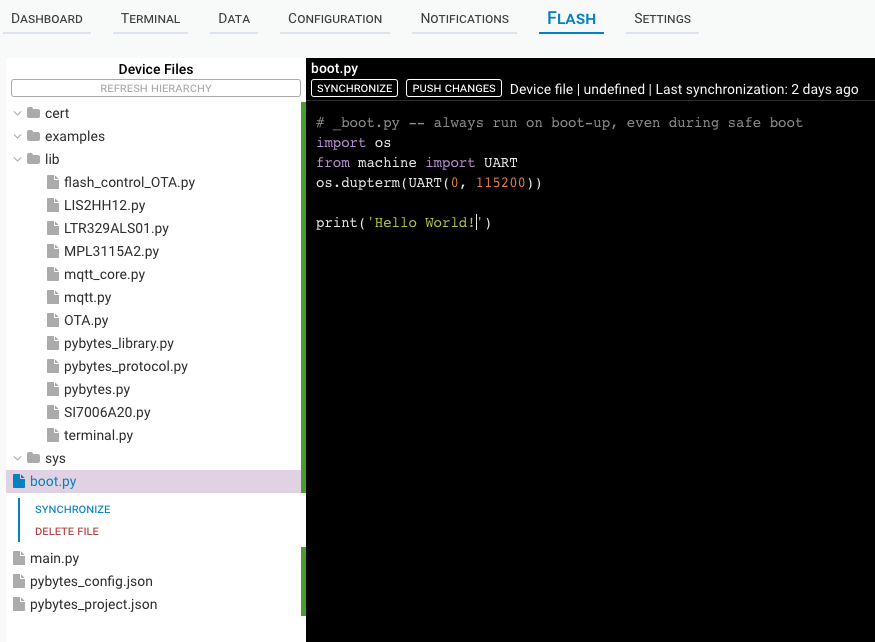
Now it is possible to update content of your device's /flash directory over the air using WiFi connection- Read content of /flash directory
- Push file changes to device
- Delete files from device

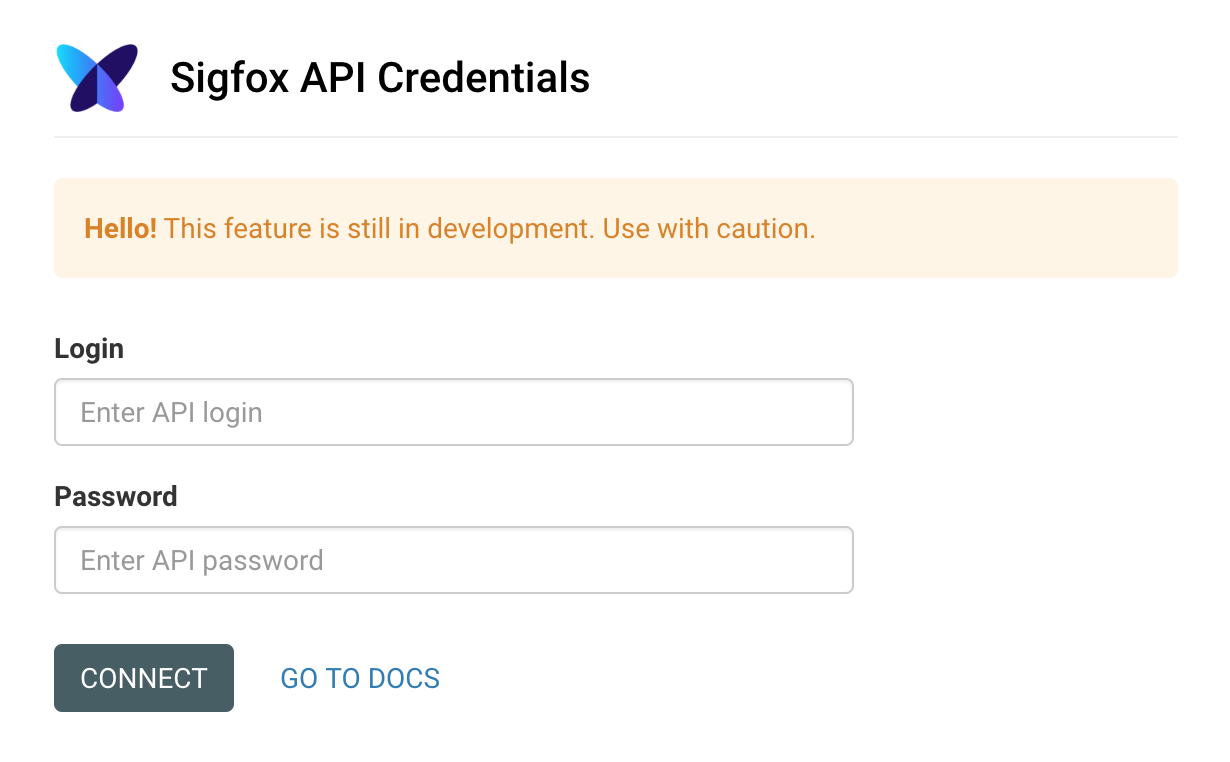
Sigfox Integration
Now it is possible to connect your device using Sigfox to Pybytes- Use sigfox backend API to register new devices on Sigfox Backend
- Send uplink messages from Pycom device to Pybytes using Sigfox
- Integration works best with custom Sigfox contract
- devKit support and full documentation is comming soon

TLS connection for Pybytes library
This feature works at this moment only for devices flashed with stable firmware and pybytes library manually added to /flash folder. We will add this feature to soon to pybytes firmware too.
https://docs.pycom.io/chapter/pybytes/connect/flash.htmlPybytes library now supports secure TLS connection over MQTT protocol on WiFi.
This feature is enabled by default for newly added devices to Pybytes which run latest stable firmware with pybytes library in /flash folder.
In pybytes_config.json you should have these keys:
"ssl": true,
"ssl_params": {
  "ca_certs": "/flash/cert/pycom-ca.pem"
},
Happy hacking
Pybytes team
Hello! It looks like you're interested in this conversation, but you don't have an account yet.
Getting fed up of having to scroll through the same posts each visit? When you register for an account, you'll always come back to exactly where you were before, and choose to be notified of new replies (either via email, or push notification). You'll also be able to save bookmarks and upvote posts to show your appreciation to other community members.
With your input, this post could be even better 💗
Register Login