WiPy 3 lagging while sending string at 10ms per second over TCP
-
Dear all, I am sending a custom random string which would later contain data from a sensor. I need to push a string at every 10ms(and process some 50 samples within that period before sending). I developed following code -
from machine import Timer, RTC
import network
import time
import socket
import uselect as select
import uos
import pycom
import utime

rtc = RTC()

host = '192.168.43.1'
port = 10008


a = socket.getaddrinfo(host, port)[0][-1]
print (a)

while True:
   try:
       print ("Opening New Socket")
       s = socket.socket(socket.AF_INET, socket.SOCK_STREAM)
       # s.setblocking(False)
       s.settimeout(5)
       s.connect(a)
       while True:
           data = "1,12:12:12:123," + str(int((uos.urandom(1)[0]/256)*100)-50) + ',' + str(int((uos.urandom(1)[0]/256)*100)-50)
           s.sendall(data + "\n")
           utime.sleep_ms(10)
           # time.sleep(0.001)
   except OSError as e:
       # Closing Socket and Then Reconnectiing
       print ("Closing Socket " + str(e))
       s.close()
       time.sleep(1)
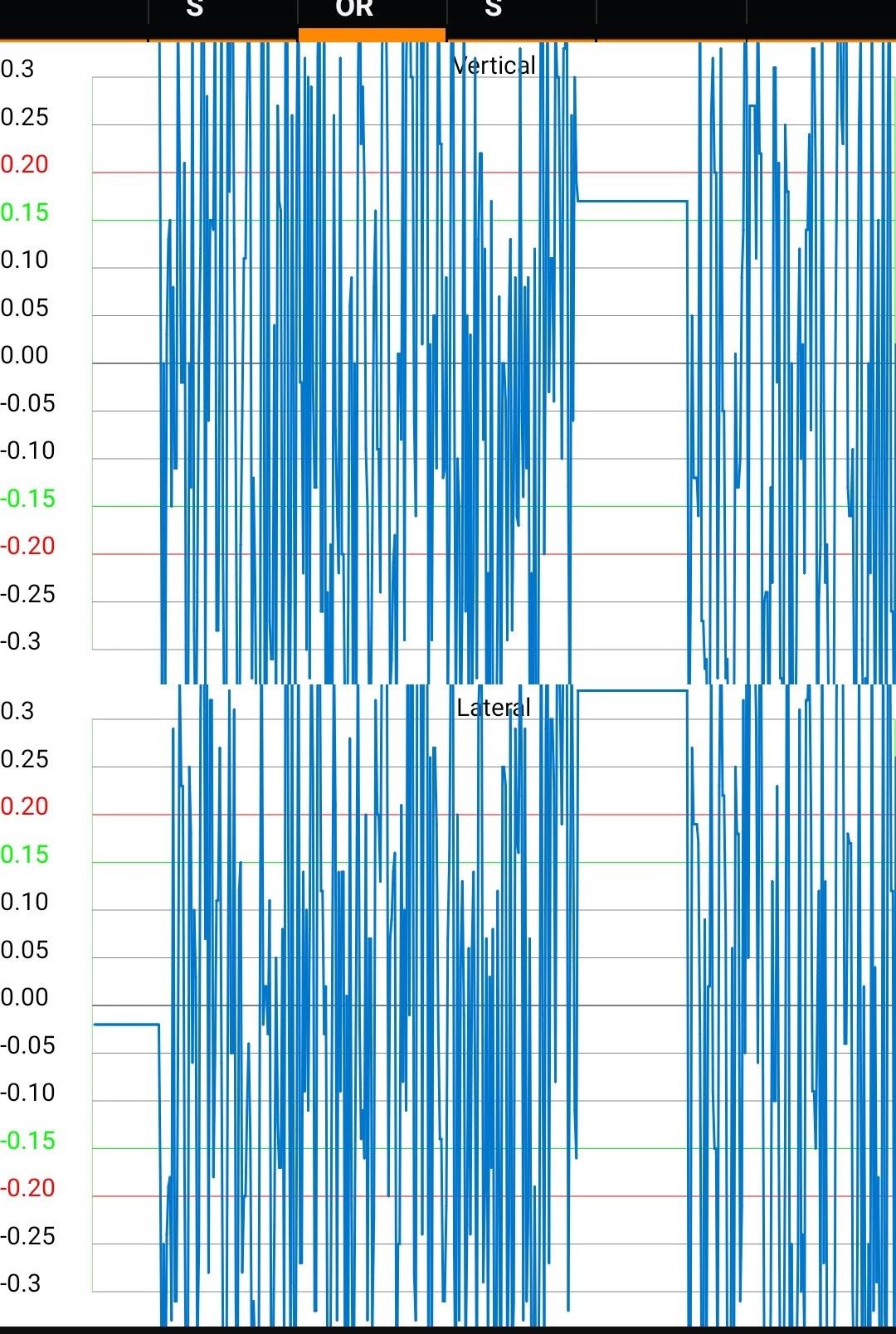
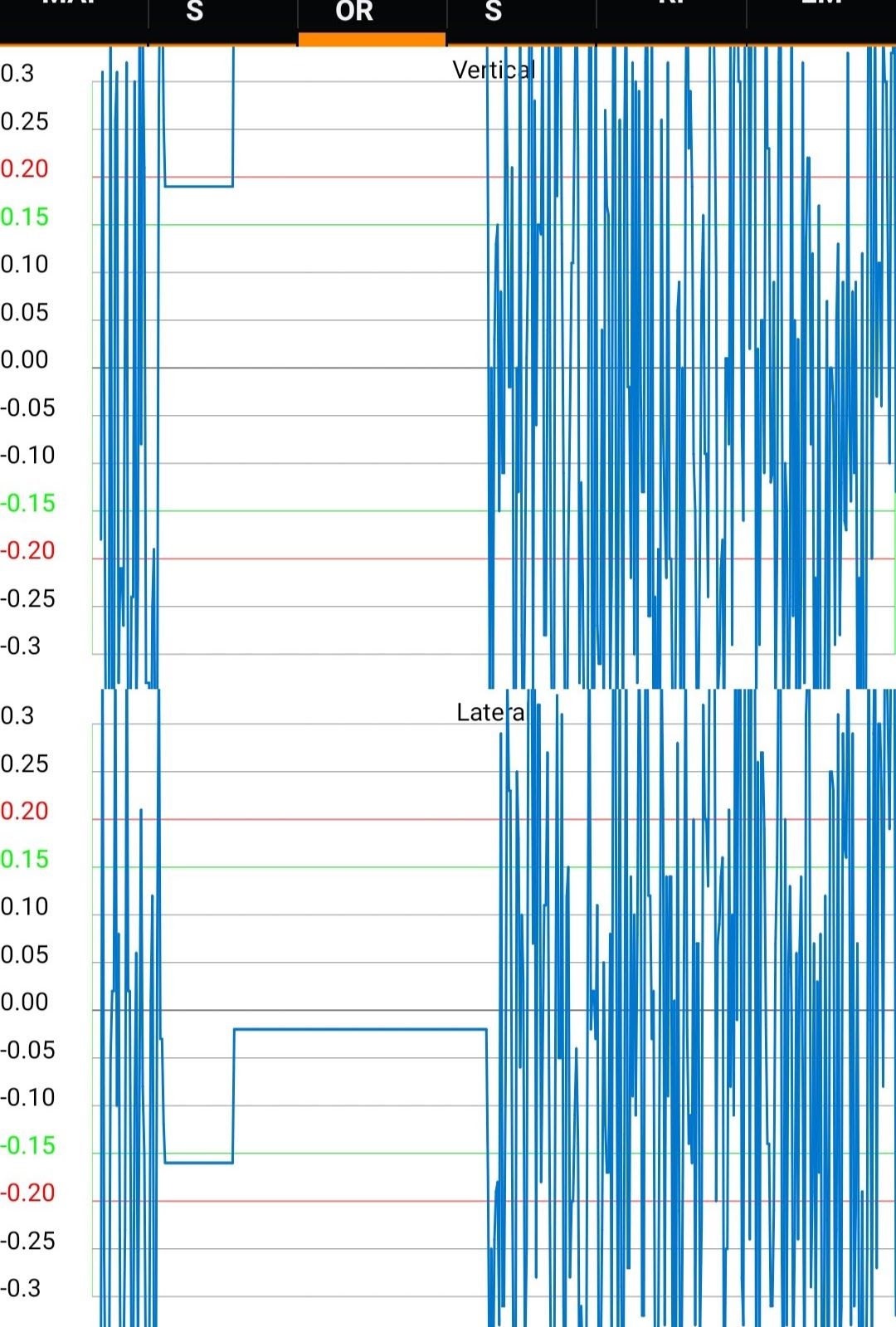
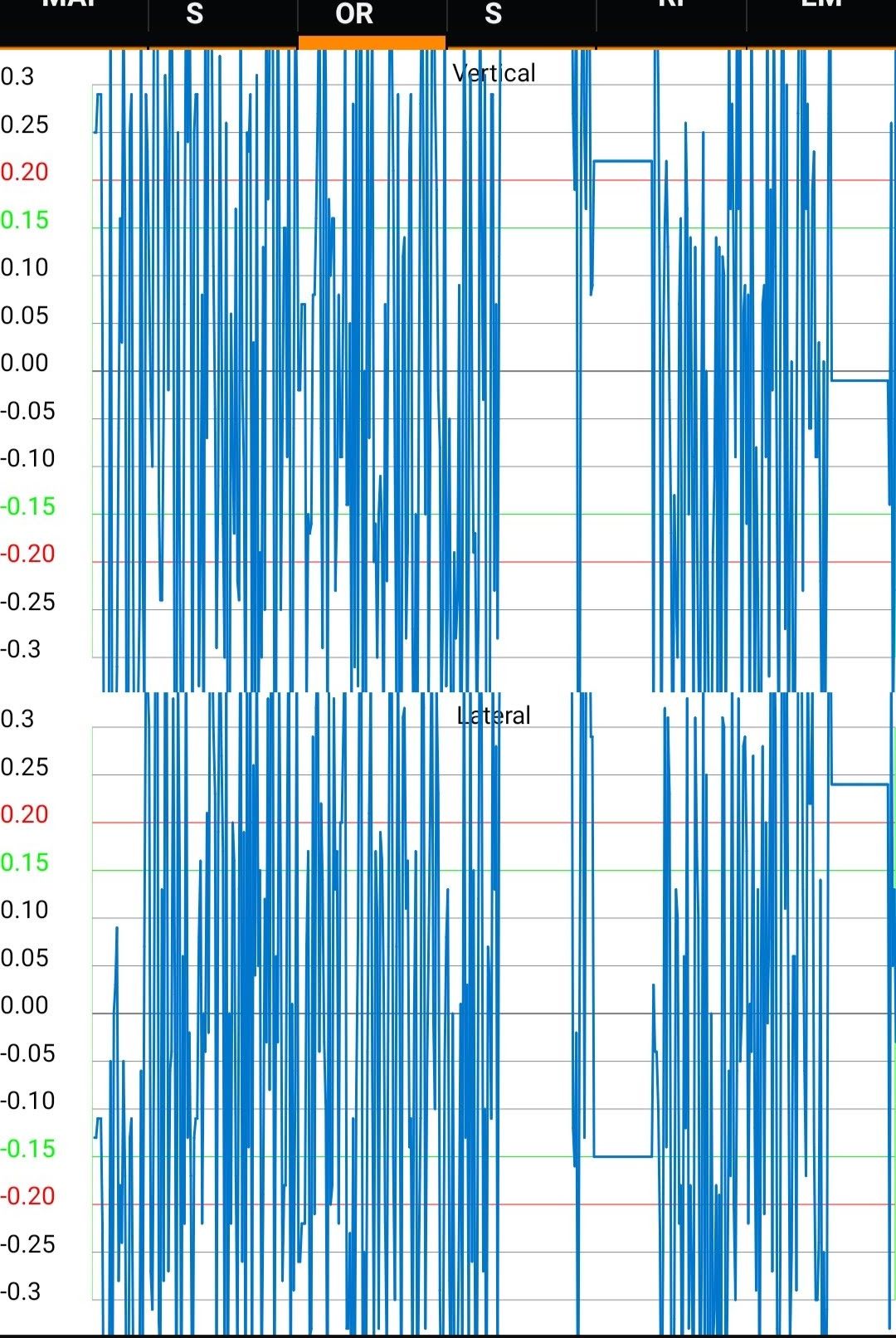
While observing the data on my android application every now and then I see a period where there was no data sent. I am attaching the photo of the graph on my phone.
What can I do to make to devices send data without losing any data in between. I have been using Raspberry Pi with following configuration but over there I never got such issue. My aim is to convert my application from Rpi to Pycom.
-
Hi,
Can you tell me how long the gaps between data are?
Did you check where the lag is caused?
Have you tried it with just counting numbers (counter = counter +1) for every message?
Does it happen periodically or intermittently?
It is not caused by the socket error?
I think it could be caused the random background tasks that are scheduled in the OS, taking up some cpu time, since your code looks okay to me.
Gijs -
@gada-kashyap I do not expect that yoo can get a set-up where you can reliably send data every 10 ms. RTOS and micropython are not made for that. What you could achieve is to split sampling and sending. Sampling would then be done in a timer activated interrupt, which collects the data with a time-stamp, and sending will be done in larger blocks, which in the average, bot not for each and every instance, has to be able to cope with the data acquisition speed. The receiver migth have to linearize the time scale again based on the time stamps. That assumes, that the ISR is not blocked by WiFy activities, which I'm not sure about.
I used that approach once on an ESP8266 (even less powerful) and could get down to a sampling tick down to 4 ms.P.S.: What are the 50 samples you talk about? Is it averaging the ADC to get rid of it's noise? If yes, consider using an external ADC which delivers noise free data.
-
@robert-hh Thanks for you input. I need real time can sample and send. I thought PyCom could do it.
BTW can IDF from ESP Working on PyCOM, Maybe if I could develop code in C, this may workout?
PS. 50 Samples for averaging. Yes, ADC is external.
-
@Gijs Thanks for your reply.
Can you tell me how long the gaps between data are? - I had kept 100us between each reading.
Did you check where the lag is caused? - I tried printing in loop. and printing never stopped even though i could see the blank period on my app.
Have you tried it with just counting numbers (counter = counter +1) for every message? (could you elaborate. )
Does it happen periodically or intermittently? intermittentlyRegards
Kashyap -
@Gijs said in WiPy 3 lagging while sending string at 10ms per second over TCP:
Hi,
Can you tell me how long the gaps between data are? 1ms/100us issue persists in both
Did you check where the lag is caused? i tried to put prints between sends, even though lag occured prints were flawless
Have you tried it with just counting numbers (counter = counter +1) for every message? i do have counts but i reset it every 1 sec
Does it happen periodically or intermittently? intermittently
It is not caused by the socket error? no error i could find.
I think it could be caused the random background tasks that are scheduled in the OS, taking up some cpu time, since your code looks okay to me.
Gijs
Tried the following but same issue.from machine import Timer, RTC import network import time import socket import uselect as select import uos import pycom import utime rtc = RTC() host = '192.168.43.1' port = 10008 s = 0 socket_status = False a = socket.getaddrinfo(host, port)[0][-1] print (a) b = -30 count = 0 data_count = 0 s_count = 0 sampling_alarm = 0 send_alarm = 0 print_alarm = 0 # sampling_alarm = Timer.Alarm(get_data,us=100,arg=None,periodic=True) # sampling_alarm.cancel() # send_alarm = Timer.Alarm(send_data,ms=10,arg=None,periodic=True) # send_alarm.cancel() # print_alarm = Timer.Alarm(print_data,s=1,arg=None,periodic=True) # print_alarm.cancel() def send_data(a): global s global sampling_alarm global send_alarm global print_alarm global socket_status global b global count # data = "1,12:12:12:123," + str(int((uos.urandom(1)[0]/256)*100)-50) + ',' + str(int((uos.urandom(1)[0]/256)*100)-50) b = b + 1 if b > 30: b = -30 data = str(s_count) + ",12:12:"+ str(utime.time() % 60) +":123," + str(b) + ',' + str(b) try: s.sendall(data + "\n") except OSError as e: print("send_data: Exception!!!") s.close() sampling_alarm.cancel() send_alarm.cancel() # print_alarm.cancel() socket_status = False def print_data(a): global data_count print ("print_data count 1 s = %d" % data_count) data_count = 0 def get_data(a): global count global socket_status global data_count # print ("get_data: 10 ms %d" % (utime.ticks_ms() % 100)) data_count = data_count + 1 count = count + 1 if count == 10: send_data(1) count = 0 while True: try: print ("Opening New Socket") s = socket.socket(socket.AF_INET, socket.SOCK_STREAM) # s.setblocking(False) s.settimeout(5) s.connect(a) sampling_alarm = Timer.Alarm(get_data,ms=1,arg=None,periodic=True) # send_alarm = Timer.Alarm(send_data,ms=10,arg=None,periodic=True) print_alarm = Timer.Alarm(print_data,s=1,arg=None,periodic=True) socket_status = True while True: if socket_status == False: print ("Connection Lost - Reconnecting ->") break except OSError as e: # Closing Socket and Then Reconnectiing print ("Closing Socket " + str(e)) s.close() time.sleep(1)Can UDP Sockets help?
-
@gada-kashyap
micropython is based on a garbage collector. There will be an arbitrary delay each time you run out of memory.
- call the GC by your own, so you have a little more controll
- Refactor your code to use as less allocations as possible -> don't use micopythons string operations, avoid floats, ...
- Stay as long with a working firmware version as you can. Seems easy but it isn't. ESP32/MicroPthon/Pycom are still young projects. They are fixing a lot of issues and had made great steps in the past. But great improvements include big changes to the timings as well.

Hello! It looks like you're interested in this conversation, but you don't have an account yet.
Getting fed up of having to scroll through the same posts each visit? When you register for an account, you'll always come back to exactly where you were before, and choose to be notified of new replies (either via email, or push notification). You'll also be able to save bookmarks and upvote posts to show your appreciation to other community members.
With your input, this post could be even better 💗
Register Login