Using ESP-IDF on a Lopy/Pygate
-
Hi, I was trying to program my Lopy4 that is going to be connected to a pygate in C/C++. For that I installed ubuntu on a VmWare Virtual Machine and installed ESP-IDF. I followed the steps of https://github.com/pycom/pycom-esp-idf and https://github.com/pycom/pycom-micropython-sigfox and got this directory's on my esp directory

I exported the paths from both xtensa-esp32-elf/bin and pycom-micropython-sigfox.git. Nevertheless when i trie to make BOARD=LOPY4 i got this error
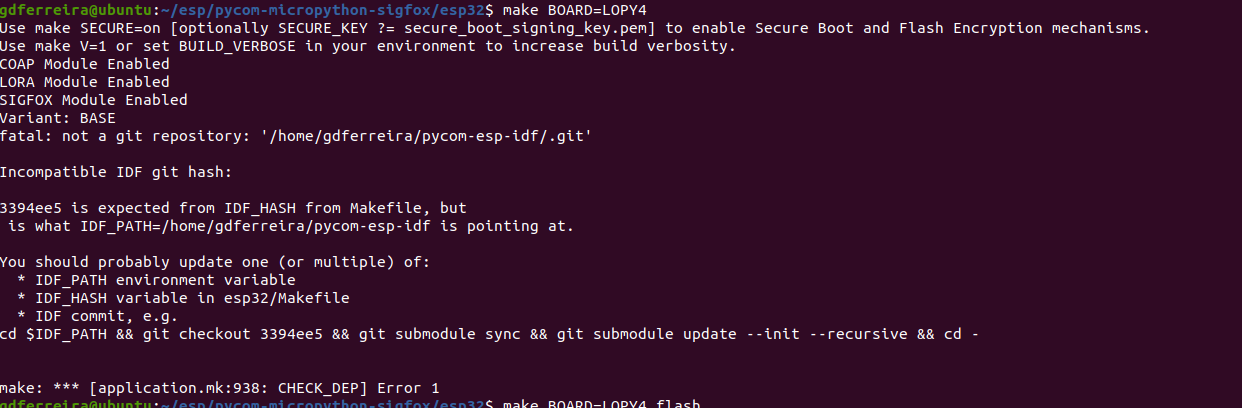
how can i get this to work? Sorry if the question is stupid but its the firts time i use ESP-IDF and make.
Dont realy know also how can I set the lopy as a pygate expansion board so i can use the example codes in pycom-micropython-sigfox.git.
Thanks for the help -
@Gonçalo-Ferreira You have to checkout the requested version. Go into the esp-idf directory and run:
git checkout 3394ee5
Then this error message should be history.
Note: You will get a warning that the repository is now in "detached HEAD" state. Sounds cruel, but is not critical.
-
@robert-hh said in Using ESP-IDF on a Lopy/Pygate:
git checkout 3394ee5
Hi @robert-hh , thanks for your reply!
I did that
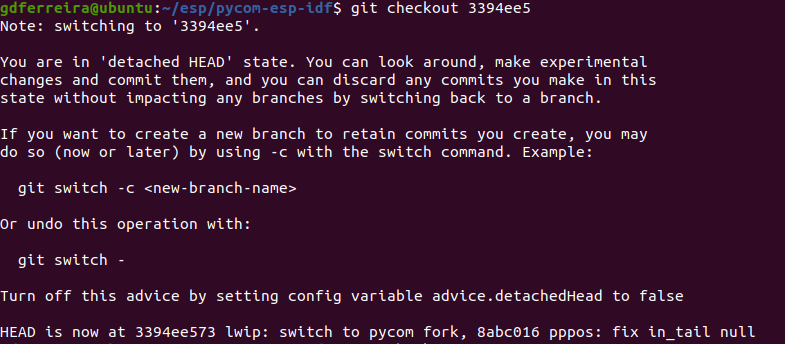
but it still gives me the same error
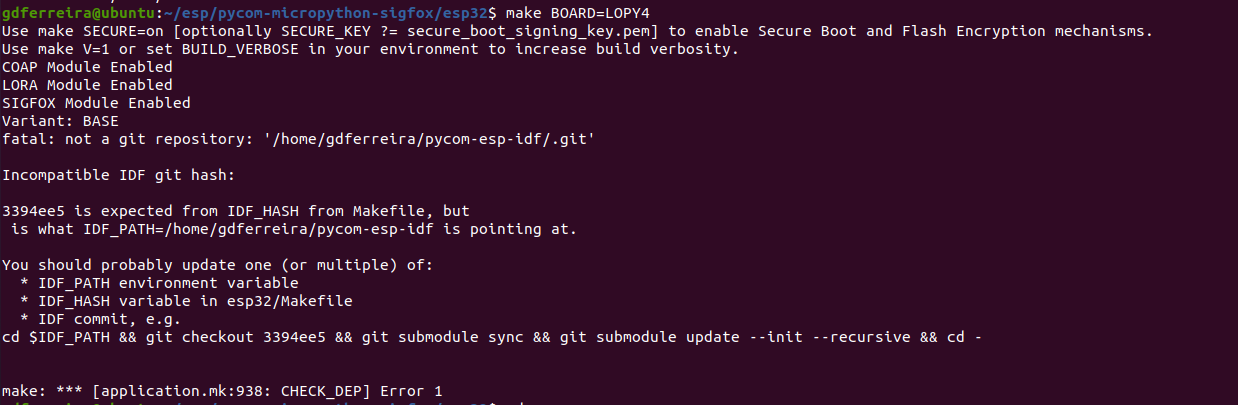
can you help me? -
@Gonçalo-Ferreira @robert-hh I figured out the problem,, I was not exporting the correct path.
Now i make make BOARD=LOPY4 and it says i dont have pyserial intalled and i dont find de README.md with the instructions to install it.
Can you help me?
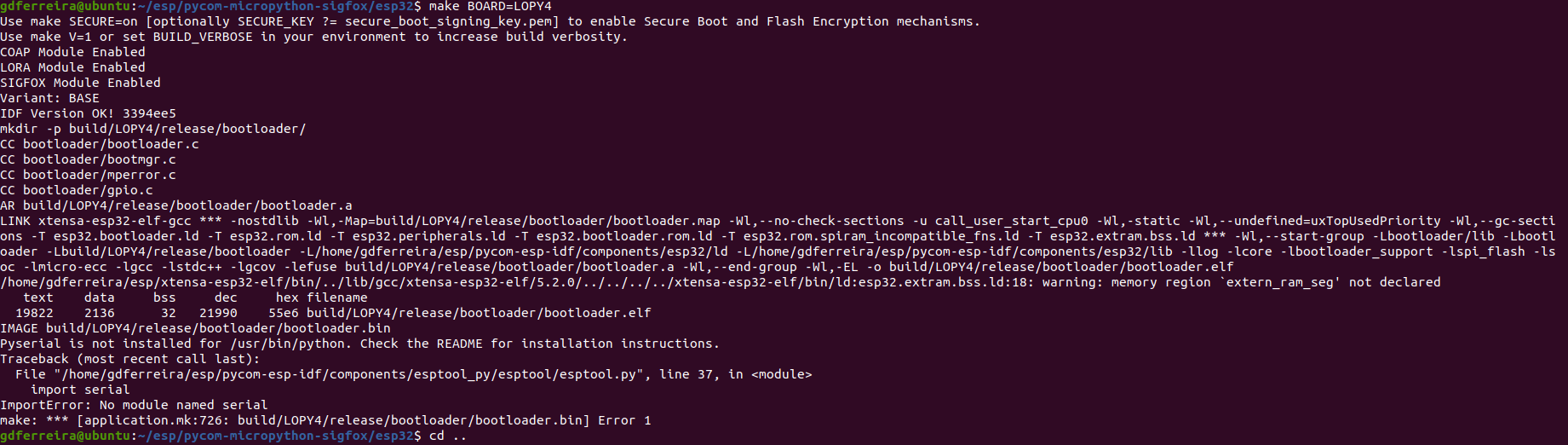
-
Srry, i was able to resolve the Pyserial problem. The make BOARD=LOPY4 worked oaky, but when i do make BOARD=LOPY4 flash its says that the port is not correct. Then i saw my usb devices and my board is the ttyACM0. I did make ESPPORT=/dev/ttyACM0 flash and this error happended

what is wrong?
srry for the questions mentioned before -
@Gonçalo-Ferreira if i dont use "sudo make" it gives me permission denied on open the port
-
@Gonçalo-Ferreira sudo uses other environment variables. So you are back to the old error. For port access you have to add you user name to a group with the name dialout. Ask google how to do that.
-
For Ubuntu and other Debian-like Linux :
$ sudo usermod -a -G dialout <username>


Hello! It looks like you're interested in this conversation, but you don't have an account yet.
Getting fed up of having to scroll through the same posts each visit? When you register for an account, you'll always come back to exactly where you were before, and choose to be notified of new replies (either via email, or push notification). You'll also be able to save bookmarks and upvote posts to show your appreciation to other community members.
With your input, this post could be even better 💗
Register Login