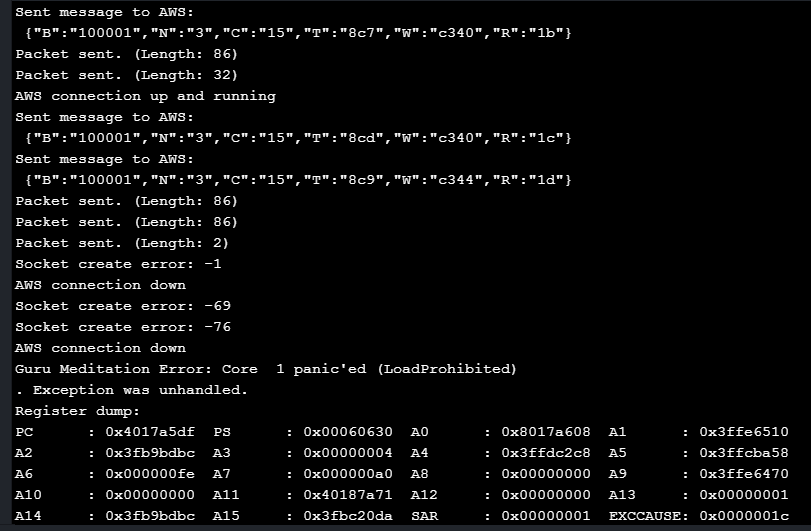
Guru meditation error
-
Hello,
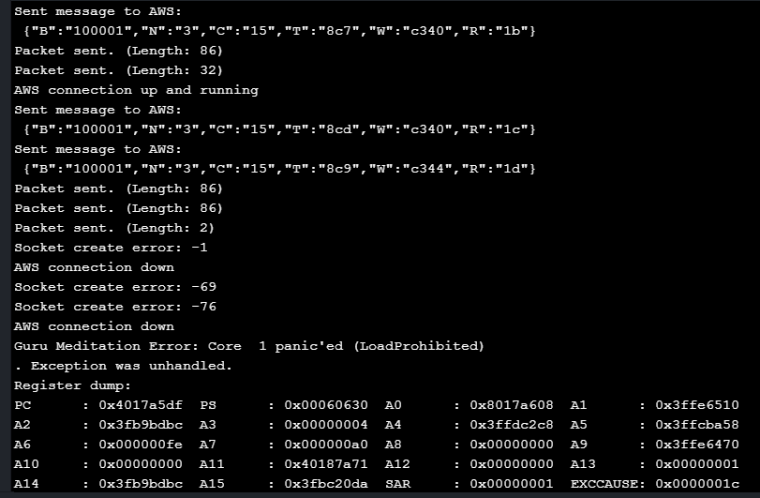
I am getting this Guru Meditation Error with FIPY communicating over Lora with other LoPy unit and Pushing data to AWS.
Both Lopy and FiPy are running 1.17.0.b1.
Atom: V1.24.1
Pymakr: 1.2.9Other thing I noticed was after crash FiPy resets itself and can not make connected to WiFi, while keeps receiving LoRa messages from LoRa unit and sends back ACK but can not see this activity in console.
Please provide solution. -
Additional Findings:
We noticed that even when we are not sending any lora packets the core panics and restarts periodically.
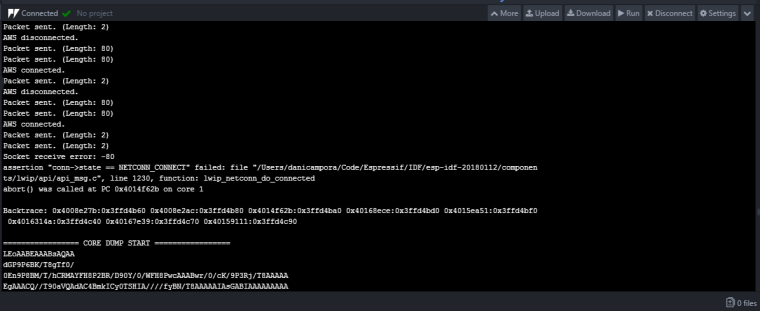
So just doing mqtt connect and mqtt disconnect repeatedly with 1 min sleep time it causes the guru meditation error.Attached is the screenshot of the error message.
-
@tushar44
what about new firmware1.17.3? -
@livius
We tested the gateway code that makes the AWS connection with the latest pycom firmware 1.17.3.b1 however we are still getting the core panic and guru meditation error.We made code changes to connect to AWS IoT host only when where is data is the receive buffer as shown below:
while True:
if _msg_buff:
# Connect with AWS IoT Hub.
mqtt.connect()
time.sleep(0.25) # Time to stabilize connection.
# Check if there are messages to be sent in buffer.
while _msg_buff:
# pop one message from buffer and publish on MQTT.
mqtt.publish(_msg_buff.pop(0))
# give it 1 second between messages.
time.sleep(1.0)
# Disconnect from AWS IoT Hub to free up websocket memory.
mqtt.disconnect()
else:
pass # Nothing to do.
# Sleep for about a minute, before checking for new messages in buffer.
time.sleep(60.0)With this change we found the code more stable however it does re-start and cause the guru medication error once in 5 mins. We also played around the connectdisconnetTimeout and noticed better behaviour when the timeout was reduced from 10 second to 5 second. The timeout affects the mqtt.disconnect() more than the mqtt.connect()
-
Could you share complete the core dump that shows when the guru meditation happens?
-
@seb
How to get complete log from Atom editor. It does not allow me to copy console log. -
@tushar44
Are you running an upto date version of pymakr? The ability to copy from the terminal was added quite a while ago

Hello! It looks like you're interested in this conversation, but you don't have an account yet.
Getting fed up of having to scroll through the same posts each visit? When you register for an account, you'll always come back to exactly where you were before, and choose to be notified of new replies (either via email, or push notification). You'll also be able to save bookmarks and upvote posts to show your appreciation to other community members.
With your input, this post could be even better 💗
Register Login