Pybytes unable to display/receive data by send_signal() (using SigFox)
-
I've been testing this for a while now, first with SigFox's own interface using socket.send(). I've just recently connected Pybytes to SigFox API and following the guide, it says I've connected properly.
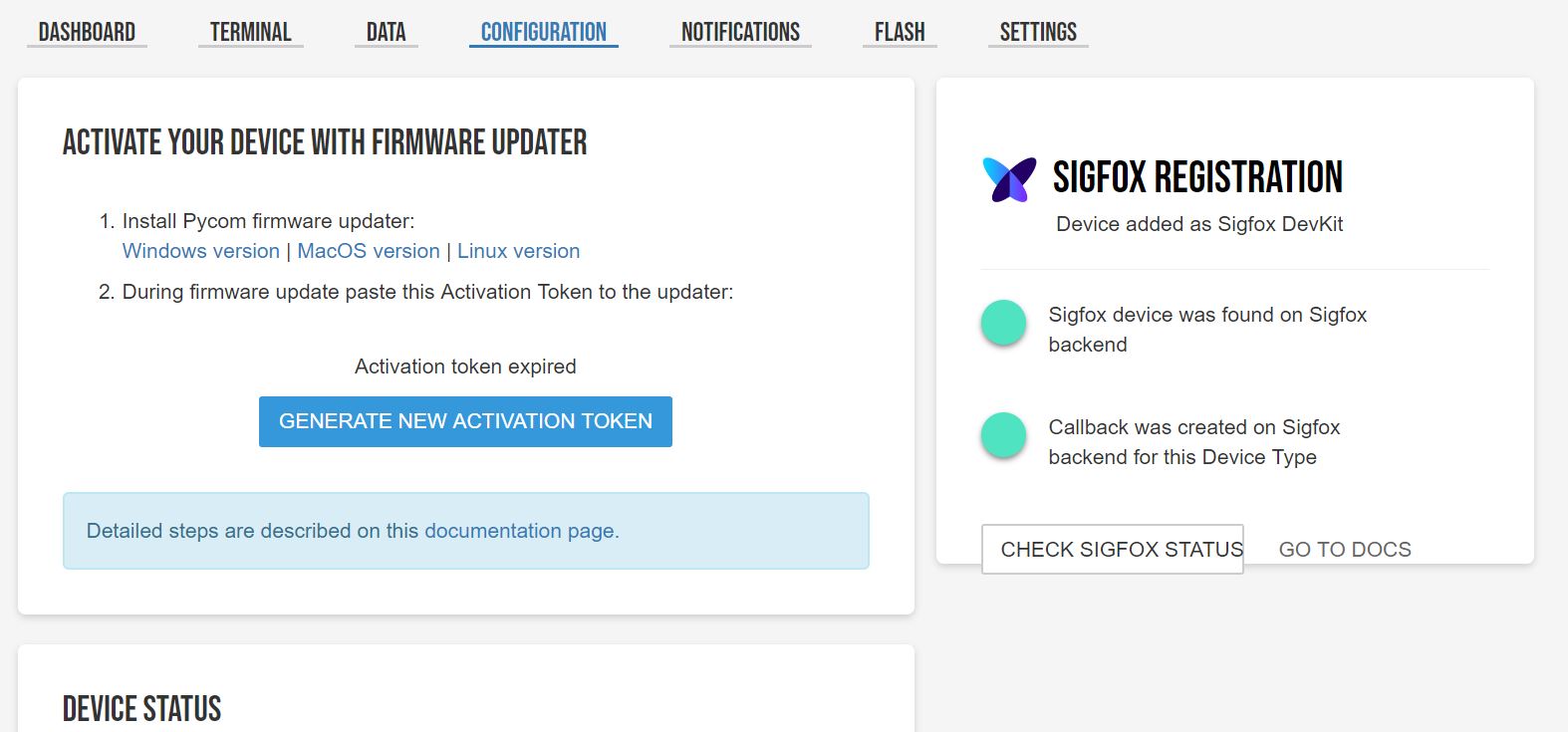
I've been trying to replicate this example by testing out Pybytes:
https://docs.pycom.io/pybytes/dashboard/And unfortunately, I've run into some issues.
After I've uploaded the code and it runs in Atom, the REPL console seems to hang after sending the first signal. For subsequent items in the list, it did not manage to send those. So in the Pybytes Data table, there is only one value.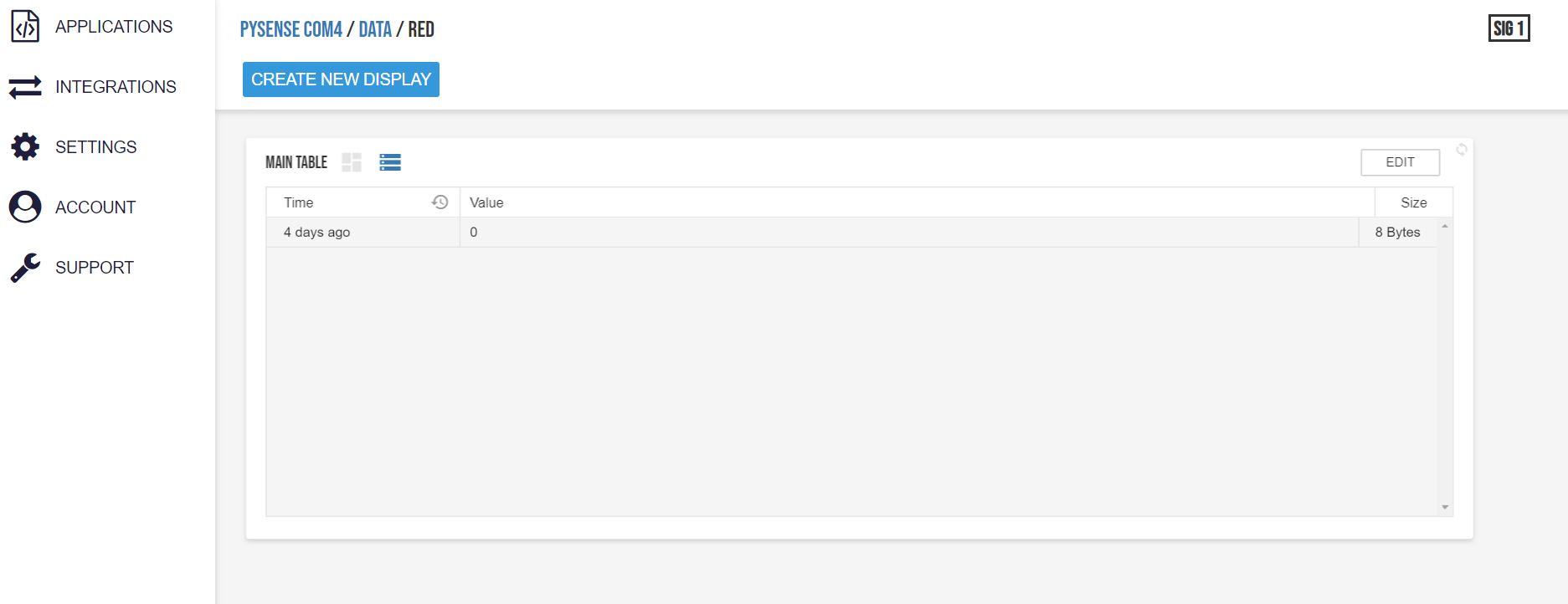
I tried sending multiple different values to the same signal but it does not work. So it seems that only one signal can receive one piece of data (int, string etc) at any time.
I tried experimenting with signal 2 and 3 and the same problem persists. Then, I tried sending another value to signal 3 using the REPL console and an interesting thing to note is that the SigFox interface as well as the Pybytes Dashboard receives this. But the Pybytes "Data" column does not show the data.
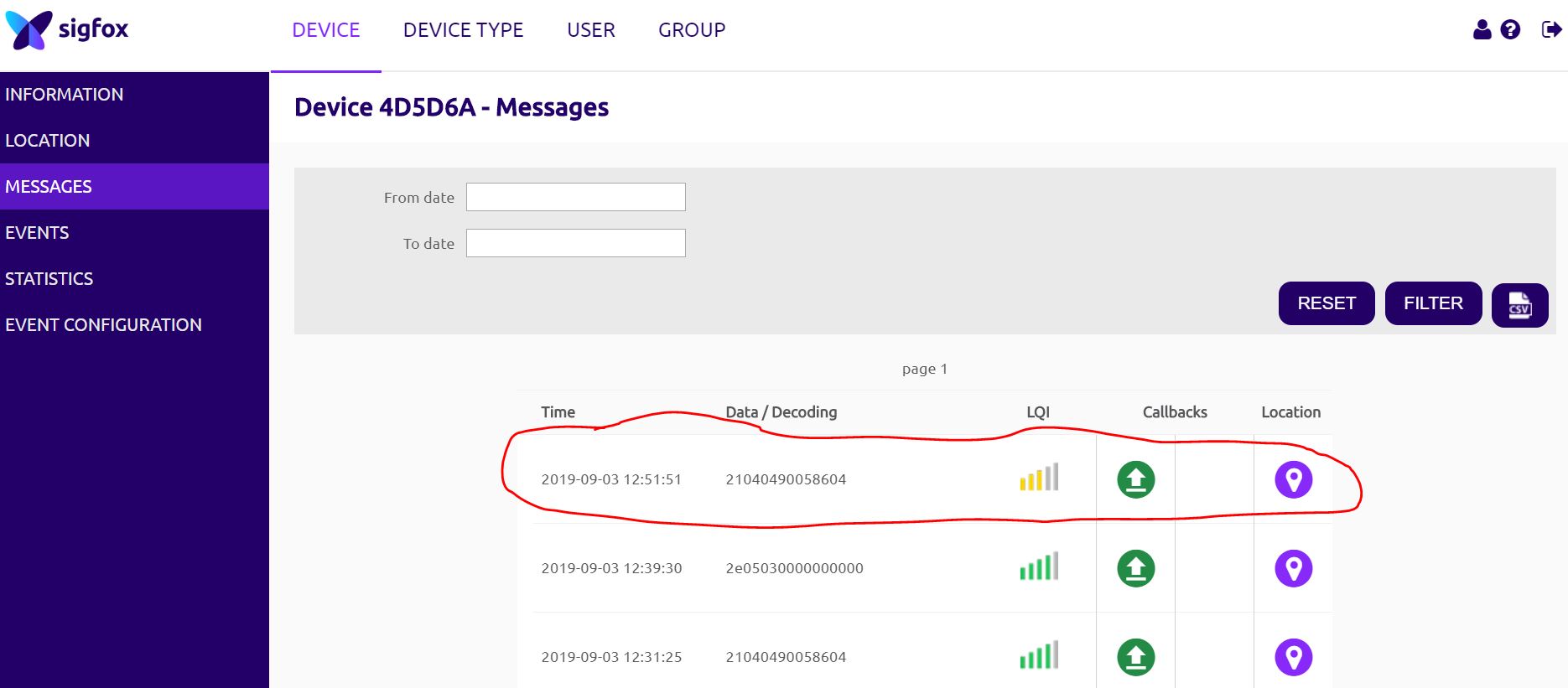
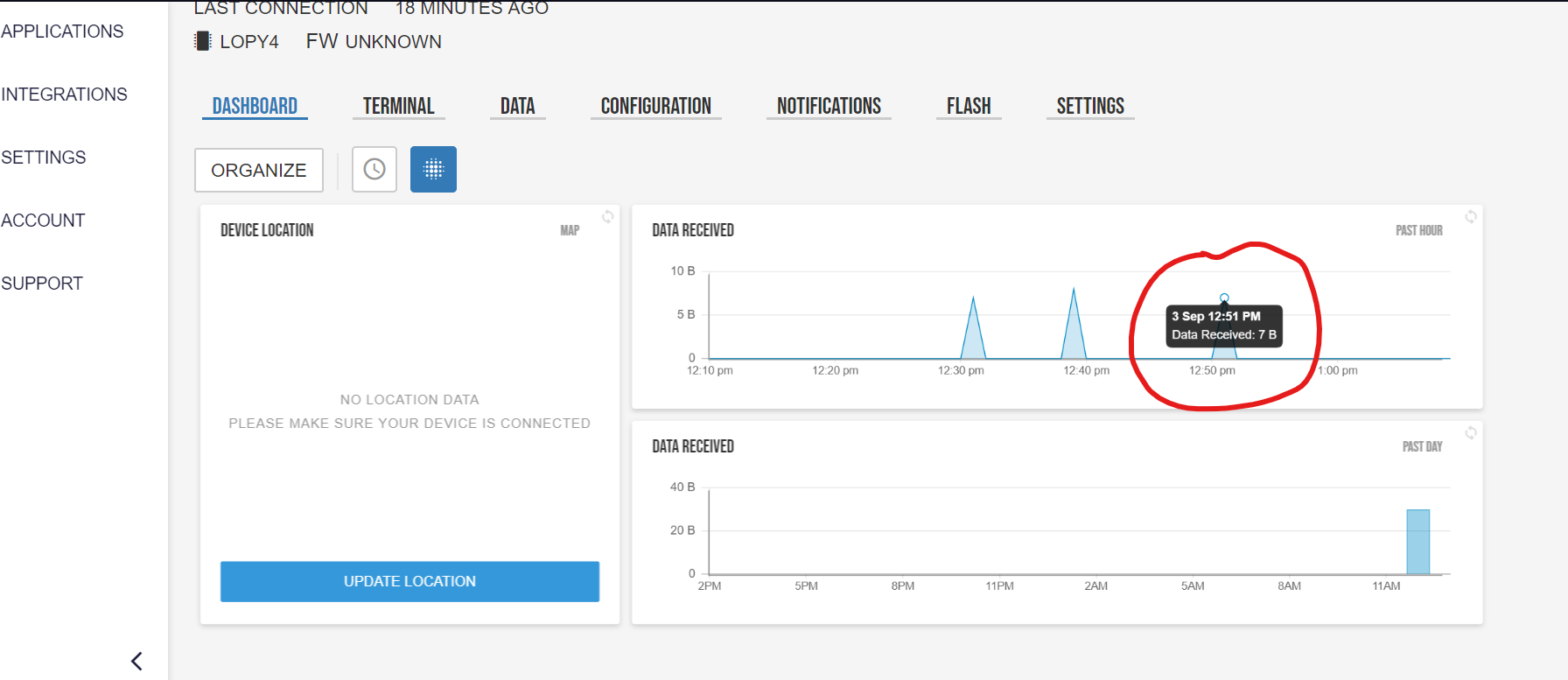
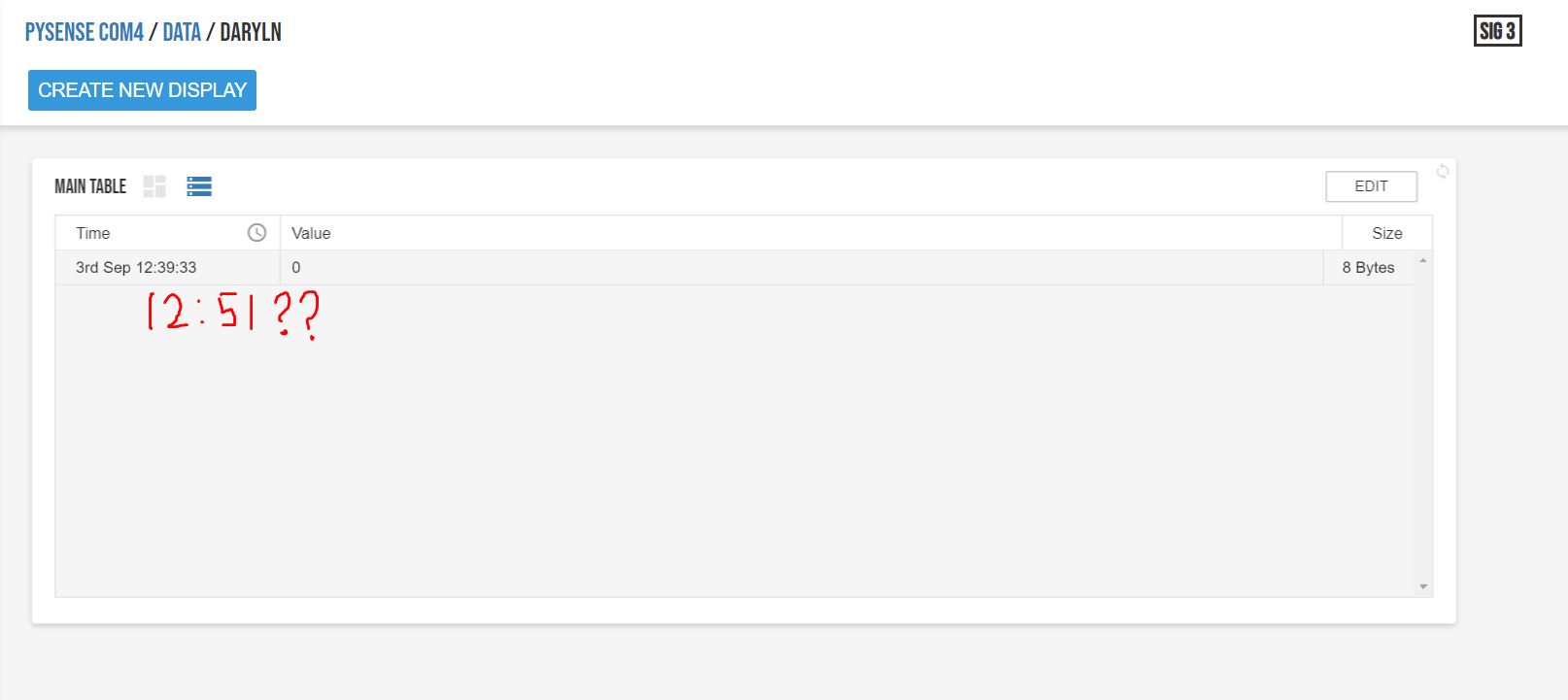
Please, if anyone also encountered the same error and knows how to solve this, please let me know :(
PS. How do I also delete unwanted data in the "Data" table of the Pybytes interface? I have been testing with a few signals and I dont know how to delete them.
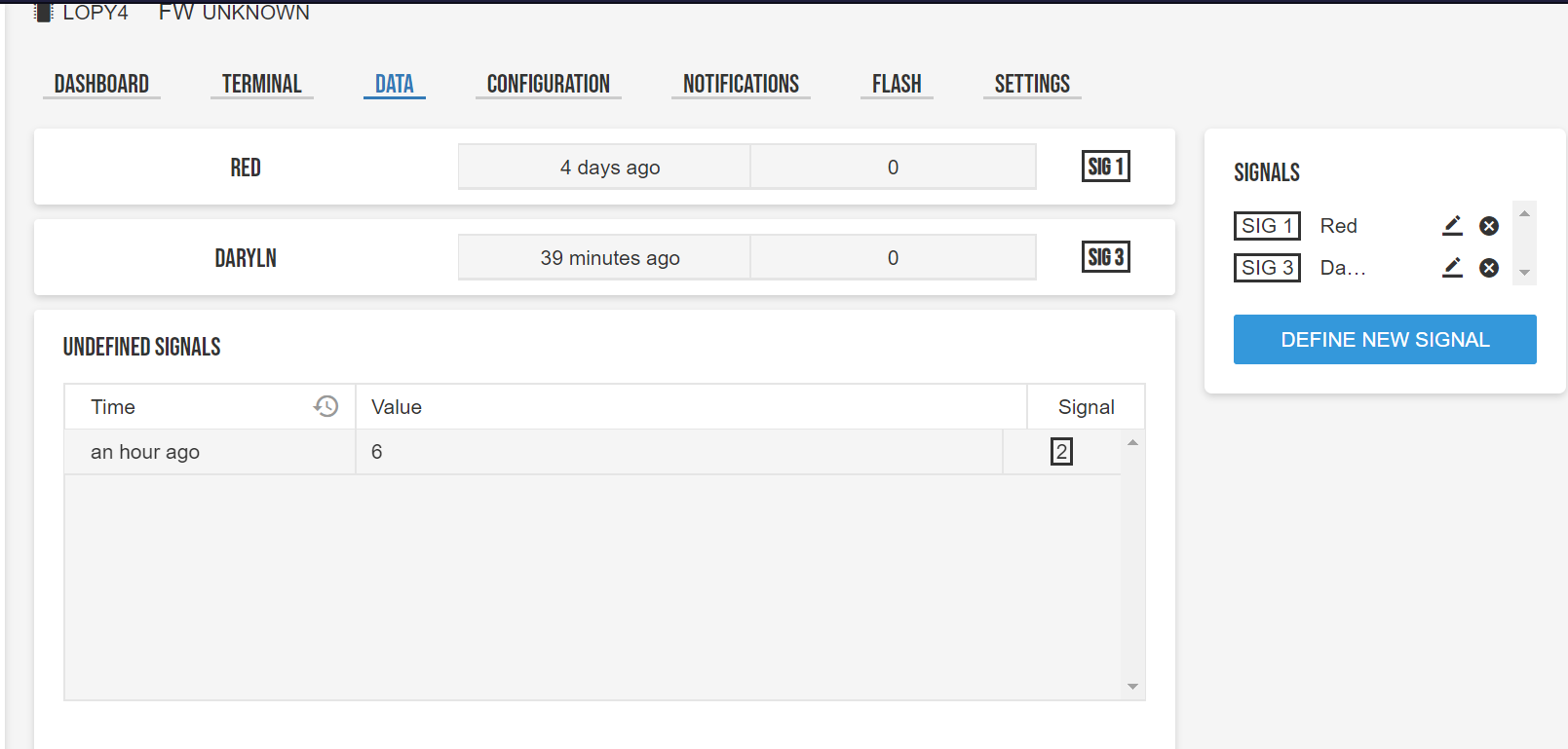
The devices I'm using are Pysense with Lopy4.
I am using Atom v1.36.1 with Pymakr v1.4.14
Thanks to all your help in advance -
Hi @daryln, thanks for letting us know. We will test it again. Though our devices work fine. At this moment you can try to disengage the Sigfox number https://docs.pycom.io/tutorials/sigfox/
-
Hi @daryln
I tested it again and I cannot find the same problem you have described.
I followed these steps:
- I flashed my device with the latest Pybytes firmware.
- On the last page of the firmware updater, I copy/pasted sigfoxID and sigfoxPac and register my device on Sigfox backend.
- I clicked on "check Sigfox status" button in Pybytes and saw two green lights.
- I restarted my device. When device booted up (under the hood) it sent Pybytes info message - which updated the last connection time. I saw this message also on Sigfox backend.
- In Pymakr, I typed
pybytes.send_signal(1, 'abc')and saw this message on Sigfox backend and in Pybytes. - In Pymakr I typed
pybytes.send_signal(1, 'def')and saw this message on Sigfox backend and in Pybytes.
Pymakr didn't hang after sending the first signal.
Also at this moment, it is not possible to remove messages in undefined or defined signals.
But all messages are kept just for one month, so they are are deleted then. -
Hi @jirkakrepl, thanks for helping me to check with this. Regarding step 4, what do you mean by restarting the device?
Do you mean that you plugged out the usb connection then plug it back in? Or did you press the reset button on the Lopy4/Pysense?
Thanks again :)
-
@daryln pressing the reset button or reinserting the USB cable will do exactly the same thing.
Hello! It looks like you're interested in this conversation, but you don't have an account yet.
Getting fed up of having to scroll through the same posts each visit? When you register for an account, you'll always come back to exactly where you were before, and choose to be notified of new replies (either via email, or push notification). You'll also be able to save bookmarks and upvote posts to show your appreciation to other community members.
With your input, this post could be even better 💗
Register Login