send signals to pybytes via LTE
-
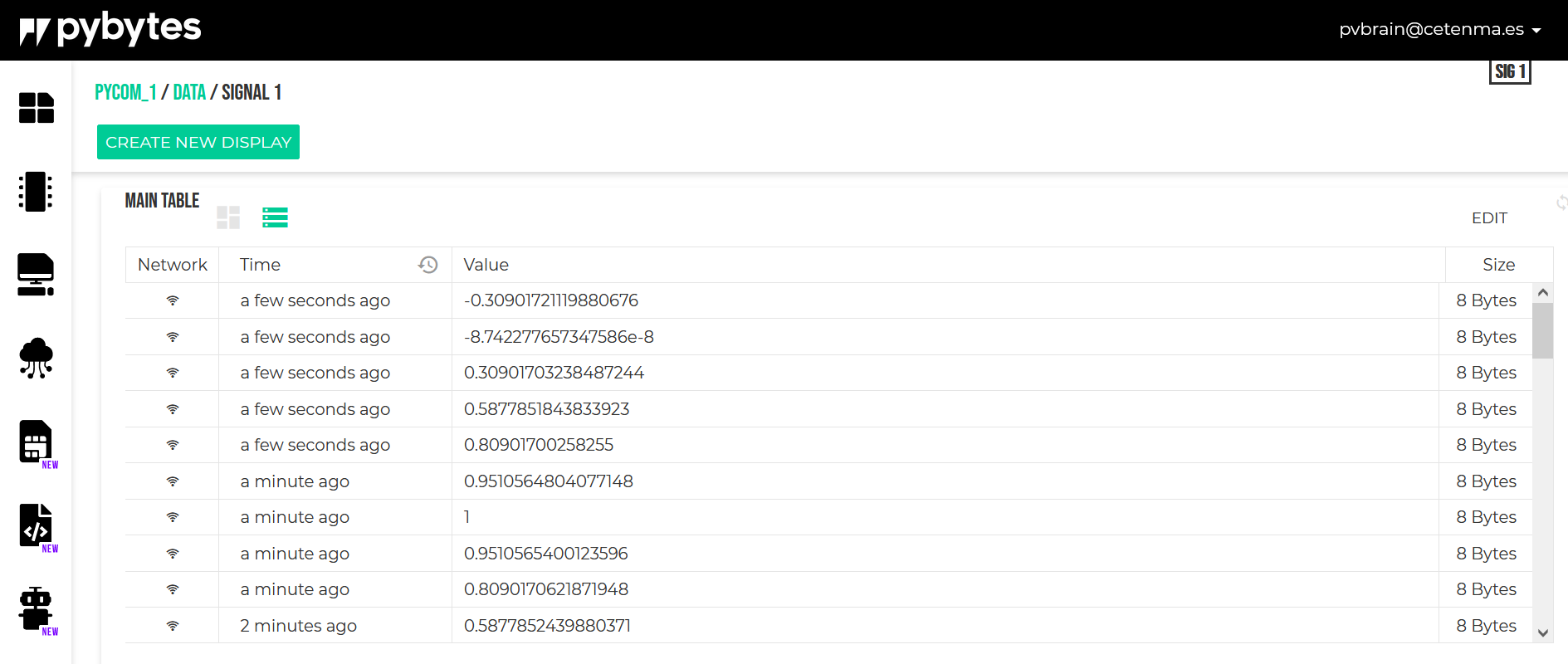
Hello, I need to send data from my FiPy to Pybytes via NB-IoT (LTE) and I just know how to do it via wifi. As I do not have wifi in the location of the measurements, it's necessary to get the connection via LTE. The LTE network is configured in Pybytes for each device, but I just get sending signals via wifi (see capture below).
Any idea?
Thank you.
-
I don't use pybytes but presumabley you'd start by trying to replace the code refernecing the WiFi/WLAN module with LTE the module: https://docs.pycom.io/firmwareapi/pycom/network/lte/
The actual connection will probably be a socket (usocket module): https://docs.pycom.io/firmwareapi/micropython/usocket/
Whether you use pybytes or your own server, it's (presumably) just an IP connection up the server.
-
It seems that the LTE connection is correct but still receiving via WiFi, even if I disable WiFi network in configuration.
-
Looks like they have some convenience functions for pybytes..
Around half way down the page https://docs.pycom.io/pybytes/api/ you'll see.."
pybytes.connect_lte()Connect to Pybytes using LTE and the settings from the configuration file.
" -
@goldfishalpha thanks for your reply
I need to change the order of network preferences:
- pybytes.set_config('network_preferences', ["lte", "wifi"])
Hello! It looks like you're interested in this conversation, but you don't have an account yet.
Getting fed up of having to scroll through the same posts each visit? When you register for an account, you'll always come back to exactly where you were before, and choose to be notified of new replies (either via email, or push notification). You'll also be able to save bookmarks and upvote posts to show your appreciation to other community members.
With your input, this post could be even better 💗
Register Login