Pytrack and LoPy4 - I2C bus error

-
Hi, I'm having some issues with my new LoPy4 and Pytrack.
I've updated the Pytrack using dfu-util to 0.0.8 (and tried 0.0.7) on Windows and Linux (every time returns "Done!");
I've used the current and beta [LINK NO LONGER AVAILABLE] firmware updaters to install v1.14.0.b1:
I've cleared the flash "os.mkfs('/flash')" and downloaded the latest files from https://github.com/pycom/pycom-libraries (tweaked pycoproc.py on line 109/110 to "..as e: raise Exception('Board not detected: {}'.format(e))")
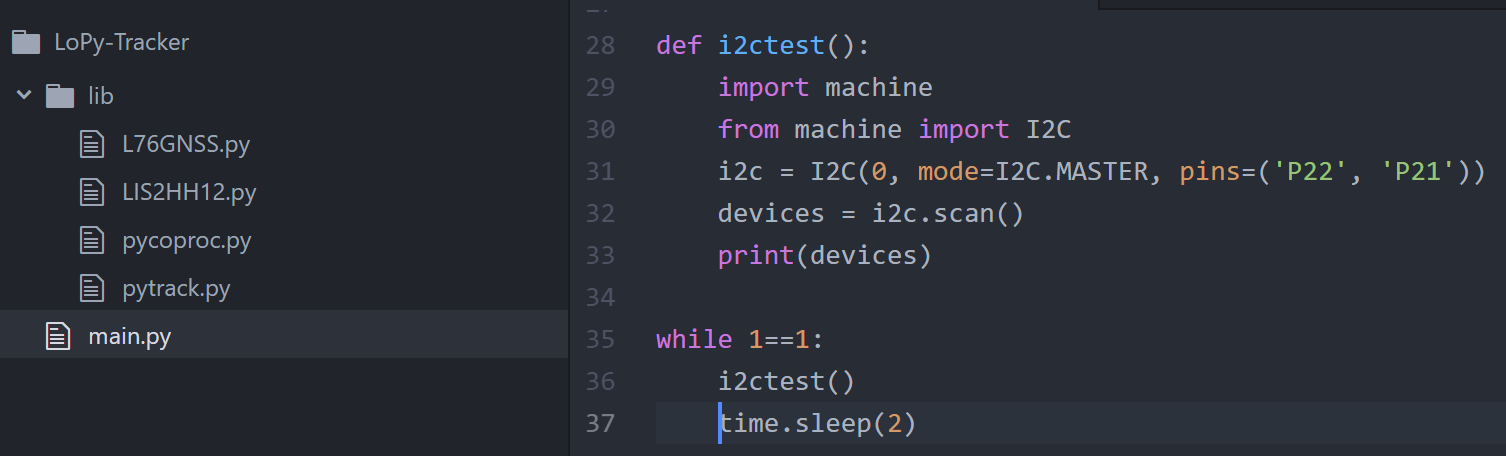
When I run an i2c scan like this: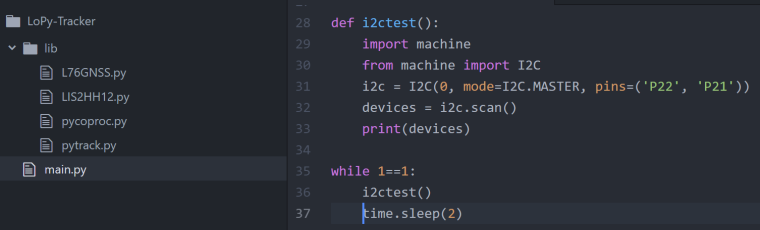
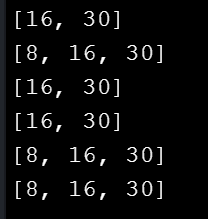
I get:
When I try and get the Pytrack firmware version, I get a "I2C bus error":

Any help/guidance? I noted that v1.14.0.b1 was only release this morning, could this be an issue with that firmware? This is the first time I've attempted to use the devices and not sure how to now downgrade to a previous version to check.
Many thanks in advance,
Ollie -
Hi,
It seems like there is an issue with I2C on your device. I will report this to the rest of the team to see if this is a wider problem with the LoPy4. Its worth trying a downgrade, the instructions on how to do this can be found here: https://forum.pycom.io/topic/517/downgrading-firmware-advanced-users/2
You can get the previous version of the LoPy4 firmware here
868MHz: https://software.pycom.io/downloads/LoPy4_868-1.13.0.b1.tar.gz
915MHz: https://software.pycom.io/downloads/LoPy4_915-1.13.0.b1.tar.gz -
Just downgraded to v1.13.0.b1 but still getting the same I2C bus error.. :/
Any ideas? DOA device..?Edit: for anyone else wanting to downgrade..
pycom-fwtool-cli.exe -t "LoPy4_868-1.13.0.b1.tar.gz" -p COM9 -s 115200 flash -
Could you try accessing the accelerometer that is also on the Pytrack? This would help narrow down if the error is specific to the GPS module or the whole I2C bus. The scan is finding the correct addresses (16 and 30) but its also sometimes finding something at 8. I am now going to try a LoPy4 with a known working pytrack to see if I encounter a similar issue.
Edit: I just tested it successfully using a LoPy4 and a Pytrack.
-
@seb thanks, that was also my next thought!
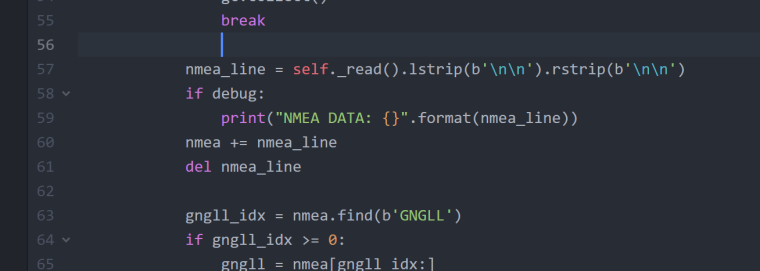
GPS and accel. is working:
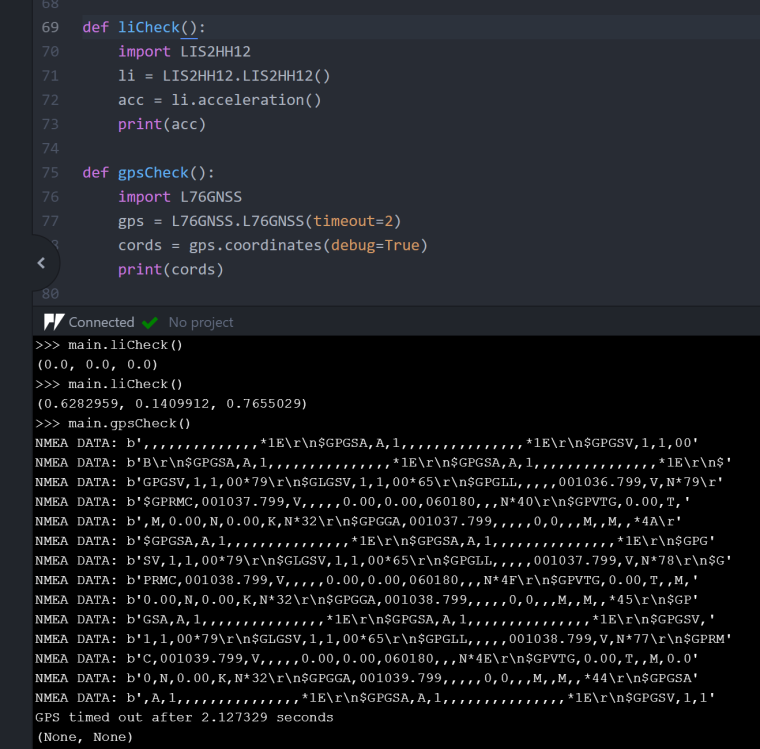
What is on the "8" address..?
-
I just checked with a colleague, there is a PIC on the pysense/pytrack boards for handling deepsleep etc and its connected via i2c on address
0x08 -
@seb thanks.
Did you manage to replicate this issue with the0x08address with a LoPy4 and Pytrack?
I'm looking to use the battery level functionality.
Could it be a board issue? -
address
0x08in the PIC microcontroller on the Pytrack/sense so it is supposed to be there. When I tested this out on a LoPy4 with the latest firmware and a Pytrack with the latest firmware it worked fine the first time. So are you completely unable to talk to the PIC without errors?

Hello! It looks like you're interested in this conversation, but you don't have an account yet.
Getting fed up of having to scroll through the same posts each visit? When you register for an account, you'll always come back to exactly where you were before, and choose to be notified of new replies (either via email, or push notification). You'll also be able to save bookmarks and upvote posts to show your appreciation to other community members.
With your input, this post could be even better 💗
Register Login