Pymakr plugin for Atom - something wrong with installation

-
I'm running Atom 1.23 on Windows 7 machine. I installed the Pymakr plugin on Atom. I can use the console serial port in Atom to connect and issue commands to the LoPy.
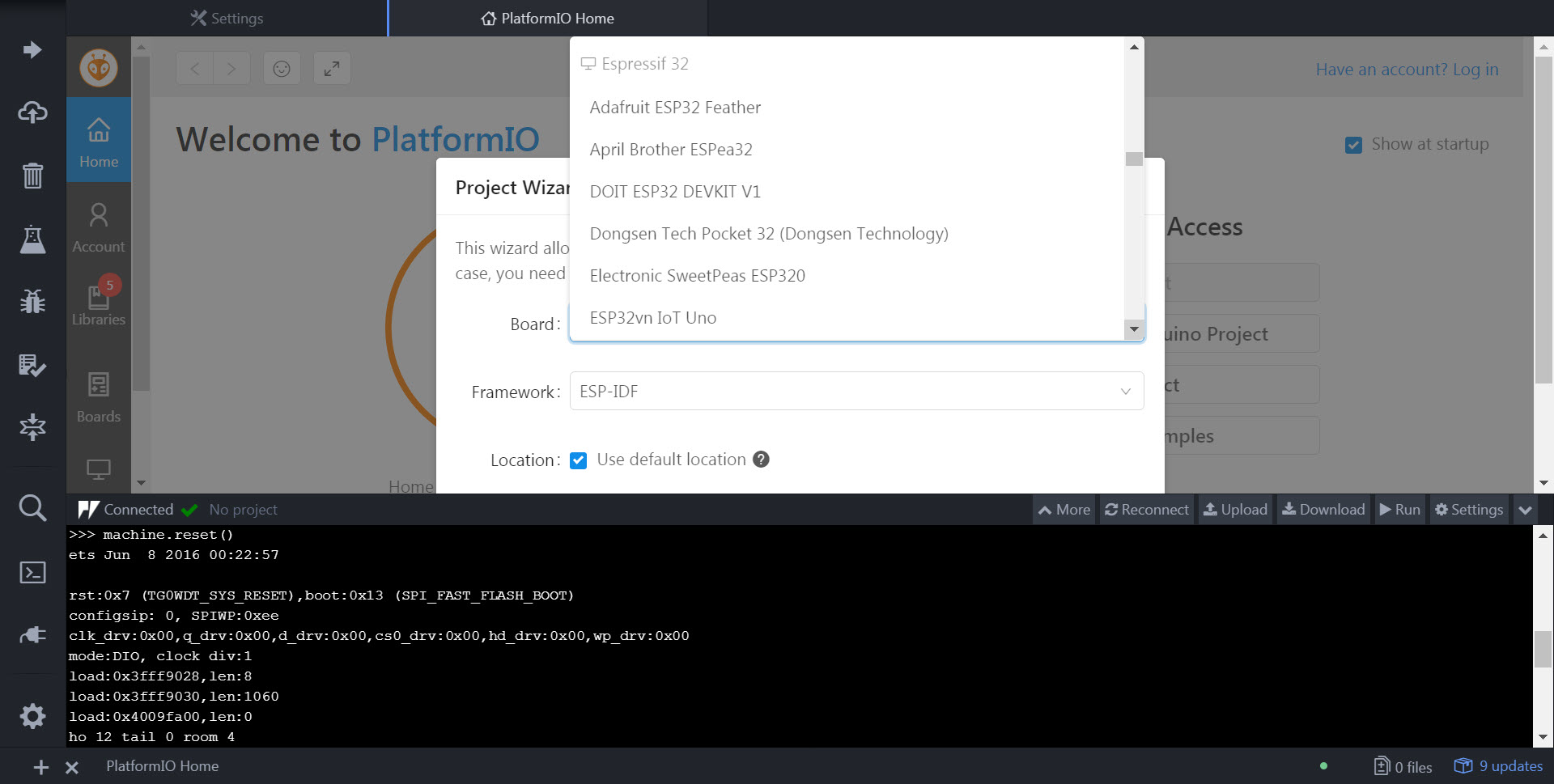
However, when I try to create a new project for the Pycom LoPy, it doesn't show up in the boards list. It looks like something is wrong with the plugin?
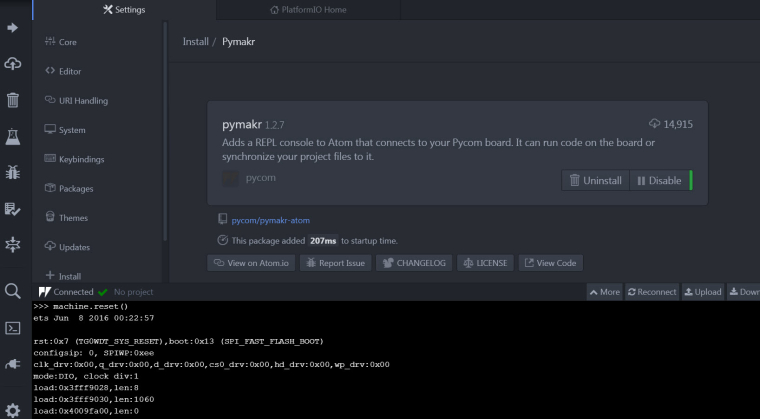
Here's screen shot showing the plugin is installed.
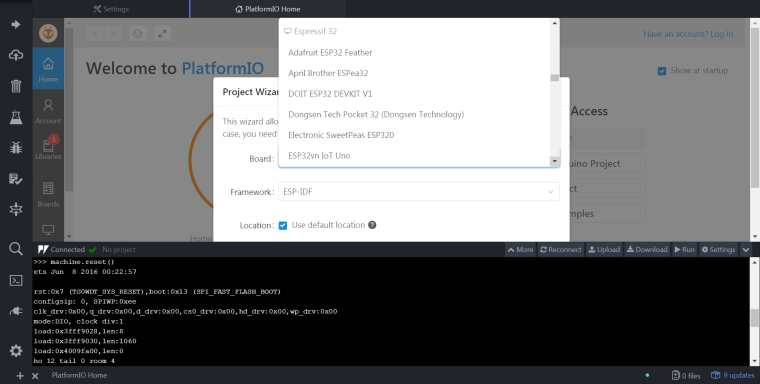
Here's another when I'm trying to add a new board, pycom/lopy doesn't show up. Where is it in your system? Am I just blind?
-
Hi,
It looks like you are using PlatformIO, this is not something we currently support. Pymakr is a standalone plugin for atom and does not interact with platformIO in any way. To create a pymakr project, just create a empty folder on your computer and open it with atom. You can then add project settings via the settings menu in the Pymakr panel and create a main.py file.

Hello! It looks like you're interested in this conversation, but you don't have an account yet.
Getting fed up of having to scroll through the same posts each visit? When you register for an account, you'll always come back to exactly where you were before, and choose to be notified of new replies (either via email, or push notification). You'll also be able to save bookmarks and upvote posts to show your appreciation to other community members.
With your input, this post could be even better 💗
Register Login