Cellular radio firmware release (SQN3330) for both Cat-M1 and NB-IoT
-
@daniel I double checked it, still not working.
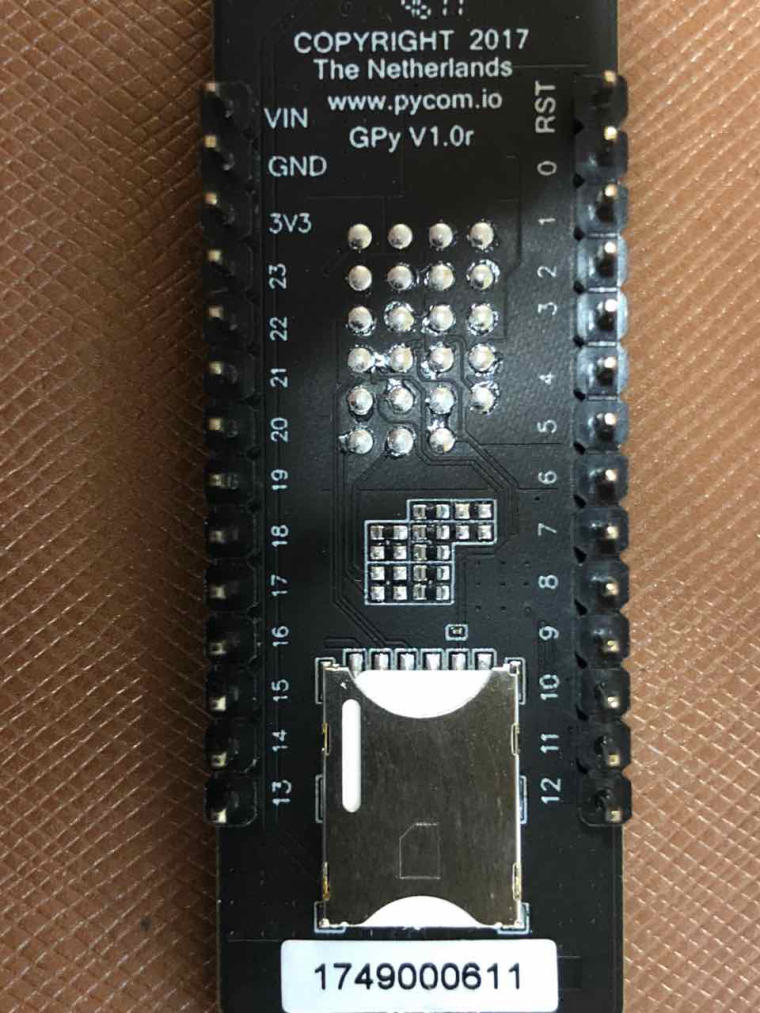
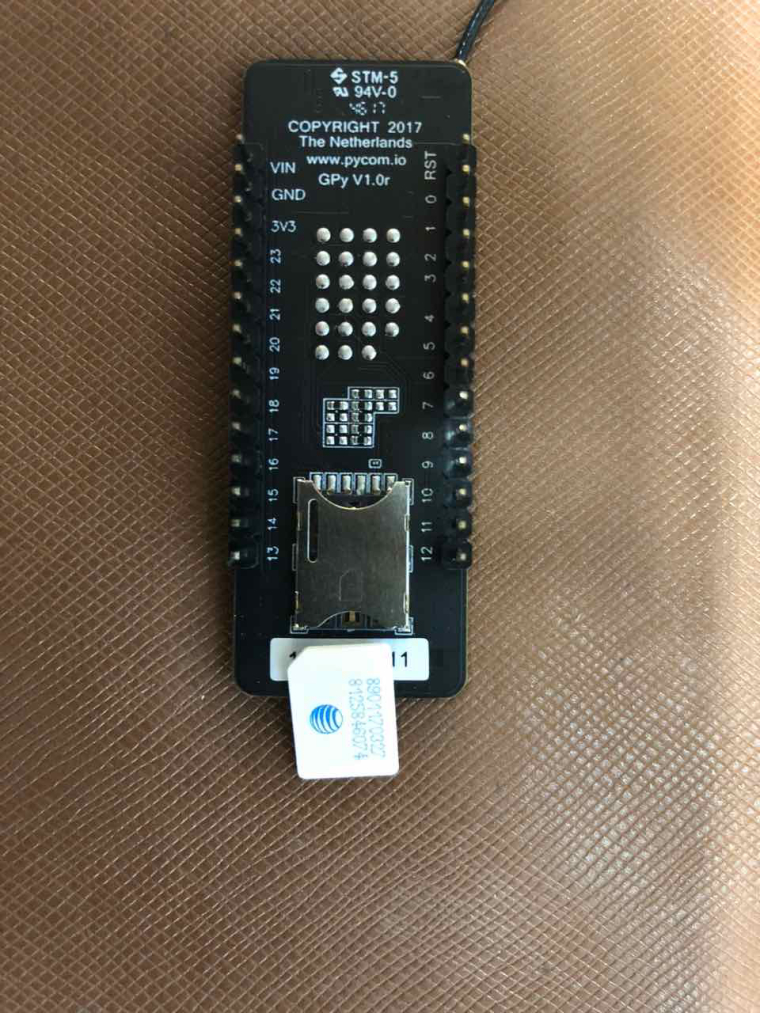
-
@bali have you ever been able to call
lte = LTE()without hanging? -
@daniel with firmware 1.16.0.b1 yes, but i could never attch to cellular network because i’m on At&T and in 1.16 there was no way to configure for it.
-
@bali can you try changing the baud rate from 921600 to 115200 or 345600 and maybe 57600? Just in case somehow the default baudrate is different in your board...
-
@bali OK then it seems that some of the new logic is causing your device to hang. Are you able to build a custom firmware? Then we can disable the background LTE logic and simply run the upgrade...
-
@daniel I did try at 921600, 345600, 115200, 57600 and it failed the same way at every baud rate. Unfortunately i can't build custom firmware. If you could send me one with the LTE disabled i could try it. I ordered the GPy but was never able to the the LTE on it :(
-
@bali Could you please check what happens if you run the following commands on your GPy?
from network import LTE lte = LTE() lte.send_at_cmd('AT+CFUN=0') -
@xykon hangs right after issuing lte=LTE()
-
@bali Please open a technical support request at https://pycom.io/contact as it seems your GPy is faulty.
-
So I think this just rendered my entire FiPy useless....
I upgraded the CAT-M firmware yesterday without issue to see if I could connect more successfully to Telstra and besides not getting reliable connections the upgrade process seemed to go ok.
Today I tried to upload the NB-IOT firmware and it got stuck at 6% for over 5 minutes exactly like the description in the instructions (https://github.com/pycom/pycom-libraries/tree/master/lib/sqnsupgrade). So I power cycled as per the instructions and now I get stuck on this:
<<< Welcome to the SQN3330 firmware updater >>>And nothing... I have let it run for over 10 minutes and power cycled multiple times. I also notice now I lose all UART REPL command/interface after about 1-2 minutes of powering up my FiPy and it is a race against the clock to even execute the update code. If I wait a while the REPL just freezes and won't accept any input, so essentially making the device unusable.
And as per @bali now when I can get in quick enough and try and call lte = LTE() my device hangs. So it looks like my device that was working is no longer functioning and I followed the instructions as directed...
-
-
-
@daniel @nathanh Additional hint from my observation. I looked at the TX buffer of the serial interface by inserting s.wait_tx_done(5000) after the s.write("ATE0\r\n") line in sqnsupgrade.py and I get "False" as the response. Will try moving downstream in the sqnsupgrade.py code later in the day and share my findings.
-
I tinkered a bit further and by setting the default timeout to 2000 instead of 20000 in sqnsupgrade.read_rsp , I was able to get my FiPy to get further along, but ran into @bali ‘s issue of AT+SMSWBOOT=3, 0 failed!
Looks like the issues are roughly the same, but that @nathanh and I have unstable REPL on top :/
-
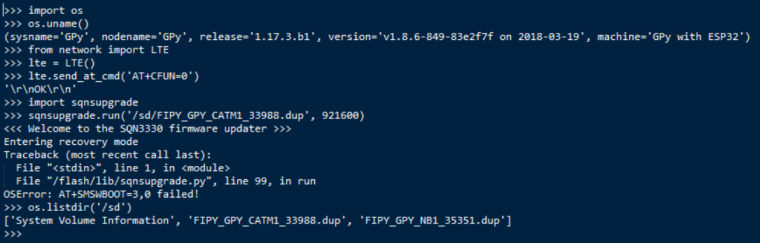
Same issue here, failing with "AT+SMSWBOOT=3,0 failed!" (full log is below). If/when this issue is resolved, please post the details here.
-
@nathanh Hi, were you able to recover FiPy at the end?
-
@ioag said in Cellular radio firmware release (SQN3330) for both Cat-M1 and NB-IoT:
@nathanh Hi, were you able to recover FiPy at the end?
Nope, @daniel asked me to send my unit back.
I tried to reload the actual Pycom firmware back onto it hoping that might reset the entire device and only made it worse, I can't event load the device now, REPL just shows un-ending loops of flash errors when I turn it on.
-
Update on my issue: I found that AT^RESET was required after flashing the board with new FW, and before attempting the sqnsupgrade procedure. After that, the upgrade seems to have completed successfully.
-
@kevin Thanks for sharing progress! I tried the same on the FiPy. I was able to keep the REPL alive until the AT^RESET command was sent (using uart.write() ), but no dice. Still stuck with the same symptoms.
-
@vigmeister Sorry it did not resolve your upgrade issue as well. Just fyi, I used the lte library to send the AT command from REPL:
>>> from network import LTE
>>> lte = LTE()
>>> lte.send_at_cmd('AT^RESET')
Probably doesn't make any difference though.
Hello! It looks like you're interested in this conversation, but you don't have an account yet.
Getting fed up of having to scroll through the same posts each visit? When you register for an account, you'll always come back to exactly where you were before, and choose to be notified of new replies (either via email, or push notification). You'll also be able to save bookmarks and upvote posts to show your appreciation to other community members.
With your input, this post could be even better 💗
Register Login