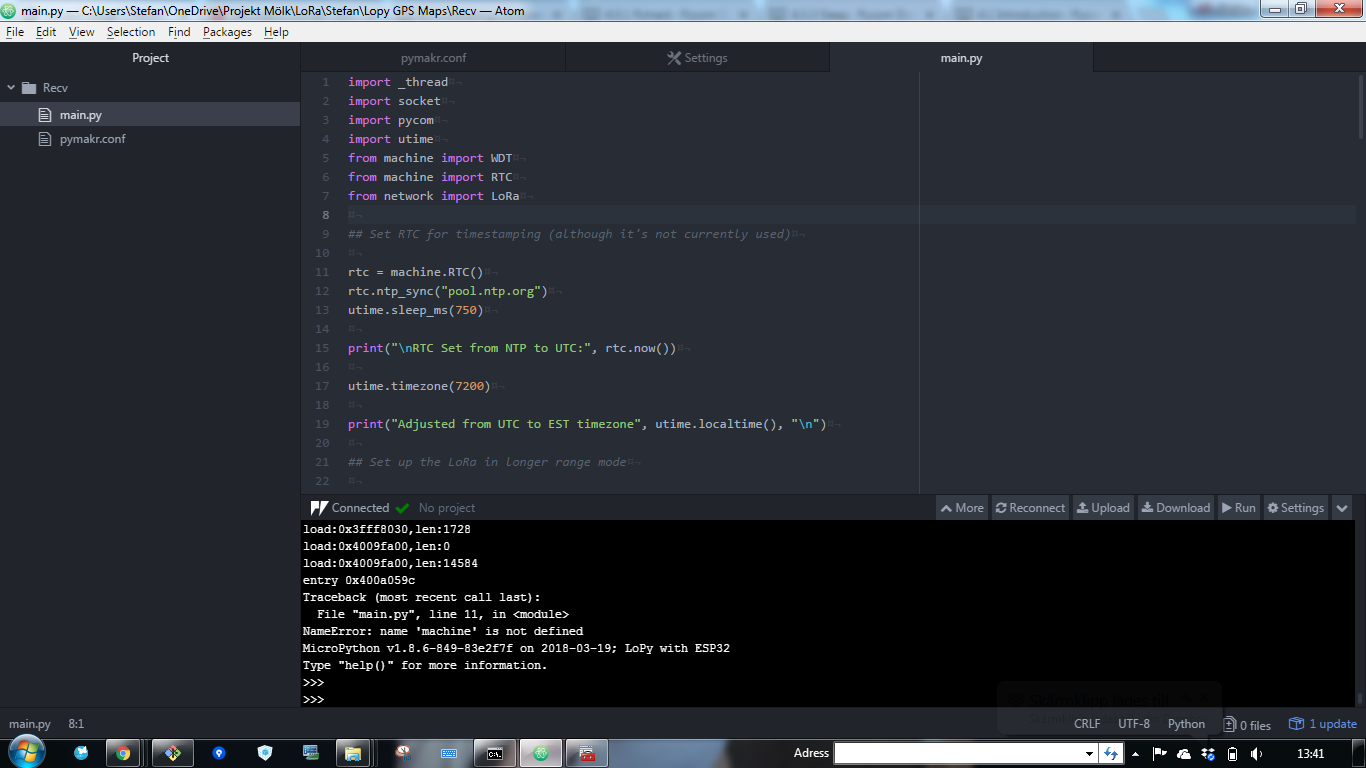
Pytrack - name 'machine' is not defined
-
Re: Pytrack usage?
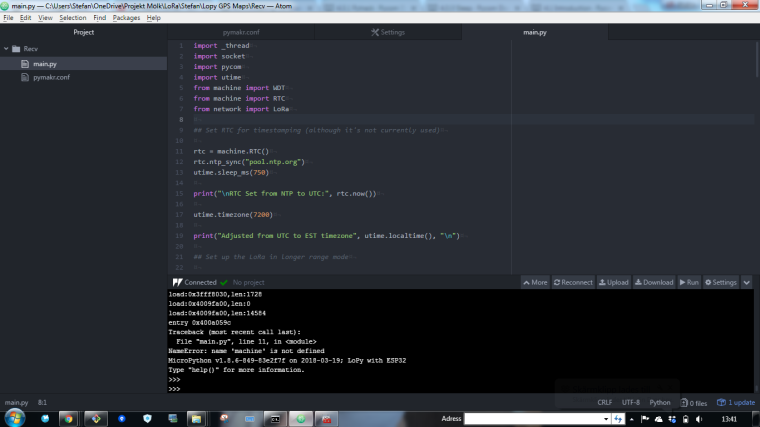
I got this when I try to upload the code: I use this one:
https://github.com/sandyjmacdonald/lopy-gps-mapsbut the problem I have is with the (lopy-receiver.py) part of the code
I try to formate the code so its easy to read but I fail on that part.
´´´´
import _thread
import socket
import pycom
import utime
from machine import WDT
from machine import RTC
from network import LoRaSet RTC for timestamping (although it's not currently used)
rtc = machine.RTC()
rtc.ntp_sync("pool.ntp.org")
utime.sleep_ms(750)print("\nRTC Set from NTP to UTC:", rtc.now())
utime.timezone(7200)
print("Adjusted from UTC to EST timezone", utime.localtime(), "\n")
Set up the LoRa in longer range mode
lora = LoRa(mode=LoRa.LORA, frequency=868000000, tx_power=14, bandwidth=LoRa.BW_125KHZ, sf=7)
l = socket.socket(socket.AF_LORA, socket.SOCK_RAW)
l.setblocking(False)Set up web socket
wdt = WDT(timeout=5000)
addr = socket.getaddrinfo("0.0.0.0", 80)[0][-1]s = socket.socket()
s.settimeout(1)
s.bind(addr)
s.listen(1)print("listening on", addr)
Threaded server
def _serve():
while True:
wdt.feed()
method, route, proto = None, None, None
ts = utime.time()try: cl, addr = s.accept() except OSError: continue print("client connected from", addr) while True: try: line = cl.readline() print(line) ## Only handle GET requests if line[0:3] == b"GET": method, route, proto = line.split(b" ") if not line or line == b'\r\n': break except MemoryError: cl.send(" ") cl.close() continue ## Boilerplate JSON response response = """HTTP/1.1 200 OKAccess-Control-Allow-Origin: *
Cache-Control: no-cache
Pragma: no-cache
Content-Type: application/javascript\r\n\r\n{
"position": {
"latitude": %f,
"longitude": %f
},
"message": "%s",
"timestamp": %i
}"""## Crude hack to handle URL routes if route is not None: route = route.split(b"/") route.pop(0) print(route) ## If position.json is requested then receive LoRa message from sender if route[0] == b"position.json": msg = l.recv(64) ## Decode and split out into latitude and longitude if not msg == b"": msg = msg.decode("utf-8") lat, lon = [float(i) for i in msg.split(",")] response = response % (lat, lon, "success", ts) print(response) ## Otherwise, send 404 else: response = """HTTP/1.1 404 Not FoundAccess-Control-Allow-Origin: *
Cache-Control: no-cache
Pragma: no-cache
"""
print(response)## Handles missing routes by sending 404 else: response = """HTTP/1.1 404 Not FoundAccess-Control-Allow-Origin: *
Cache-Control: no-cache
Pragma: no-cache
"""cl.send(response) cl.close()Start the thread
_thread.start_new_thread(_serve, ())
´´´ -
@stefan85e said in Pytrack - name 'machine' is not defined:
rtc = machine.RTC()
You did not import machine. So this line should read:
rtc = RTC() -
@robert-hh So what should I do then!?
I added the lib machine.py and did try upload it -
@stefan85e said in Pytrack - name 'machine' is not defined:
@robert-hh So what should I do then!?
I added the lib machine.py and did try upload itYou shouldn't try to upload a
machine.pybecause machine is a built-in micropython module. https://docs.pycom.io/chapter/firmwareapi/pycom/machine/I suggest you try @robert-hh's suggestion to replace
rtc = machine.RTC()withrtc = RTC() -
-
@stefan85e said in Pytrack - name 'machine' is not defined:
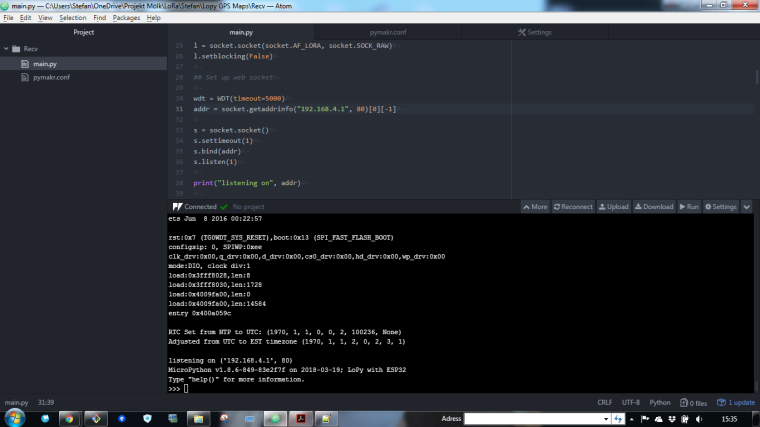
The time is wrong... Its from 1970 :)
The RTC holds the time since January 1st 1970... that's just how the RTC works.
In the Pytrack demo code we have the following:
rtc = machine.RTC() rtc.ntp_sync("pool.ntp.org")But if the module can't connect to pool.ntp.org it cannot set the time. Make sure that your module can reach the ntp server.
-
@xykon om using a pytrack how do I know how to do that?
-
@stefan85e You would most likely connect to a router to have an internet connection which allows you to connect to
pool.ntp.orgOf course you can also set the time manually using rtc.init
-
@xykon said in Pytrack - name 'machine' is not defined:
rtc.init
rtc = machine.RTC()
rtc.init((2014, 5, 1, 4, 13, 0, 0, 0))
print(rtc.now())thats a way to do it, but I dont want to set the time my self :)
-
@stefan85e Having Pytrack AND Wifi, you have two sources for the time:
a) a NTP server. For that you have to espablish an internet connection. Look at the documentation & examples for WiFi and Internet access, Section https://docs.pycom.io/chapter/tutorials/all/wlan.html, heading: "Connect to a router".
b) GPS. This is a little bit more tricky, since easy to use examples are missing. You can at least use the examples from thy Pytrack existing library and use that to derive the time information.

Hello! It looks like you're interested in this conversation, but you don't have an account yet.
Getting fed up of having to scroll through the same posts each visit? When you register for an account, you'll always come back to exactly where you were before, and choose to be notified of new replies (either via email, or push notification). You'll also be able to save bookmarks and upvote posts to show your appreciation to other community members.
With your input, this post could be even better 💗
Register Login