LoPy GPS Pytrack - No Coordinates found
-
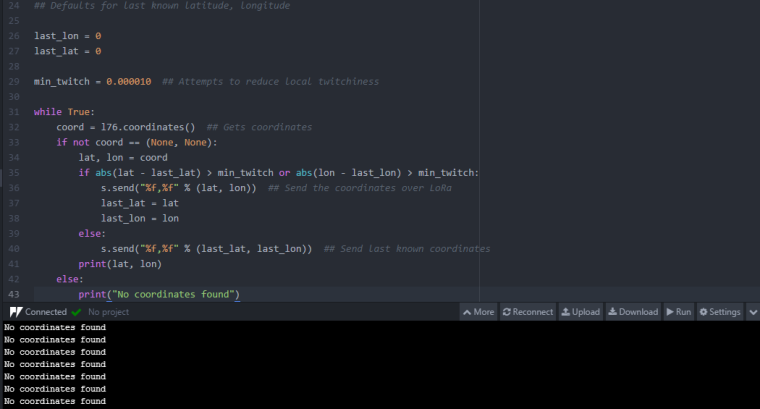
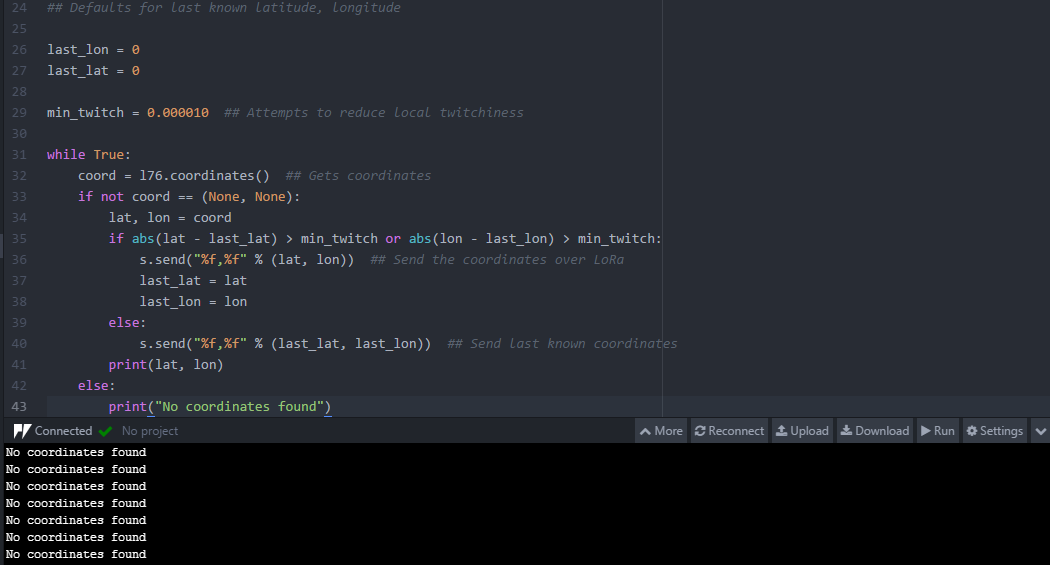
So I can't get any coordinates from the other LoPy that I got, I wanted to know why I can't get any. I found this example that I'm currently using and followed the instructions. https://github.com/sandyjmacdonald/lopy-gps-mapsI believe the issue could be that I need to connect to the IP adress of the LoPy receiver, but I don't know where I do that in this example. Could someone help me with this? I'm a beginner with GPS API in python and really want to learn more!
Thanks in advance!
- CodeManiac64
-
@codemaniac64
Can this help in someway!?https://docs.pycom.io/chapter/pytrackpysense/apireference/sleep.html
-
I am afraid this is not pycom code so we are not able to provide support for it, please check out our examples here:
https://github.com/pycom/pycom-libraries/tree/master/pytrack
If these give you issues then please report back
-
Your issue may simply be that the GPS is not able to get a signal from a satellite. From what I've experienced, I can not get a signal unless there is very little in the way. For example, I live in a small condominium at the bottom floor out of 4 floors and the building is quite old so the walls are thick concrete and it's not exactly a tech friendly structure. I am unable to get GPS signal even at the window of my room, however I can receive signal whilst driving around in my car.
One way you can test your GPS is to have this code set to run on boot, then hook up an external battery. If your LoPy finds no known WiFi networks in the area it will act as an access point so you can simply connect to the LoPy's WiFi on your phone, and you should be able to download and run a telnet/SSH application and telnet into the LoPy (IP should be 192.168.4.1 login: micro password: python) and view the REPL. From here you will see the output of the device on the go. This requires no internet or anything, just your phone and a bit of walking around.
Other than this, you could get a GPS signal repeater if you require that your device stays indoors. You can find cheap ones and I know there have been some recommended on here for this exact issue.
-
@kbman99 Thanks alot for the information we will look into that on monday :)
-
@CodeManiac64 have a look at https://forum.pycom.io/topic/2992/pytrack-gps-library-only-works-with-glonass-derived-positions
If you are using the L76 library and only getting GPS fixes (no GLONASS) you will get no coordinates -
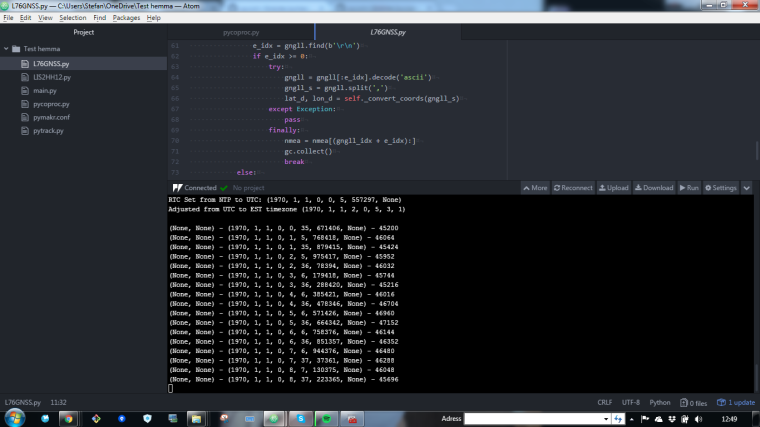
@seb What is that I get out here the nr to the left?
-
print("{} - {} - {}".format(coord, rtc.now(), gc.mem_free()))GPS Co-Ords - Current time from RTC (unset in your case) - Memory free
-
@seb I notice that the cordination has abit delay first time you upload it... and it start working once you reboot it :)

Hello! It looks like you're interested in this conversation, but you don't have an account yet.
Getting fed up of having to scroll through the same posts each visit? When you register for an account, you'll always come back to exactly where you were before, and choose to be notified of new replies (either via email, or push notification). You'll also be able to save bookmarks and upvote posts to show your appreciation to other community members.
With your input, this post could be even better 💗
Register Login