Change firmware from Lopy4 to Lopy1
-
Good morning, is it possible to update the firmware of a Lopy4 in a Lopy1? In the drop-down where you chose model we mistakenly put Lopy4 and it really is a total Lopy1 that was updated correctly according to Pycom Firmaware upgrade.
Now I do not get the drop-down to say it's a Lopy1 and not 4. Is there a way to fix this? More than anything because the messages by Lora does not work, that is, they do not reach the other Lopy and I suppose it is because of this.
Is there any way to erase everything as a factory? I tried with os.mkfs ('/ flash') but this does not work.
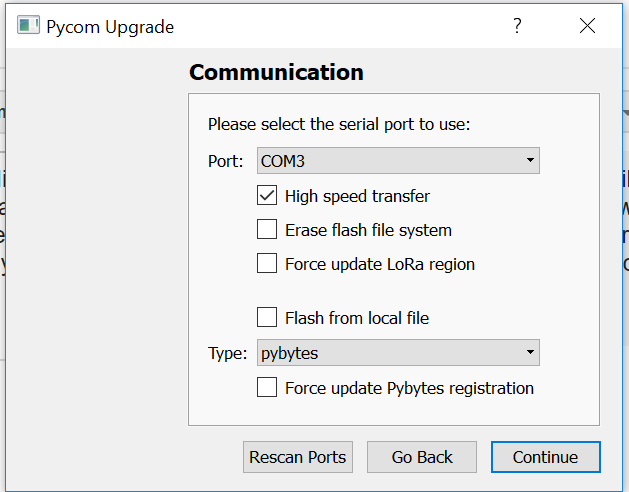
Capture:
This is the menu that comes out now that is different from the one I had, because the application has also been updated:
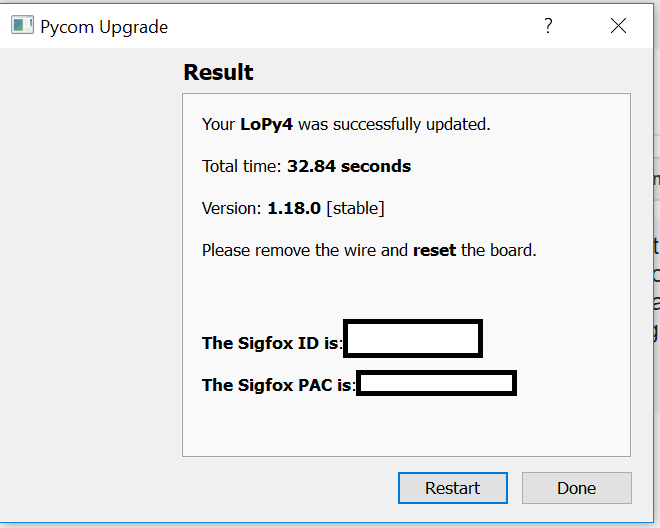
Here we see how despite being a lopy1 I get it as updated correctly as Lopy4:
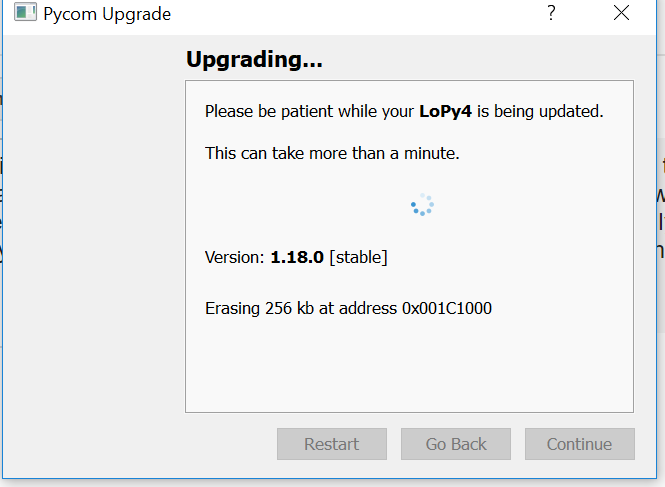
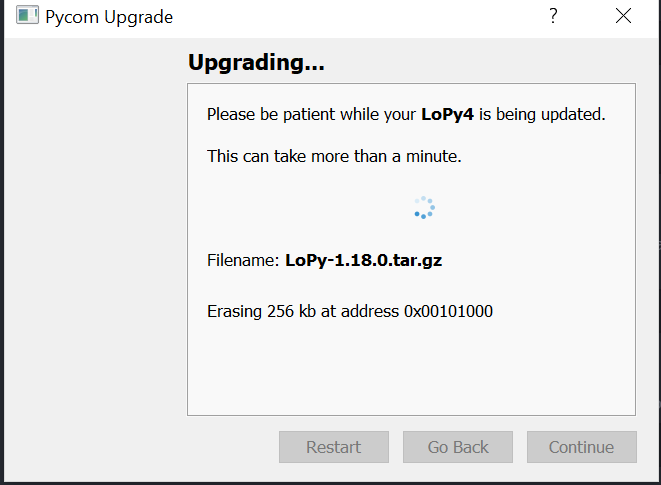
In process of update (But I do not leave the drop-down to select which is a Lopy1)
-
@zceld please do the following:
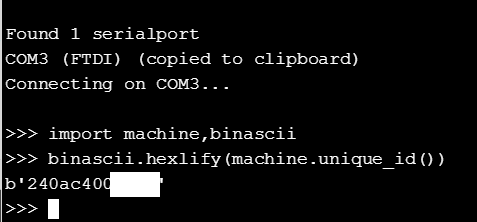
Note the MAC address of your board:
import machine,binascii
binascii.hexlify(machine.unique_id())
Email support@pycom.io and include the output of the above commands.
We will respond to your request within 24h on weekdays (often much sooner especially if you write to us during CET working hours).
-
@zceld I forgot to mention that in the mean time you can flash the LoPy1 firmware yourself.
Just download the latest stable version and use "Flash from local file" in the Communication window.
-
@xykon
Thank you very much!!
I do not know why I did not think about trying to do the update manually, but not even thinking about it.
On the other hand, since I have solved the issue doing it like this, I put captures to reflect it.1.- The capture of part of the mac address:
2.- Version that had:

3.- Update with local file:
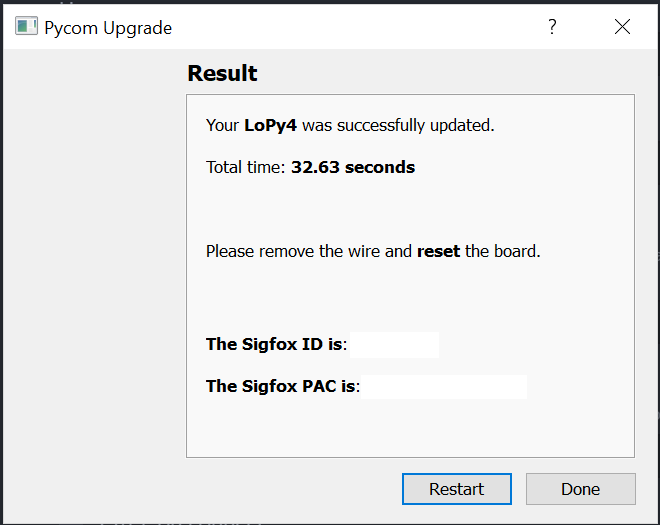
4. Process completed ok:
5.- Current version:

-
@zceld I still suggest you contact us (I haven't seen any email coming in) so we can update you device details in the database. This way you will get the correct firmware updates in the future and don't need to manually download the correct firmware every time there is an update.
-
@xykon said in Change firmware from Lopy4 to Lopy1:
@zceld I still suggest you contact us (I haven't seen any email coming in) so we can update you device details in the database. This way you will get the correct firmware updates in the future and don't need to manually download the correct firmware every time there is an update.
I had not sent the mail finally because we had solved it so I thought it was already equal. Anyway, in a while I send it to you, it does not cost me anything. a greeting
Hello! It looks like you're interested in this conversation, but you don't have an account yet.
Getting fed up of having to scroll through the same posts each visit? When you register for an account, you'll always come back to exactly where you were before, and choose to be notified of new replies (either via email, or push notification). You'll also be able to save bookmarks and upvote posts to show your appreciation to other community members.
With your input, this post could be even better 💗
Register Login