Failed firmware update, unable to flash new firmware
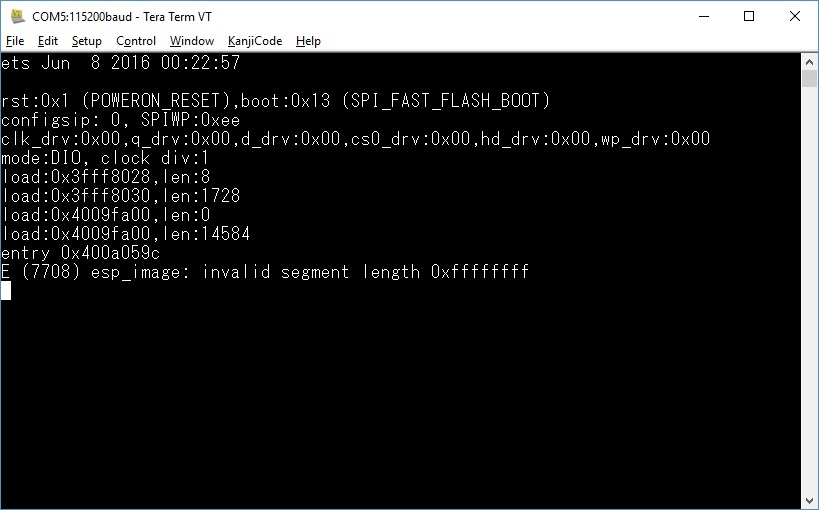
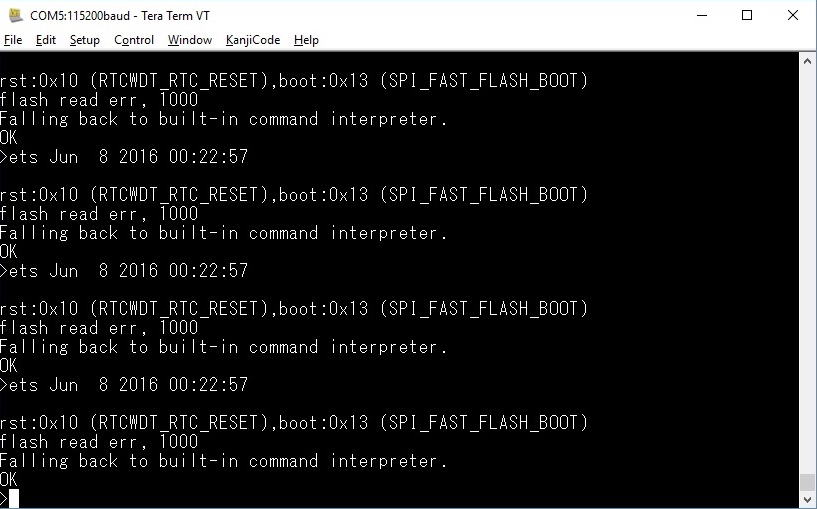
-
Hi,
I was trying to update a LoPy module to the latest firmware with the "Pycom Firmware Update" app. However, during the flashing process, the app terminated with the following failure message(Please see screenshot below)
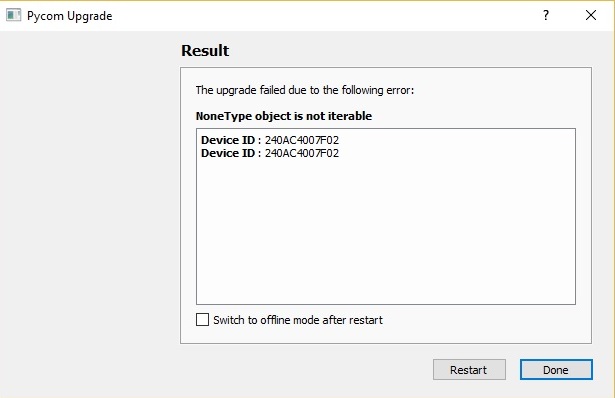
I retried many times using the "Pycom Firmware Update" to flash latest firmware to LoPY, but all attempts were unsuccessful. After the failed firmware update, and resetting board back in normal run mode (removed the "Bootloader mode" - P2 pin to GND) , I no longer get the usual REPL prompt, instead I get the following (see screenshot below)
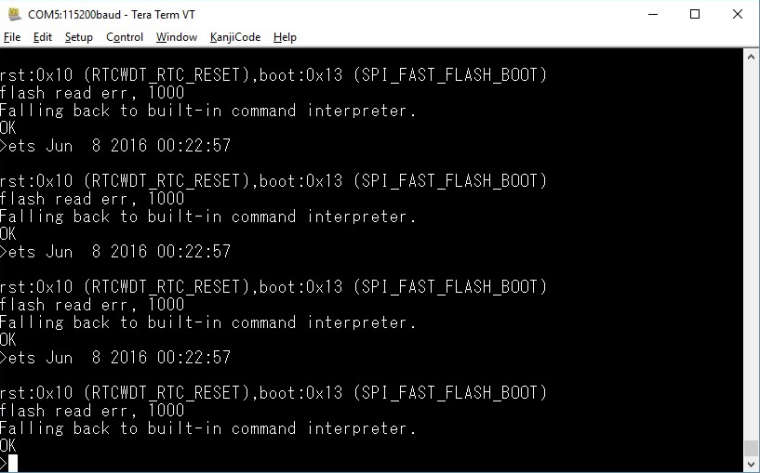
I have tried the SAFE BOOT mode, the LED do blink orange, but I still can't get any REPL prompt, instead I get the following after more than 6 secs in BOOT mode:
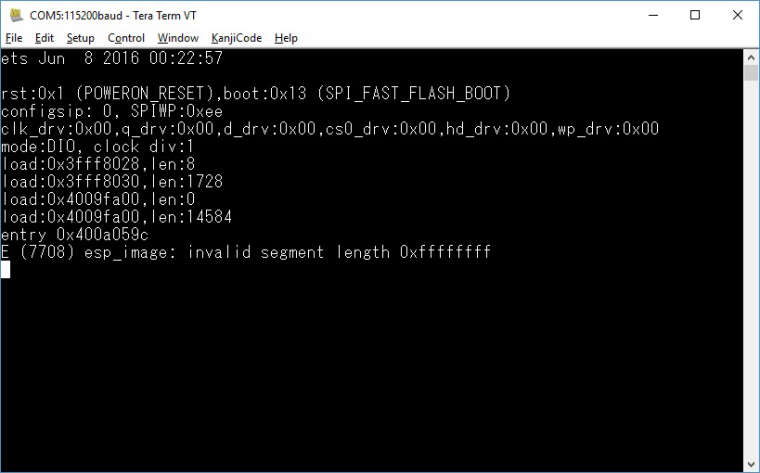
Could someone, please help me recover my LoPy back to working firmware/state ?
-
Hi @Paulw
Are you using the Expansion Board to connect to your LoPy? If so, which version (2 or 3)?

Hello! It looks like you're interested in this conversation, but you don't have an account yet.
Getting fed up of having to scroll through the same posts each visit? When you register for an account, you'll always come back to exactly where you were before, and choose to be notified of new replies (either via email, or push notification). You'll also be able to save bookmarks and upvote posts to show your appreciation to other community members.
With your input, this post could be even better 💗
Register Login