Pybytes release 21.1.2019
-
Today we're going to release the new version of Pybytes + Pybytes firmware.
Please update the firmware of all of your devices Otherwise, Pybytes won't work properly.
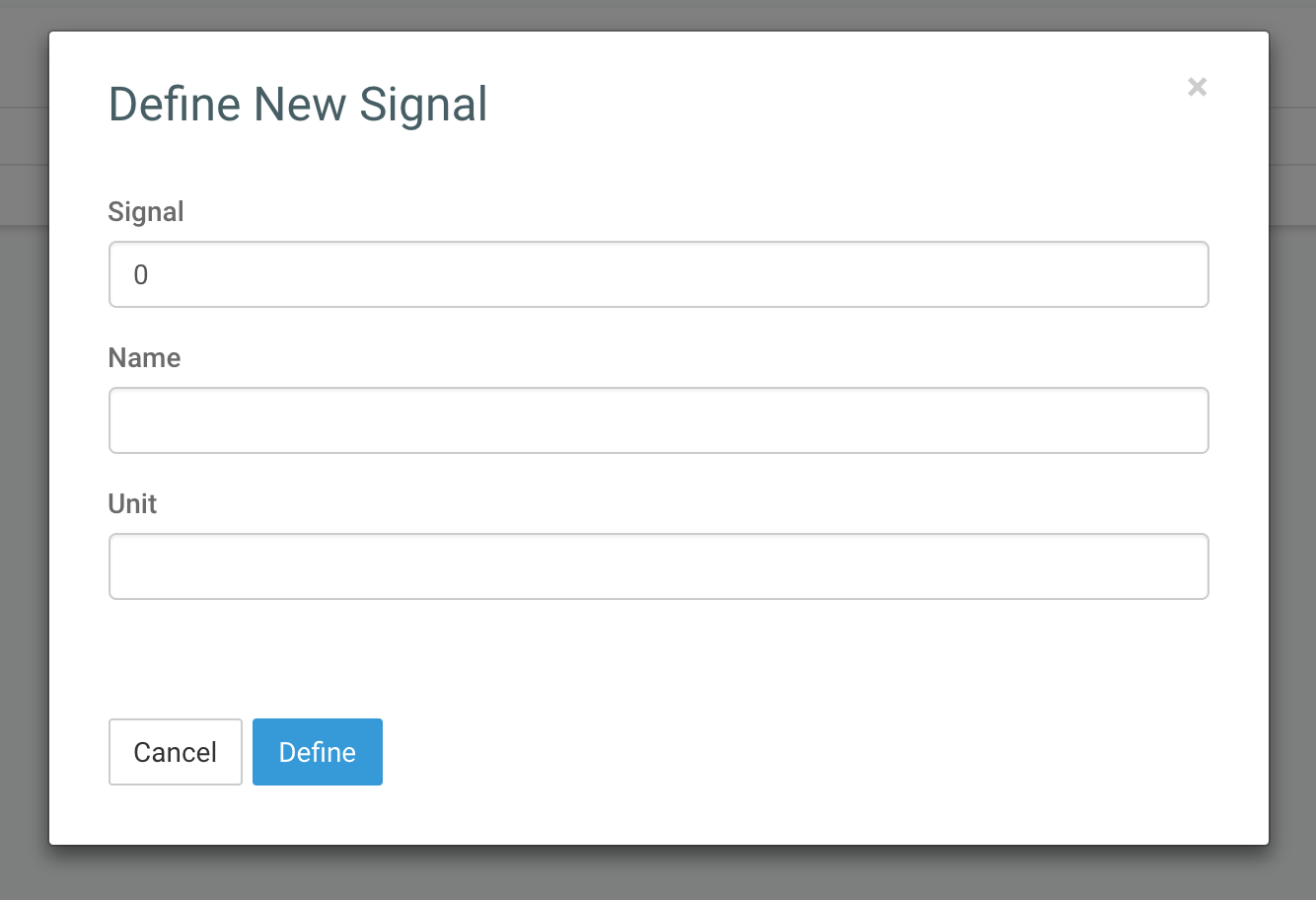
We simplified the creation of signals. Now there's no need to define data type (There's no Data type field in the new signal form). A data type is now sent automatically by the device. Supported Python dataTypes are
String,Float,Int,Array, andTupple.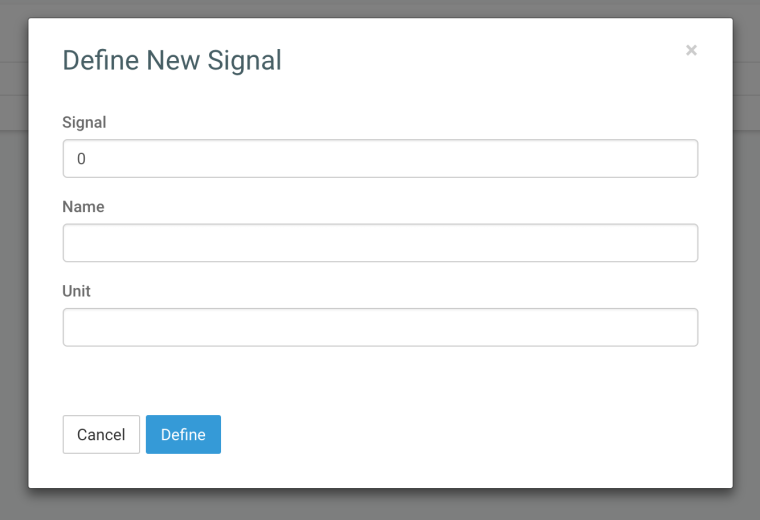
We simplified the function for sending data from Python
send_virtual_pin_value. You can replace it withsend_signalfunction. We will still supportsend_virtual_pin_valuefunction for some time.# old API: # permanent - legacy parameter, don't have any effect # signal number shown in Pybytes. 0 - 255 signals # data - variable you're sending pybytes.send_virtual_pin_value(permanent, signalNumber, data) #e.g.: pybytes.send_virtual_pin_value(False, 1, 'hello') # new API: pybytes.send_signal(signalNumber, data) #e.g: pybytes.send_signal(1, 42) pybytes.send_signal(1, 3.14) pybytes.send_signal(1, 'hello') pybytes.send_signal(1, (42, 3.14)) -
About the parameter 'signalName', i think is relevant to clarify that this parameter corresponds whit the tag "Signal" and not "Name"
-
Good point, I'll update the docs.
Hello! It looks like you're interested in this conversation, but you don't have an account yet.
Getting fed up of having to scroll through the same posts each visit? When you register for an account, you'll always come back to exactly where you were before, and choose to be notified of new replies (either via email, or push notification). You'll also be able to save bookmarks and upvote posts to show your appreciation to other community members.
With your input, this post could be even better 💗
Register Login