WiPy3 on Expansion3.1: Unable to Update WiPy's Firmware
-
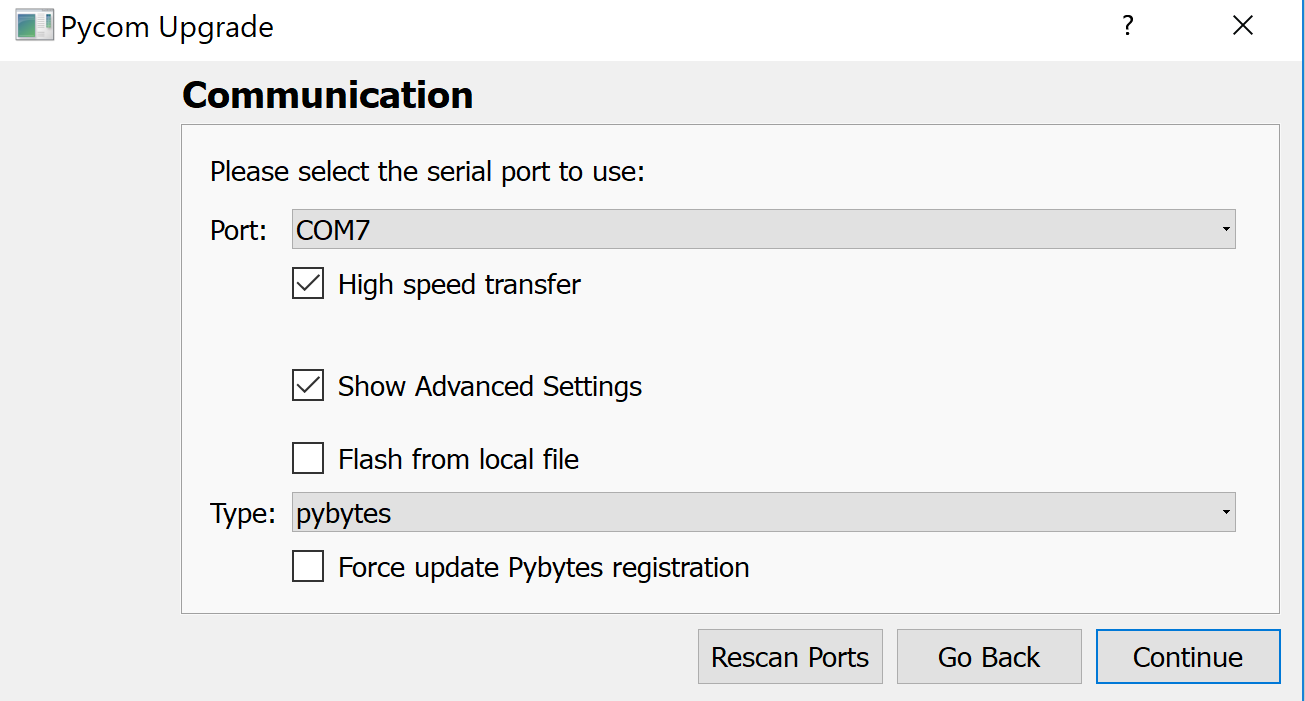
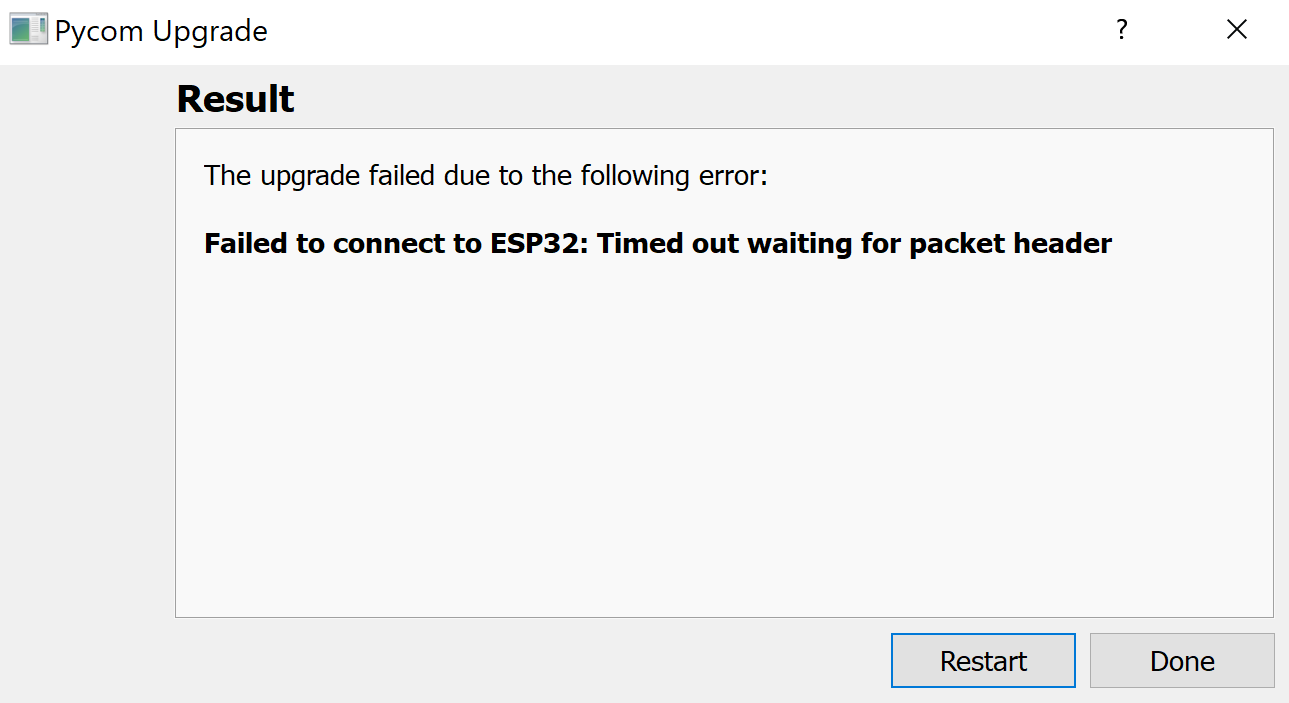
I have installed the Expansion Board 3.1's firmware with success and now I am using the Pycomm Firmware Update software to update the WiPy3's firmware, but I continue to get the error "Failed to connect to ESP32: Timed out waiting for packet header". I have tried it with a wire connected between GND and P2 and without the wire. I don't know what the issue is.
p.s.: The led on the WiPy blinks green whenever I hold the reset button, so I don't think it is completely bricked. -
@jc_serg Did you try uploading with at low speed (untick the "High speed transfer" checkbox).
About P2 to GND: You have to make that connection and then push reset, to bring the device into bootloader mode. But that is not required is you used an Pycom expansion board. It is only required if you use a standard USB/UART adapter. -
@jc_serg To add to robert-hh comment, please also ensure that you have no other application connected to the expansion board / Pycom module.
-
@robert-hh @oligauc Just tried it with a low speed, and I got the same result: "Failed to connect to ESP32: Timed out waiting for packet header". There are no other applications connected with the board, just the WiPy. If this helps at all, I hooked the wipy/expansion board up to a multimeter, and it is reding 4.8 V between Vin and Ground and 9.476 Mohms between Vin and Ground. I am pretty sure that means it is not bricked, is that a correct assumption?
-
@jc_serg Vin shows the voltage of the USB bus. So it does not tell a lot about the WiPy. More interesting is the voltage at the 3.3V pin, because that is the output of the power regulator on the WiPy.
Are all jumpers on the expansion board in place, especially those for RX and TX? -
@robert-hh Yeah, all jumpers are attached. With the multimeter connected to the 3.3V pin, I am getting a reading of 1.48 V.
-
@jc_serg 1.48 is the value between Vin and 3.3V. You should see 3.3 V between the 3.3V pin and GND.
-
@robert-hh I can confirm that the voltage between GND and 3.3V is 1.48 V on my board, not the 3.3V it should be. Is this what is causing my inability to connect with the wipy?
-
@jc_serg That looks bad then. Since 3.3V is an output of the board, it means that the board is not working. Are you sure you plugged in the board in the right orientation?

Hello! It looks like you're interested in this conversation, but you don't have an account yet.
Getting fed up of having to scroll through the same posts each visit? When you register for an account, you'll always come back to exactly where you were before, and choose to be notified of new replies (either via email, or push notification). You'll also be able to save bookmarks and upvote posts to show your appreciation to other community members.
With your input, this post could be even better 💗
Register Login