Welcome to the Pycom forum Forum
    • \[\[global:header.categories\]\]
    • \[\[global:header.recent\]\]
    • \[\[global:header.tags\]\]
    • \[\[global:header.popular\]\]
    • Login

    Explore Pybytes | Official Documentation | Report a Firmware Bug/Issue | GitHub

    Pairing mode not enabled

    Scheduled Pinned Locked Moved Helium Hotspot
    2 Posts 2 Posters 87 Views 2 Watching
    Loading More Posts
    • Oldest to Newest
    • Newest to Oldest
    • Most Votes
    Reply
    • Reply as topic
    Log in to reply
    This topic has been deleted. Only users with topic management privileges can see it.
    • C Offline
      Christopher Holtkamp
      last edited by

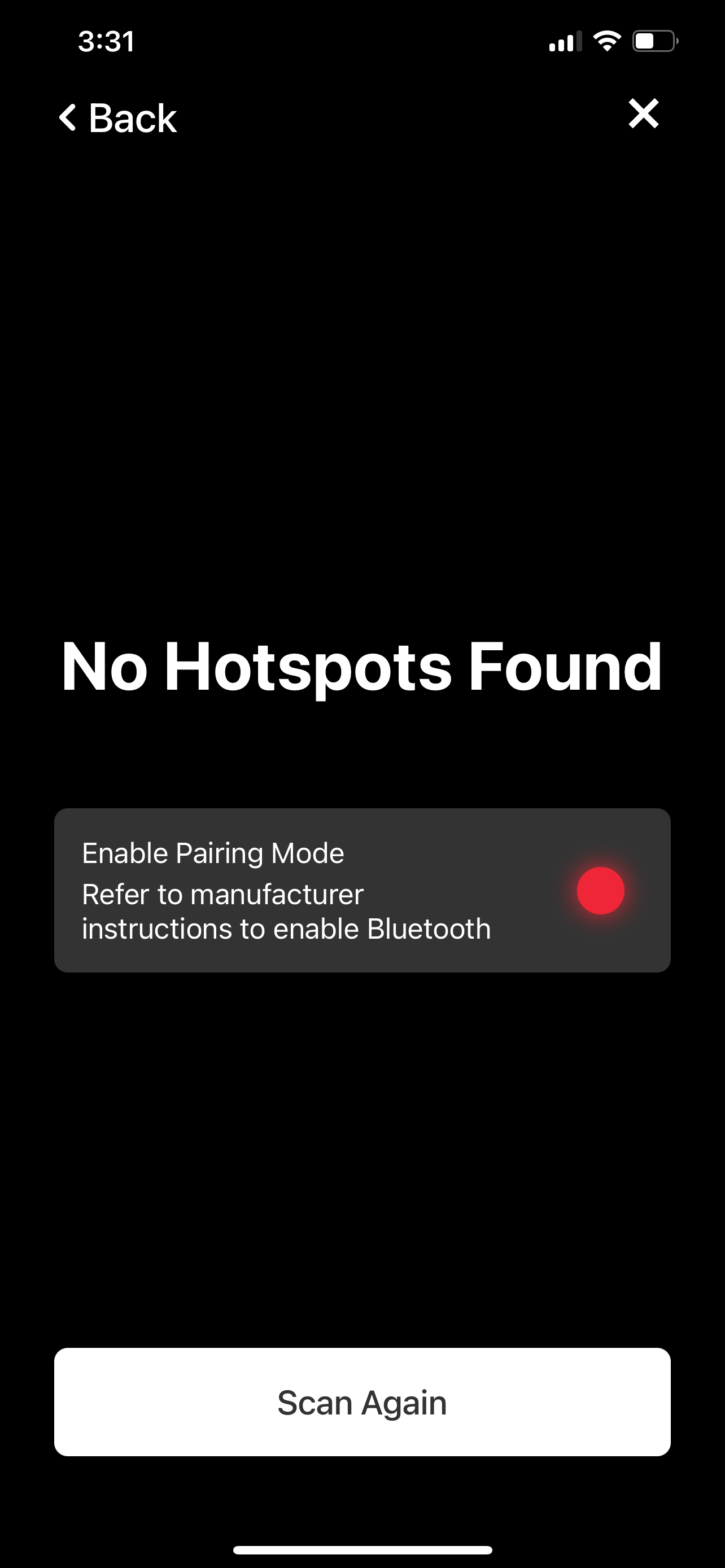
      Just received my miner and it can’t be onboarded. The app says pairing mode not enabled. Tried rescanning multiple time within the 30 minute window. Is there a way to manually turn on pairing mode?
      7607DBBA-664A-428D-A0A0-72AE785997CE.png

      1 Reply Last reply Reply Quote 0
      • L Offline
        Laurenz von Recklinghausen
        last edited by

        i had the same issue. i opened the case and the individual parts weren´t connected
        this guy had the same issue https://forum.pycom.io/topic/7668/unable-to-assert-location-helium-hotspot?_=1660984068047

        1 Reply Last reply Reply Quote 0

        Hello! It looks like you're interested in this conversation, but you don't have an account yet.

        Getting fed up of having to scroll through the same posts each visit? When you register for an account, you'll always come back to exactly where you were before, and choose to be notified of new replies (either via email, or push notification). You'll also be able to save bookmarks and upvote posts to show your appreciation to other community members.

        With your input, this post could be even better 💗

        Register Login
        • 1 / 1
        • First post
          Last post

        Pycom on Twitter

        Pycom