Hotspot is no more! It has ceased to be!
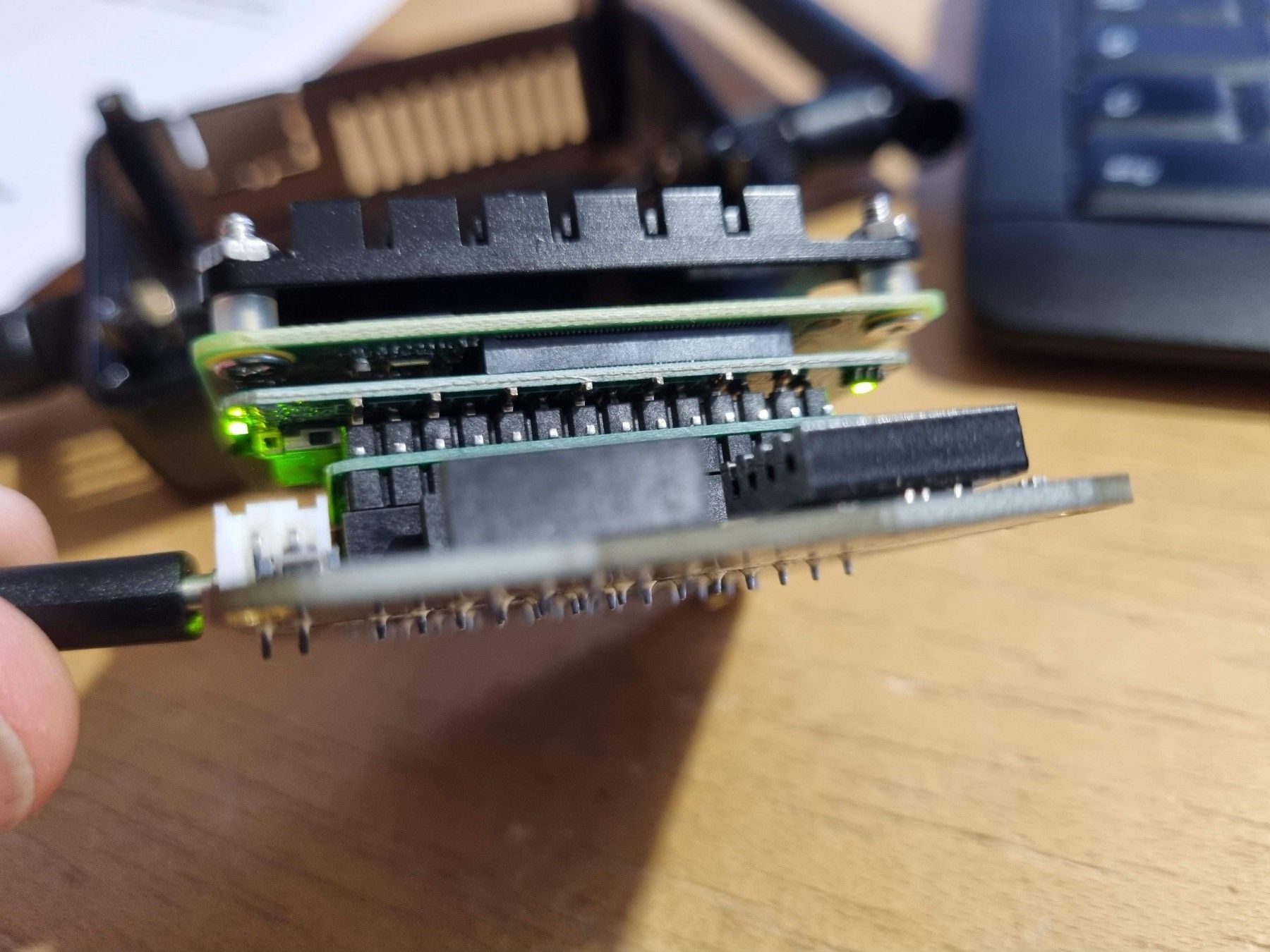
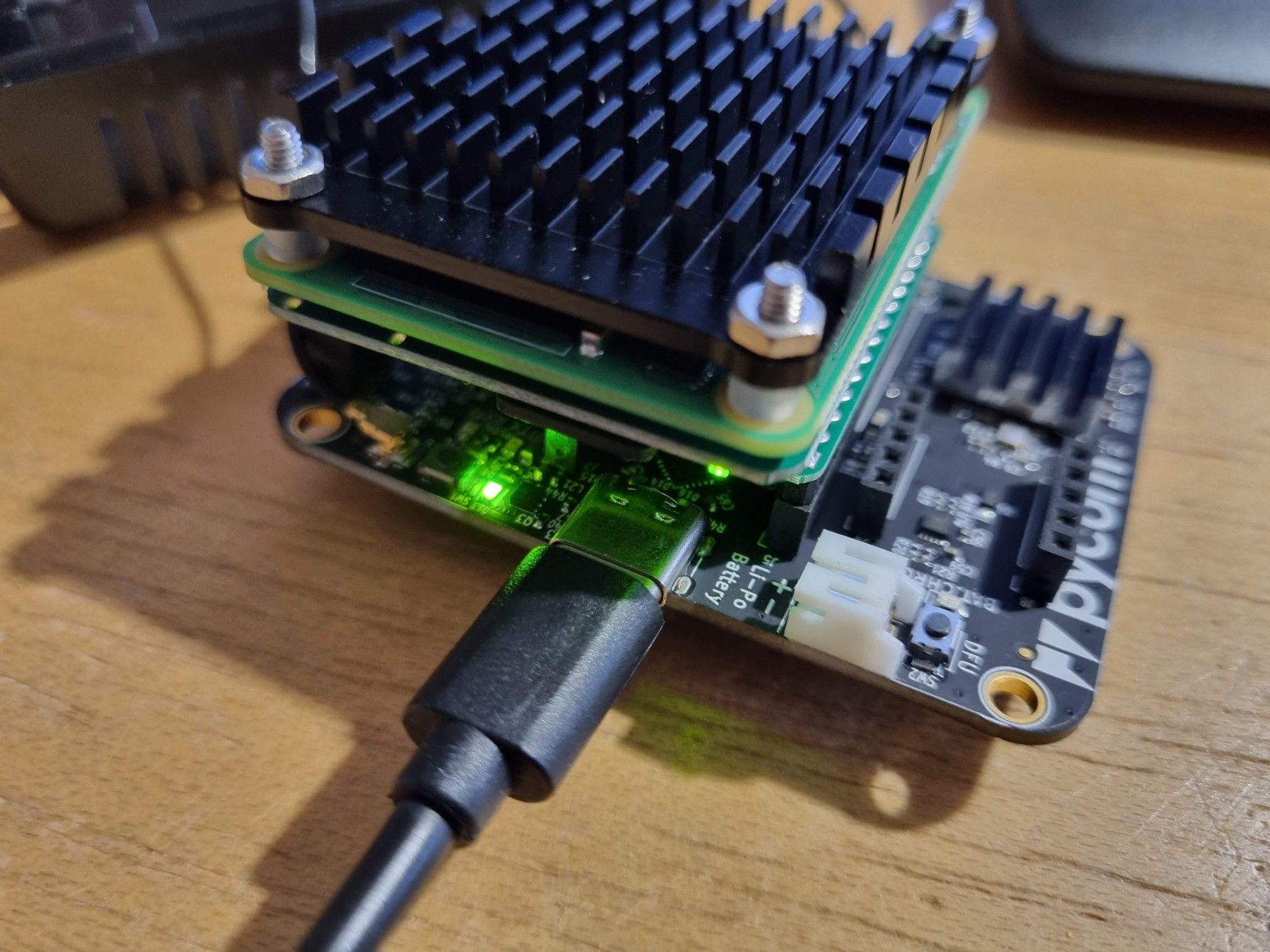
-
@robert-hh there have been a few posts from Pycom developers over the last few days. I hoped that was the sign things were finally being taken seriously, but that didn’t go very far.
-
-
Hi all,
We are still here! Things have been a bit slower as it's August so people are on holiday.
Dimitrios, I've replied to your support ticket (I need to consult with a colleague)Thank you
-
@Pete-Allen-0 That's good. Welcome back. Can you tell the people here something about bug fixes for Helium and PyGo?
-
@Dimitrios-Bogiatzoules : Can you take the SD Card out and put it into a computer? If it's a windows computer you will just see the first partition, but it will at least let us know if the SD card is still functioning.
On Linux you will see the whole raspberry pi filesystem, and it will verify that neither partition has been corrupted. I'm not sure whether MacOS can see ext4 partitions.
If the SD is the issue we can get that fixed.The other thing that could give some useful troubleshooting information is if you connect the USB-C port to a computer you should be able to see the Linux console. I can give further instructions on this if needed.
Thank you
Pete -
@Pete-Allen-0 Yes, I got that message, thank you and good to see that you are on it.
-
@Pete-Allen-0 : What are the COM port settings for PuTTY on Windows to watch the miner boot? 115,200 baud is nearly there but it's still garbled. Parity, stop bits, all that good old-school stuff. :-)
-
This is an old topic, but if anyone can help, greatly appreciate it. My Pycom has become dead, ceased to be, no more, expired (monthy python reference just for laugh). The miner does not start, does not show on bluetooth, with pycom app or helium; Also does not show in wifi. Basically it is an unsuported brick.
I managed to connect Putty using serial, and I see below message:
*Thu Jan 1 00:00:05 UTC 1970
writable contains a file system with errors, check forced.
writable: Inodes that were part of a corrupted orphan linked list found.writable: UNEXPECTED INCONSISTENCY; RUN fsck MANUALLY.
(i.e., without -a or -p options)
fsck exited with status code 4
The root filesystem on /dev/mmcblk0p2 requires a manual fsck*I got the card from the miner, cloned it for backup, and ran fsck -A on the device using ubuntu, which did not find any errors.
I'm stuck, don't know what else to test or how I can correct this. If someone can help, would greatly appreciate.
Thx -
@Rui-Silva been there, done that. Just download the SD image (1) and write a new SD card with it. The hotspot should then boot as expecte. Then run the app, pair with the hotspot and run through the registration process. The network recongnises that the hotspot was already registered and you should be left with a newly running hotspot. Since summer, one of three hotspots hat to be revived like this twice (the one I pictured above). Why this happens I can't tell. The other two run with only the odd restart because the seem to loose connection to the WiFi from time to time. Again, I have no idea why this happens.
Cheers and I hope that helped.
(1) The link to the image is in the last troubleshooting entry: https://docs.pycom.io/gettingstarted/registration/lora/helium_hotspot_registration/
-
@Dimitrios-Bogiatzoules Thank you ! I was getting close to no hope of reviving this! I will give it a go in a couple of hours!

Hello! It looks like you're interested in this conversation, but you don't have an account yet.
Getting fed up of having to scroll through the same posts each visit? When you register for an account, you'll always come back to exactly where you were before, and choose to be notified of new replies (either via email, or push notification). You'll also be able to save bookmarks and upvote posts to show your appreciation to other community members.
With your input, this post could be even better 💗
Register Login