Can't achieve to get a project in PyMakr
-
I have difficulties starting with Pycom :(
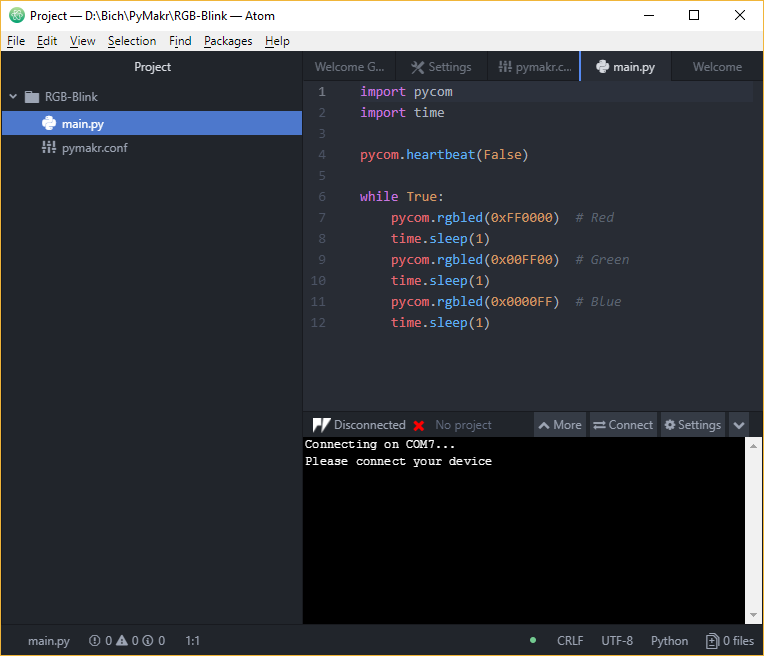
I am able to use REPL interactively but can't integrate a 'project', so no way to upload or download anything to/from the Pycom device.PyMakr/Atom always displays "No project", even though a project is open in Atom, and a file is displayed and editable. Trying to run the open file/project always result in "No file to run".
BTW the doc says to use the Atom command 'Open File' to open a directory, which is refused by Atom. 'Open Directory' can be used instead.
![PyMakr screen capture]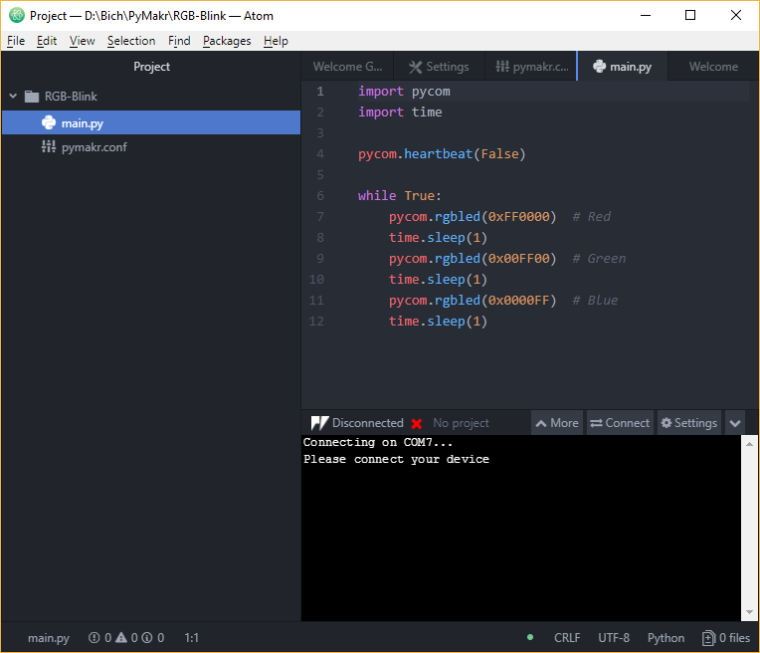
Any help or details on how to force PyMakr to open a project would be warmly welcome.
Thank you -
Hi @ropito,
Can you connect to your board? Could you share which version of Atom and Pymakr you're using?
-
Yes, I can connect to the board (WiPy) and program it interactively with REPL, but in any case PyMakr displays 'No project'
Atom is 1.29.0 x64
PyMakr is 1.4.1
System is Windows 10 Famille version 1803, SE version 17134.228Thanks
-
@dan Any info, suggestion, recommendation ?
I am still stuck at the same point !! -
HI @ropito, I've tested it and I see that it indeed doesn't display the project name when working on windows. It's only a UI issue though. It does detect your project and will upload files from it when using the upload or download feature. It's just the UI label that doesn't display the name.
I'll look into it and will fix the label in the next release.

Hello! It looks like you're interested in this conversation, but you don't have an account yet.
Getting fed up of having to scroll through the same posts each visit? When you register for an account, you'll always come back to exactly where you were before, and choose to be notified of new replies (either via email, or push notification). You'll also be able to save bookmarks and upvote posts to show your appreciation to other community members.
With your input, this post could be even better 💗
Register Login