Welcome to the Pycom forum Forum
    • \[\[global:header.categories\]\]
    • \[\[global:header.recent\]\]
    • \[\[global:header.tags\]\]
    • \[\[global:header.popular\]\]
    • Login
    1. Home
    2. Tags
    3. packet

    Explore Pybytes | Official Documentation | Report a Firmware Bug/Issue | GitHub

    Log in to post

    • All categories
    • A

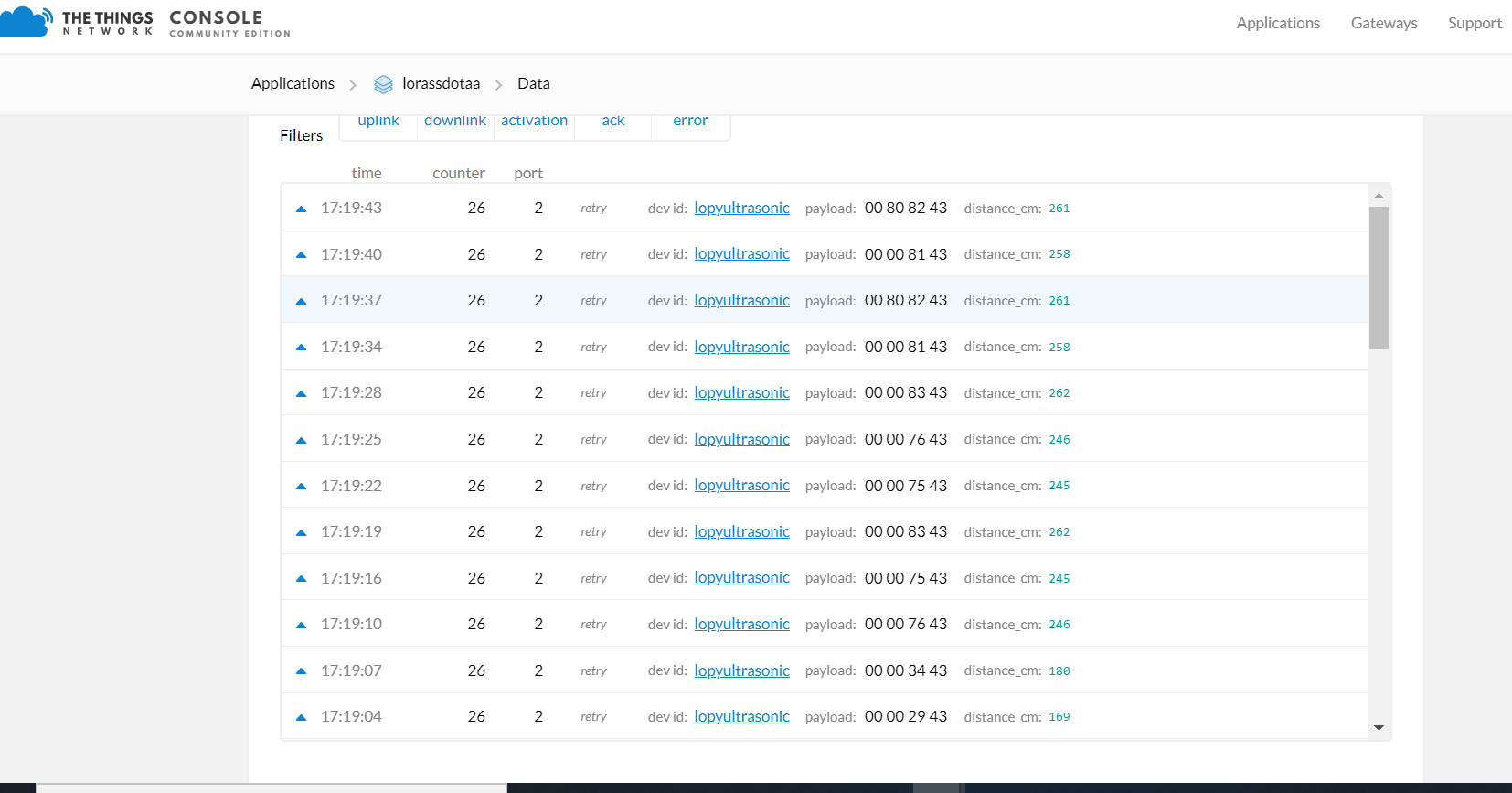
      LoPy4 LoRaWAN OTAA tx_counter not incrementing

      Watching Ignoring Scheduled Pinned Locked Moved LoPy bugs lorawan lopy packet ttn lora ttn gateway
      3
      1
      0 Votes
      3 Posts
      170 Views
      A
      @robert-hh I changed P8 to P9 and it works great! Thank you so much!
    • M

      Wipy 3 BLE packet size

      Watching Ignoring Scheduled Pinned Locked Moved WiPy 2&3 wipy 3.0 ble packet size
      2
      0 Votes
      2 Posts
      417 Views
      M
      Any news?
    • K

      Decode Python struct on TTN using Javascript

      Watching Ignoring Scheduled Pinned Locked Moved MicroPython decode python lopy packet data
      2
      0 Votes
      2 Posts
      1k Views
      K
      Found my answer after hours of looking around. Found this beautiful post on TTN regarding decoding the values of different types and what have you found here by Arjanvanb on TTN The main answer was posted on Stackoverflow by Ilya Bursov.
    • R

      LoRa Socket send or recv fails with packet > 24 bytes

      Watching Ignoring Scheduled Pinned Locked Moved LoPy lora packet abp nanogateway
      3
      0 Votes
      3 Posts
      2k Views
      R
      @jmarcelino I've tweaked the LoRa configs in every way I can think of. I get the same results when using data rate 4. I suppose the next step would be to examine if the packet (header + payload) is being created correctly through socket.send() however I know of no way to do that at the uPython command level. Any suggestions of next steps?
    • F

      LoRa packet loss

      Watching Ignoring Scheduled Pinned Locked Moved LoPy lora packet
      9
      0 Votes
      9 Posts
      4k Views
      F
      @bucknall @jcaron @jmarcelino Guys, mystery solved. It seems like I have already damaged the sender Pycom by sending packets before attaching the antenna to it (improper use...). Now I used another Pycom acting as the sender and there is <1% packet loss. Lesson learned the hard way. Always read all documentation before playing around with the board :/
    • 1 / 1