2 of my LoPy Stop Working trying on the expansion board 2 and pysense
-
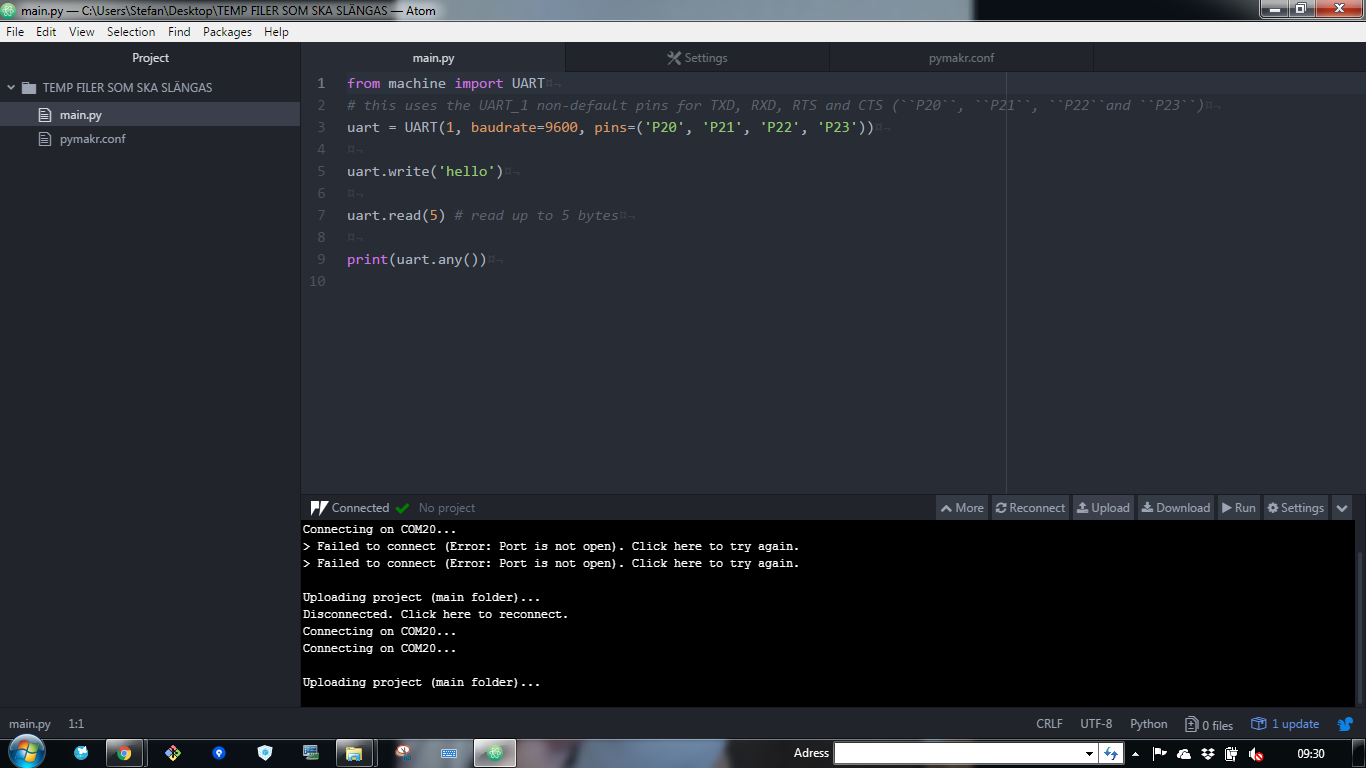
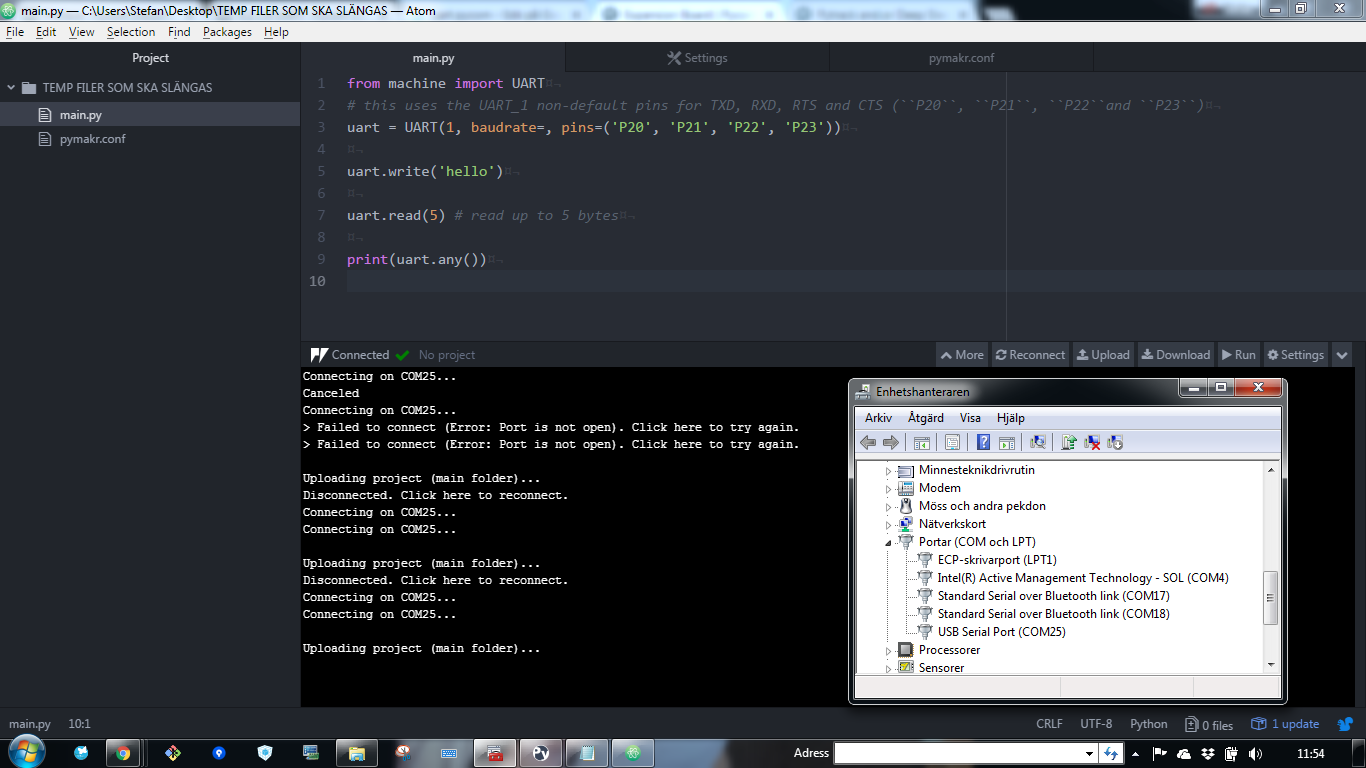
I dont understand why it stop working.... I have a expansion board 2 and pysense and problem is in both. This code is just a easy test to try upload the code.
It stops working after a time i dont get it, I have latest firmware on lopy.
Firmware:
---> atom 124.1 x64 (Only firmware that works)
---> pymakr 1.2.7 (Only firmware that works)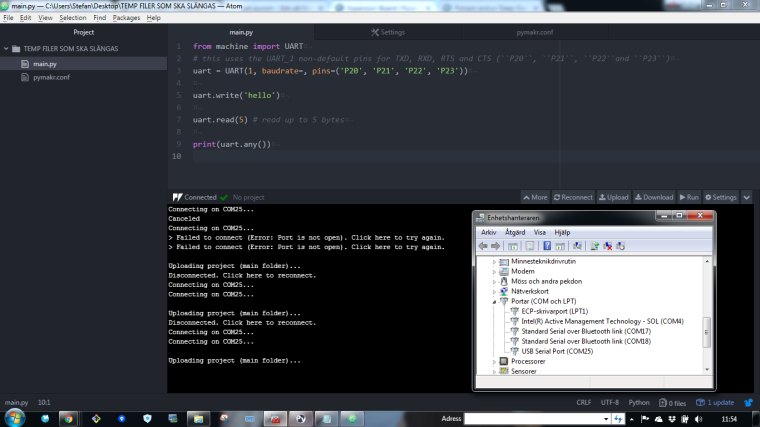
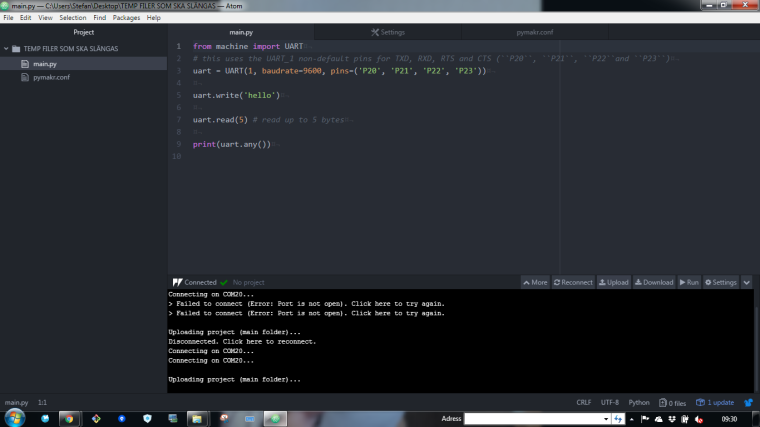
Still same thing.... Nothing happens...:
-
Hi @stefan85e, why don't you update the Atom to 1.26.0, and Pymakr to 1.2.12, these seems to be the latest?
Secondly, if you want to test a simple micropython script, use some simple
print("Hello world!). Print uses UART0 which is connected to the Expansion board FTDI chip, and you can see the messages on USB.Thirdly, from your script, do you expect to see
helloon Pymakr console? Your script defines UART1 on (P20-P23 pins), but these are not connected to the FTDI chip; the RX and TX are on P0 and P1. So you would need another FTDI chip interface connected to P20-P23 pins. Also, pay attention, that P20 is already used by UART0 RTS (and connected to FTDI_CTS). https://docs.pycom.io/chapter/datasheets/boards/expansion2.html -
@catalin first it won't work with latest atom and pymakr I tried that like 10 times already I get error and can't upload anything... sadly...
FTDI chip; the RX and TX are on P0 and P1...
I tried use P0 and P1 but then I had problem that it did not upload so I tried change it that's why it has there :)
from machine import UART
uart = UART(1,baudrate= 9600, pins=('P0','P1'))
print('Hello World')
#uart.write('Hello')#uart.read(5)
print(uart.any())
Do you mean something like this!?
http://www.ftdichip.com/FTDrivers.htm
http://www.ftdichip.com/Support/Documents/AppNotes/AN_107_AdvancedDriverOptions_AN_000073.pdf
-
@catalin said in 2 of my LoPy Stop Working trying on the expansion board 2 and pysense:
micropython
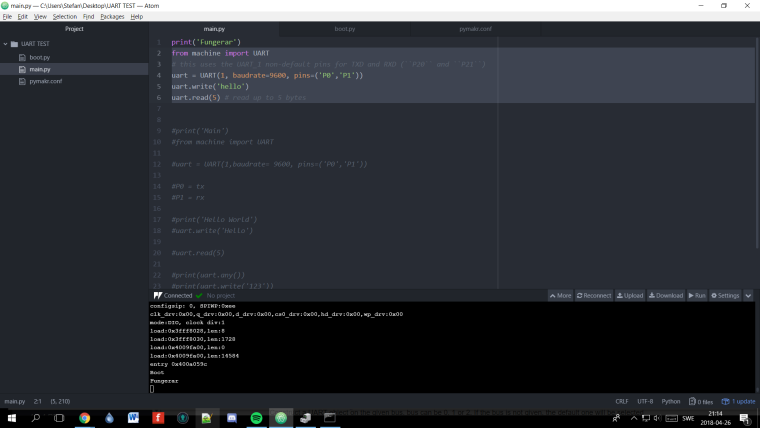
When I trying this it stil dont work:
-
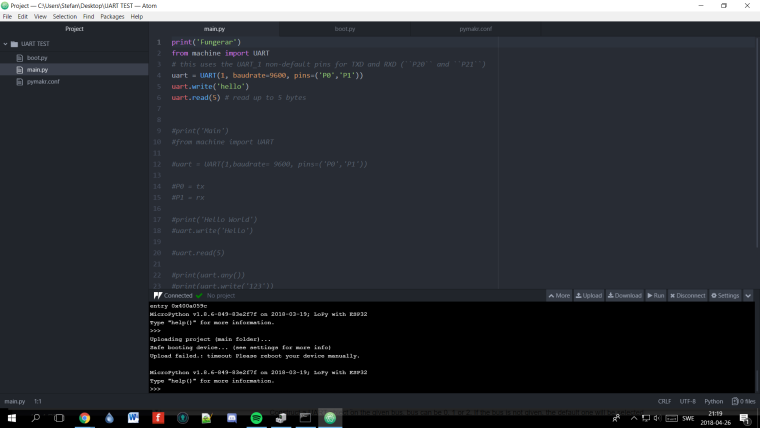
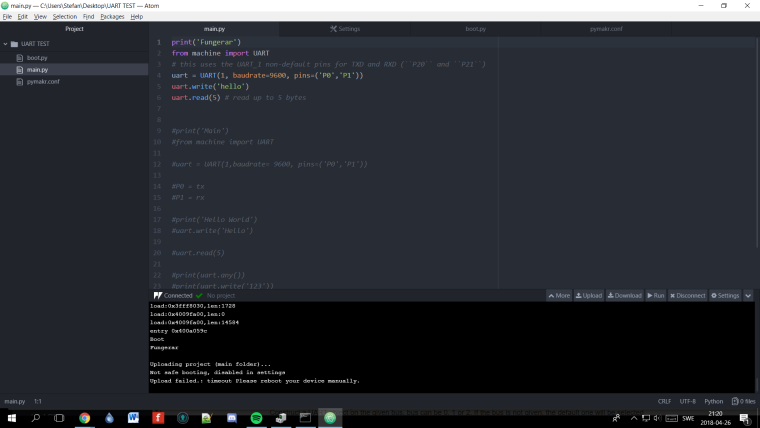
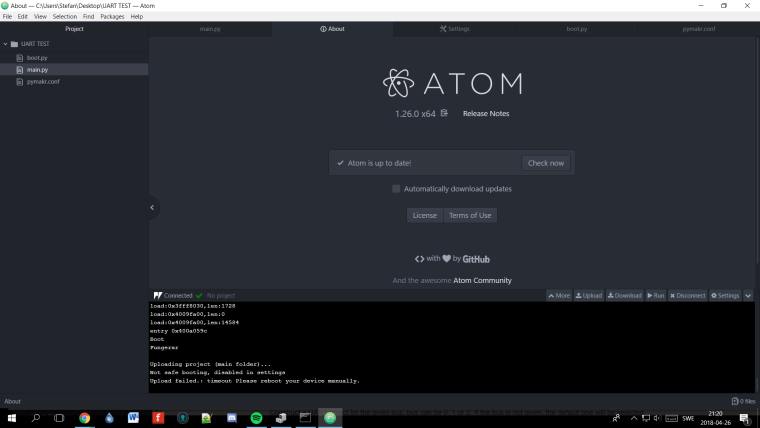
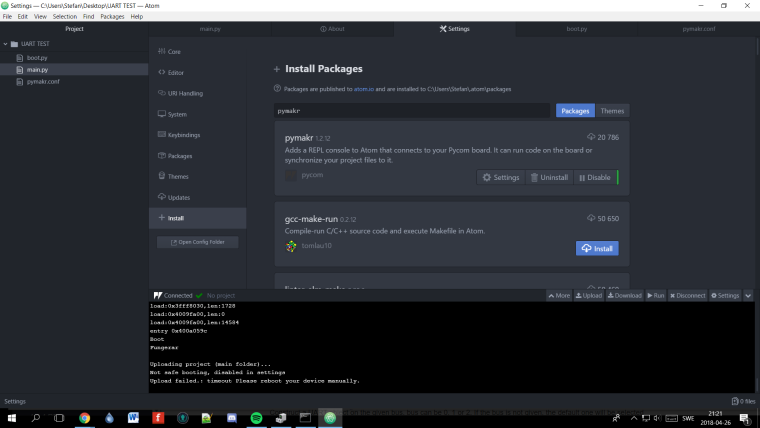
@catalin also this is why I dont use latest version:
I have connect 3.3V to G28 so I can upload code, for some reason it work from my win10 computer to upload code but i still dont understand what I should do to be able to use the uart..
-
hi @stefan85e,
Short between G28 and 3V3 it's for safe-boot (booting without executing micropython scrips or loading previous OTA firmware). This is not required.
Let's simplify and isolate problems.
-
upload scripts with Atom
Here make a simpleprint("hello"), no UART usage, yet; it should work -
usage of UART class.
Here if you just want to output messages,print()method should be enough. UART 0 is already indirected to P0/P1, thru print(). The second UART (#1), it's for communicating with another device connected to the Expansion Board (not with the USB/FTDI chip).
-

Hello! It looks like you're interested in this conversation, but you don't have an account yet.
Getting fed up of having to scroll through the same posts each visit? When you register for an account, you'll always come back to exactly where you were before, and choose to be notified of new replies (either via email, or push notification). You'll also be able to save bookmarks and upvote posts to show your appreciation to other community members.
With your input, this post could be even better 💗
Register Login