expansion board 2.1a
-
Hi there, I have a question.
My brand new lopy and expansion board 2.1a has arrived by post :) the packaging was super and it was a joy to unpack it :) (thx pycom.. so far it is excellent). But after hooking up the expansionboard (with the lopy module) to my laptop (windows 7) via a checked usb cable, the board wasn't recognised (I followed the manual via docs.pycom.io on the website...) After some seaching and finding out via the device manager I saw there was a problem with a missing FTDI driver (FT230X Basic UART). I installed it but still the board still wasn't recognised.
I even put in a micro sd card in the expansion board, just to check out if reading / writing works. but no dice :(
I'm I doing something wrong here?
I hope someone has the same issues and knows how to fix this. I'm not able to update the firmware and / or use IDLE.
With kind regards, Jeroen
-
Hi @joena,
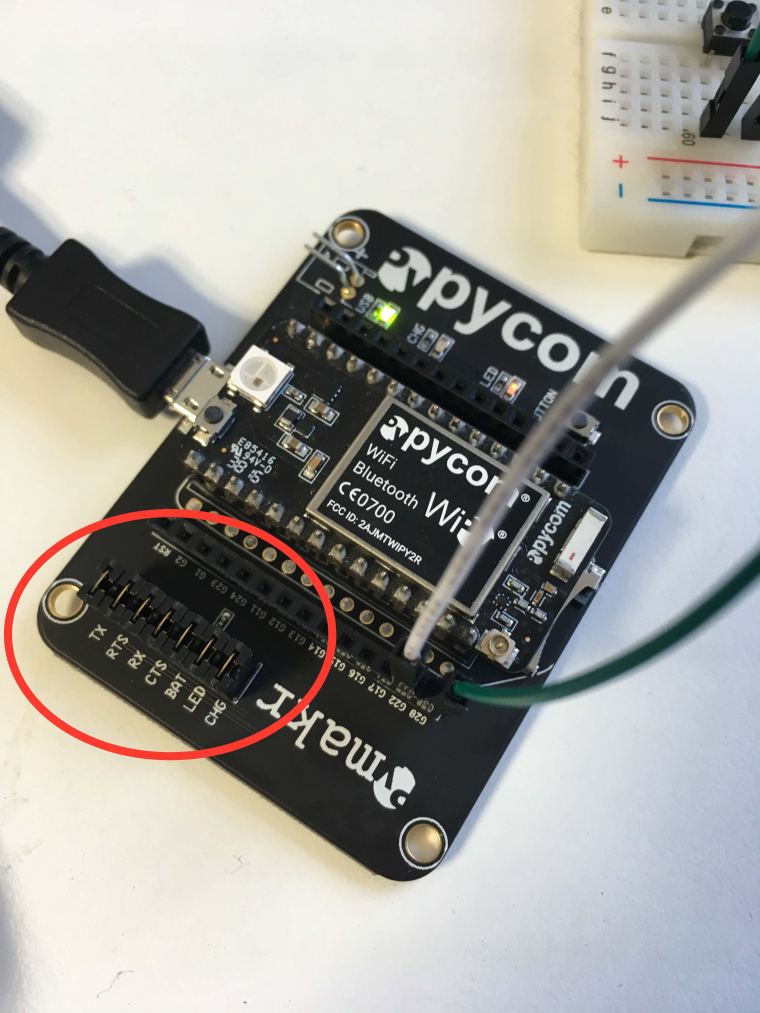
Somtimes, in transit, the expansion board headers slip off and need to be re-attached!
Check out this forum post to see if your headers are all there!
https://forum.pycom.io/uploads/files/1487695521217-img_6970-resized.jpg
Let me know how you get on :)
Thanks,
Alex
-
Hi there, thx for your quick response. All the headers are in place. I even reconnected them. I use the board (and LoPy unit) at work. A second module (I bought two boards and lopy's) is still in it's package at work. I will test the second unit on monday. Is it correct when i say this: If I connect the Expansion Board (so without the LoPy module) and I insert a Micro SD card. Do I See it in my Explorer (in Windows)?? Just to see / check if usb connection is ok/correct??
Thx, Jeroen
-
Hello @Joena,
no, you would not see the SD card. The connection through USB is purely a Virtual Com Port. Which means - you need the VCP drivers. You should see the new COM port in the device manager. If not, there is a problem with the driver, the cable or the jumpers. If all of the is ok, you should get an REPL prompt in an terminal emulation program like putty or teraterm (115200 baud, 8 bit, no parity).
-
@robert-hh hi robert,
Thx for your reply, I appriciate it :) I will check out your advice this monday (when I have access to the lopy/exp. board).
Kind regards, Jeroen -
-
hi all, thx for all the responses, i've got the exp. board (in combination with the lopy) working. the vcp driver did the trick :) thx :) :)

Hello! It looks like you're interested in this conversation, but you don't have an account yet.
Getting fed up of having to scroll through the same posts each visit? When you register for an account, you'll always come back to exactly where you were before, and choose to be notified of new replies (either via email, or push notification). You'll also be able to save bookmarks and upvote posts to show your appreciation to other community members.
With your input, this post could be even better 💗
Register Login