Welcome to the Pycom forum Forum
    • \[\[global:header.categories\]\]
    • \[\[global:header.recent\]\]
    • \[\[global:header.tags\]\]
    • \[\[global:header.popular\]\]
    • Login
    1. Home
    2. Tags
    3. pycom console

    Explore Pybytes | Official Documentation | Report a Firmware Bug/Issue | GitHub

    Log in to post

    • All categories
    • T

      pymakr is gone

      Watching Ignoring Scheduled Pinned Locked Moved Pymakr pymakr pycom pycom console vscode
      4
      1
      1 Votes
      4 Posts
      550 Views
      M
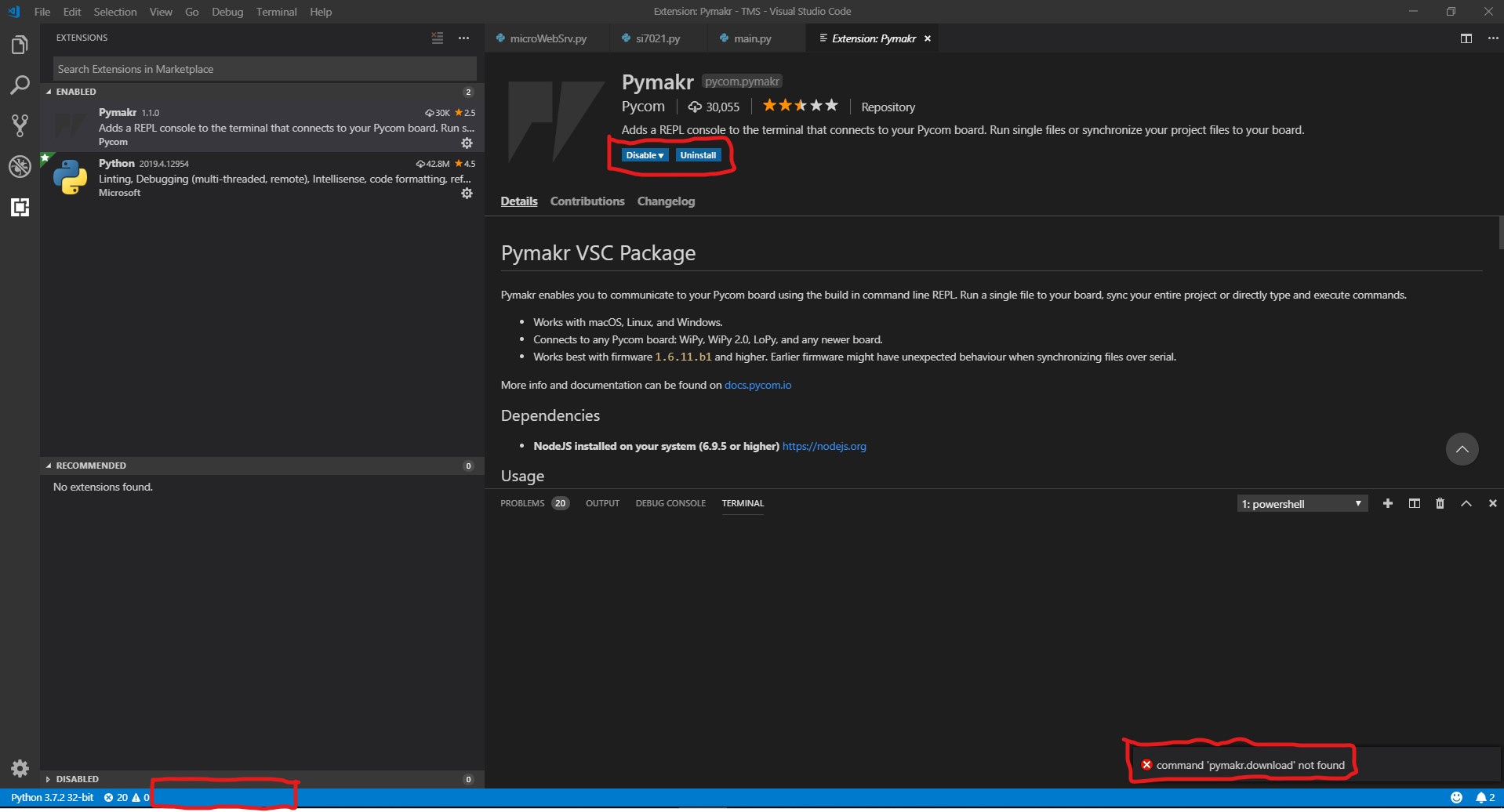
      It's worth mentioning that you should turn off "Extensions: Auto Update" or it'll automatically put 1.1.0 back! This is also probably why it suddenly happened in the first place. I had to to restart VS Code once I changed this setting too, as it still auto updated a couple of times for me, before I did. (Preferences > Settings > Features > Extension Viewlet > Auto Update (can also search for auto update to get to this)
    • F

      pycom and anaconda

      Watching Ignoring Scheduled Pinned Locked Moved WiPy 2&3 pycom console pycom wipy wipy 3.0 connect
      3
      0 Votes
      3 Posts
      688 Views
      M
      Hi! You can use this command line tool: https://hackmd.io/s/HJhUcamxQ#
    • cparrish60C

      Several problems: Intermittent connection(serial), won't sync, lousy documention, etc.

      Watching Ignoring Scheduled Pinned Locked Moved LoPy lopy connection pymakr sync err atom pycom console
      6
      0 Votes
      6 Posts
      1k Views
      T
      I have not had too many issues with the PyMakr plugin for atom. But I can understand if you do not like that setup. At least with more recent version of the plugin (November is the last I used it heavily), I did not have problems. What I remember annoying me the most was not being able to copy from the REPL. rshell is also a good option when you have a physical serial connection https://github.com/dhylands/rshell
    • A

      No activity on Pycom Console in Visual Studio Code - Windows

      Watching Ignoring Scheduled Pinned Locked Moved SiPy sipy pymakr usb serial conn visual studio c pycom console
      2
      0 Votes
      2 Posts
      1k Views
      A
      I got this to work on a different pc with windows 10, 32 bit installer of the the visual studio code (even though windows 10 install is a 64 bit install). 64 bit install of the visual studio code didnt work with the pymakr plugin for me.
    • 1 / 1