Welcome to the Pycom forum Forum
    • \[\[global:header.categories\]\]
    • \[\[global:header.recent\]\]
    • \[\[global:header.tags\]\]
    • \[\[global:header.popular\]\]
    • Login
    1. Home
    2. Tags
    3. connect

    Explore Pybytes | Official Documentation | Report a Firmware Bug/Issue | GitHub

    Log in to post

    • All categories
    • E

      nb-iot on t-mobile in NL

      Watching Ignoring Scheduled Pinned Locked Moved Discussion fipy nb-iot connect issues connection connect
      12
      0 Votes
      12 Posts
      1k Views
      robert-hhR
      @eric-waai These settings should be fine then.
    • F

      Connection between pycom and cmd console

      Watching Ignoring Scheduled Pinned Locked Moved WiPy 2&3 wipy 3.0 wipy 2.0 console connect pycom
      1
      0 Votes
      1 Posts
      388 Views
      No one has replied
    • G

      Sending SMTP Email

      Watching Ignoring Scheduled Pinned Locked Moved Comments & Feedback lopy wipy3.0 gpy connect smtp
      6
      0 Votes
      6 Posts
      1k Views
      L
      I have email send method implemented in my MycroPython port as a part of the curl module. I think it could be easily ported to Pycom's MicroPython (curl_mail.c, modcurl.c)...
    • F

      pycom and anaconda

      Watching Ignoring Scheduled Pinned Locked Moved WiPy 2&3 pycom console pycom wipy wipy 3.0 connect
      3
      0 Votes
      3 Posts
      688 Views
      M
      Hi! You can use this command line tool: https://hackmd.io/s/HJhUcamxQ#
    • F

      Python Interface

      Watching Ignoring Scheduled Pinned Locked Moved Comments & Feedback wipy3.0 wipy 2 wipy interface connect
      4
      0 Votes
      4 Posts
      1k Views
      P
      @fedesilvi I recommend you try PySimpleGUI It's much easier to program a GUI in PySimpleGUI than PyGame. Do you have tkinter on your platform? You should be able to hook up your GUI to anything you want. To display your information, read the data using your code, then plot the data using a Matplotlib / Pyplot call. You can then display that graph in your GUI. There is extensive documentation on how to use it and there are several example programs posted the demonstrate hooking it up to Matplotlib.
    • B

      Can't connect to PyBytes

      Watching Ignoring Scheduled Pinned Locked Moved Support & Troubleshooting beta pybytes connect lopy wifi
      2
      0 Votes
      2 Posts
      556 Views
      B
      This is strange behavior. When I assign it a new ssid / pw, it acts as an access point, and I can directly connect to it. When I delete the device, and add it again with an ssid / pw for the local wifi, it connects to that, and subsequently connects to PyBytes.

    • M

      Multitech conduit and Lopy "Not joined yet"

      Watching Ignoring Scheduled Pinned Locked Moved LoPy lopy multitech conduit failure connect
      22
      0 Votes
      22 Posts
      7k Views
      M
      @jmarcelino Hi I was trying the code on Leo Gaggl's blog page . Cheers Sean
    • P

      WiPy doesn't connect via USB anymore? Help

      Watching Ignoring Scheduled Pinned Locked Moved Discussion pycom usb connect usb serial conn connection
      3
      1
      0 Votes
      3 Posts
      946 Views
      P
      Yes! Thank you!!
    • C

      LInux (Debian) serial /dev/ttyUSB0 connect to pyboard not working

      Watching Ignoring Scheduled Pinned Locked Moved Expansion Board linux screen usb connect
      6
      0 Votes
      6 Posts
      3k Views
      C
      @robert-hh Thanks. it is working with 115200.
    • B

      Connecting the LoPy in STA mode

      Watching Ignoring Scheduled Pinned Locked Moved LoPy lopy wifi connect telnet ftp
      12
      0 Votes
      12 Posts
      3k Views
      B
      @robert-hh Thanks for the snippet. I can confirm that it seems to be a problem with my windows machine. I can now connect to the LoPy in STA mode via telnet and ftp (with my linux machine). Thanks for all the suggestions!
    • M

      Powering LoPy from a 3.3V 500mA '3p3' output

      Watching Ignoring Scheduled Pinned Locked Moved LoPy power connect lopy
      6
      0 Votes
      6 Posts
      2k Views
      M
      @MarcusKirsch I found the 5V pin (doh!) all good all running.
    • A

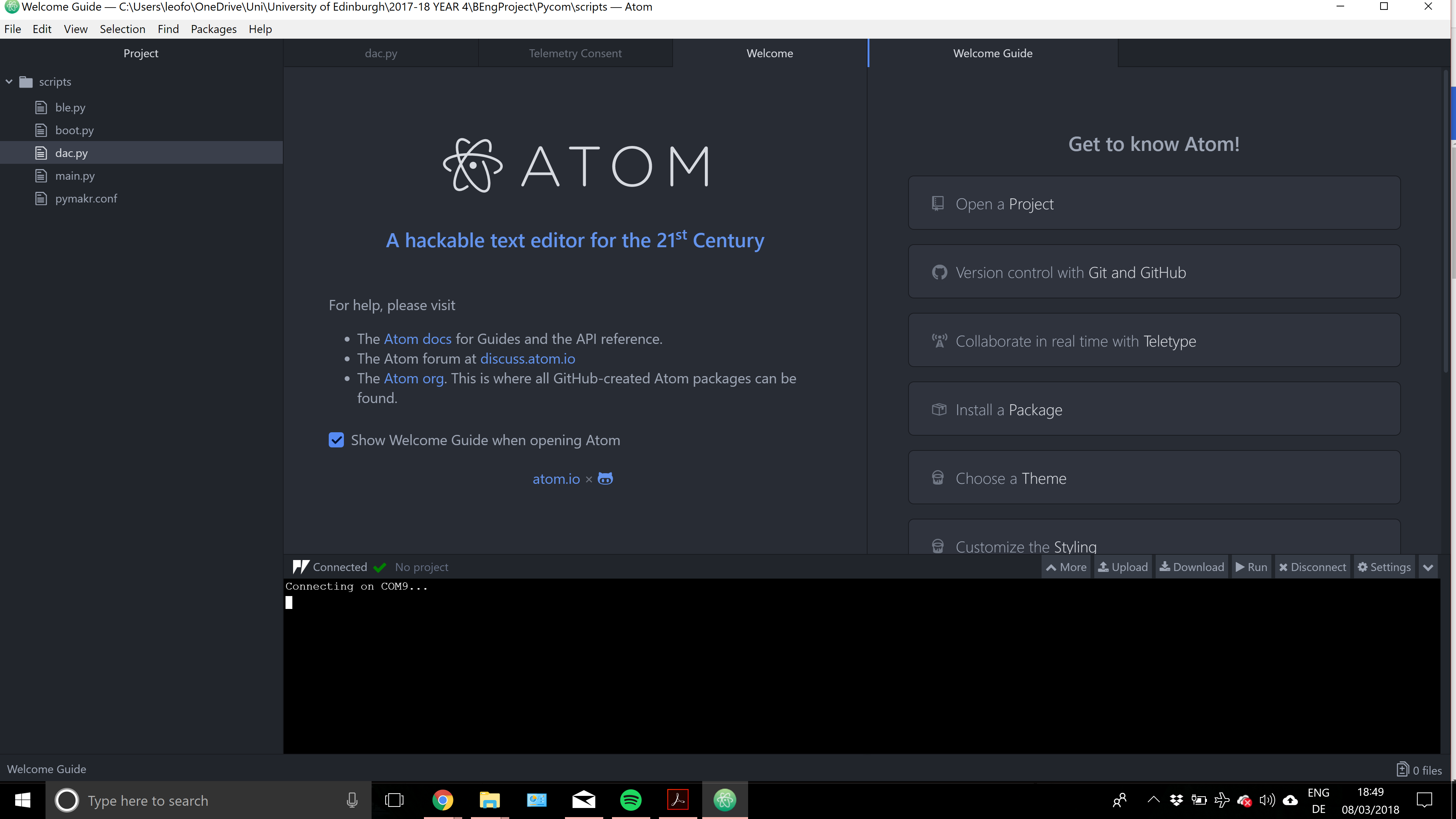
      Problems to connect with Atom

      Watching Ignoring Scheduled Pinned Locked Moved Issues & Bugs lopy atom connect
      5
      0 Votes
      5 Posts
      2k Views
      A
      @bucknall I' ve clean the file system and then I can connect to the board and sync (for example the traffic light example), but then, I cannot connect with the board anymore (this happens with the 3 boards): [image: 1494522587799-captura-resized.png]
    • S

      Issue when running the code

      Watching Ignoring Scheduled Pinned Locked Moved SiPy sipy pymakr connect
      2
      0 Votes
      2 Posts
      1k Views
      L
      @Smartpills Pymakr or Atom Pymakr plugin? If Pymakr - then do not use it at all. https://forum.pycom.io/topic/1026/pymakr-atom-plugin-released
    • K

      Connect to BLE device using random adddress type

      Watching Ignoring Scheduled Pinned Locked Moved LoPy ble connect random
      4
      0 Votes
      4 Posts
      1k Views
      S
      @jmarcelino Just checking if this is resolved. I am still not able to connect to BLE device when using Bluetooth.RANDOM_ADDR.
    • 1 / 1