@aen I had a different experience. This worked for me:
>>> import sqnsupgrade
>>> sqnsupgrade.info()
<<< Welcome to the SQN3330 firmware updater [1.2.6] >>>
>>> FiPy with firmware version 1.20.0.rc13
Your modem is in application mode. Here is the current version:
UE5.0.0.0d
LR5.1.1.0-46470
Then on the terminal:
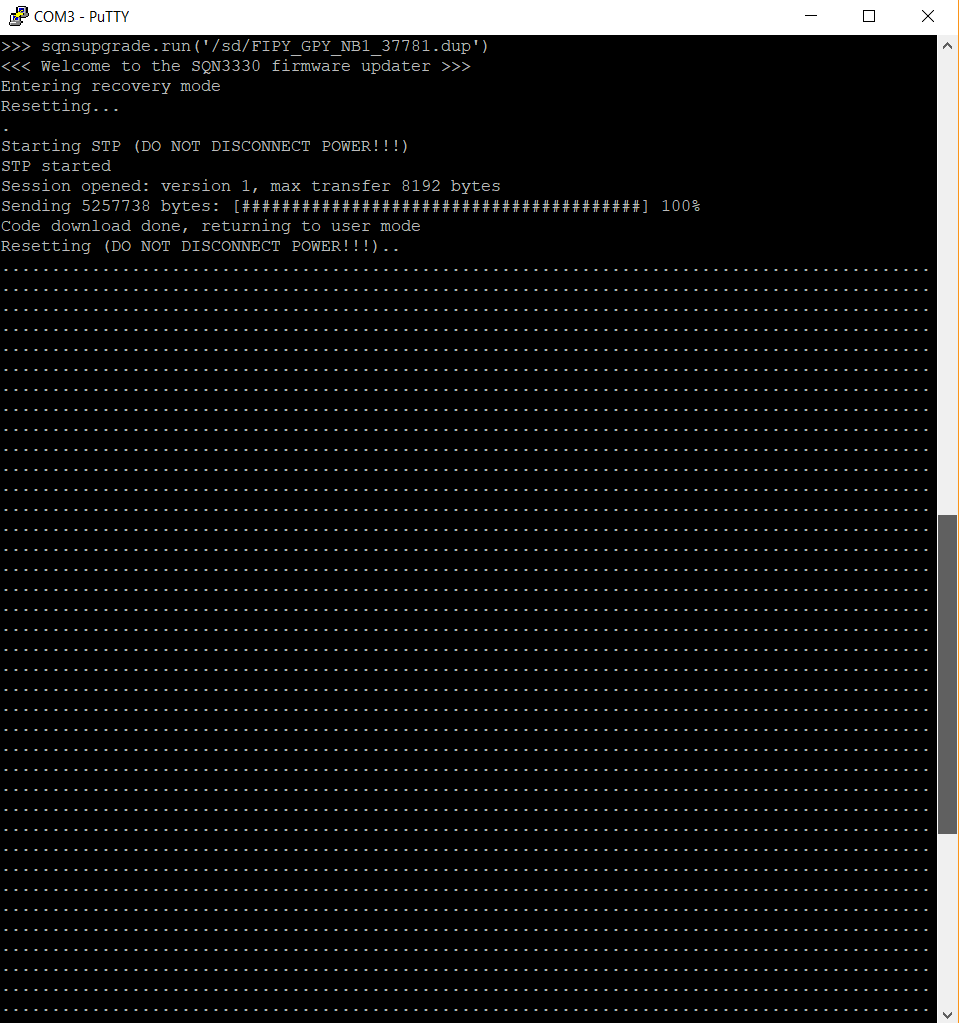
>>> sqnsupgrade.run('/dev/ttyACM0', 'NB1-41019.dup')
<<< Welcome to the SQN3330 firmware updater [1.2.5] >>>
Firmware file is too big to load via FFF method. Using ON_THE_FLY
Attempting AT wakeup...
Session opened: version 1, max transfer 8192 bytes
Sending 5835531 bytes: [########################################] 100%
Waiting for modem to finish the update...
<<<=== DO NOT DISCONNECT POWER ===>>>
Resetting.............................
Your modem has been successfully updated.
Here is the current firmware version:
UE6.0.0.0
LR6.0.0.0-41019
When I tried your method (to upgrade) the result was an error:
Upgrade failed with result failure[diffUpgrade,239] Patch didn't apply!
So I figured I'd just upload the final image rather than a diff as the factory shipped firmware appeared to be some unknown number (46470)
The documentation on all this is convoluted when its probably quite simple.
Philip