• Device registration failed

    2
    0 Votes
    2 Posts
    33 Views
    S
    I think there could be several causes for this problem. It could be because your network connection is unstable. Or your time like the date and time on your device is set wrong. It could also be because you are trying to register more devices than the device registration limit.
  • Pysense dependencies not recognized

    2
    0 Votes
    2 Posts
    18 Views
    J
    @Beatriz-Tomé can you clarify what exactly you are doing (including relevant code), what you are expecting, and what is actually happening (with relevant logs/errors)? At this time it is unclear to me what your issue is.
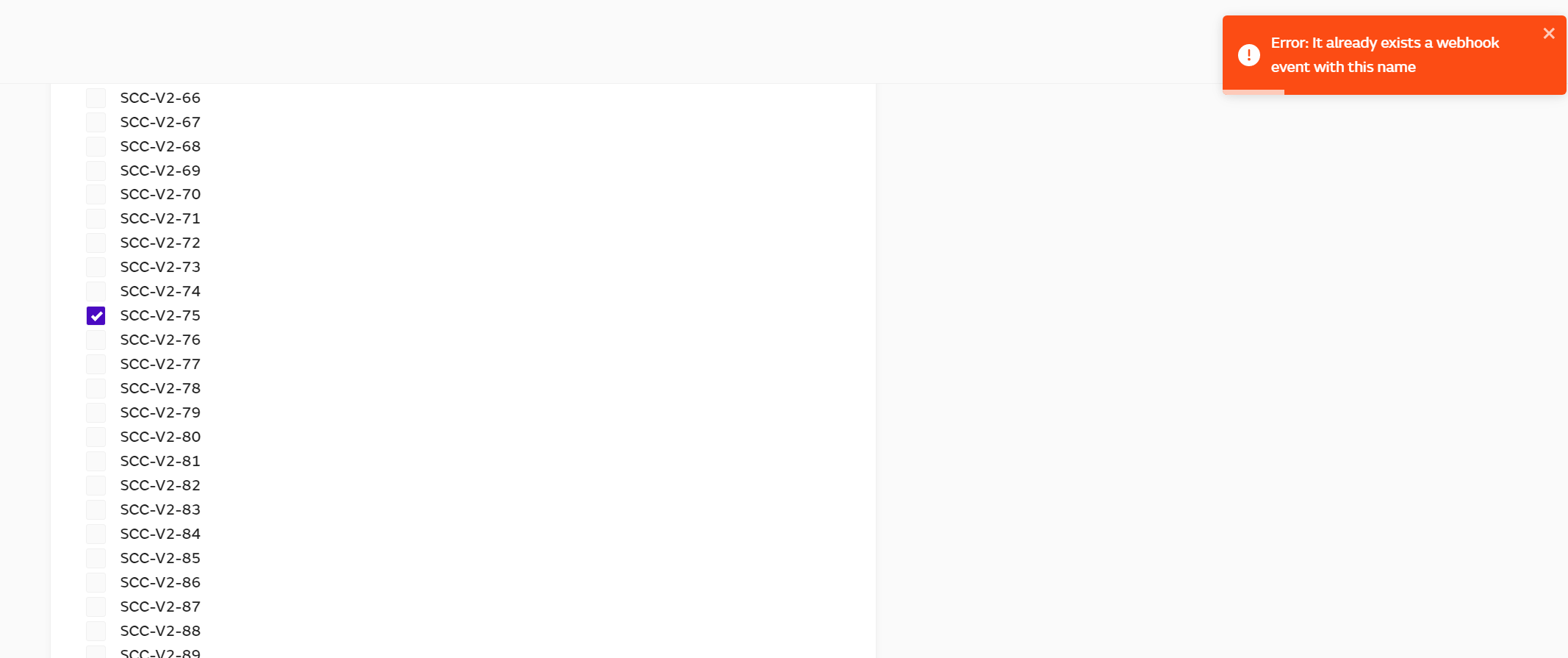
  • Error when trying to add or remove devices from webhook.

    1
    1
    0 Votes
    1 Posts
    10 Views
    No one has replied
  • pymakr will not update in atom 1.60.0 on Ubuntu 20.04

    atom pymakr linux npm
    10
    0 Votes
    10 Posts
    31 Views
    G
    @Jakob-Rosenberg-0 Good news. Given the content of the EOL announcement email sent out recently, specifically the focus on the platform as a service I did begin to wonder whether the Pymakr plugin would continue to be maintained. I really hope it is. I have no desire to switch to using Pybytes whatsoever.
  • Cannot install Pymakr 2.3.7 package in Atom 1.60.0 x64

    1
    0 Votes
    1 Posts
    5 Views
    No one has replied
  • Pymakr not compatible with Atom 1.56?

    10
    1 Votes
    10 Posts
    139 Views
    T
    Im having this bug on Debian Linux and when trying on Windows, it says it cant detect my Visual Studio (got the 2022 community edition). Trying to revert to version 2.1.9 as recommended by this fine gentleman above, i find that version 2.1.9 has been removed from git?!?! it jumps from 1.4.0 to 2.2.0 What is going on? I have a completely useless product at the moment.
  • Atom Pymakr Installation Error

    2
    0 Votes
    2 Posts
    24 Views
    W
    I get this same issue on multiple machines. Any fix yet from pycom?
  • This topic is deleted!

    1
    0 Votes
    1 Posts
    11 Views
    No one has replied
  • BLE Advertisement Max Length

    ble lopy4
    3
    1
    0 Votes
    3 Posts
    249 Views
    J
    Hi @pvstejeswar , did you figure it out ?
  • VSCode Pymakr not working

    2
    1 Votes
    2 Posts
    20 Views
    D
    Had to do the same. I am instead using VSCode 1.58.2 and Pymakr 1.1.12, works fine. Recent Pymakr 1.1.13 does not work with VSCode 1.60.0
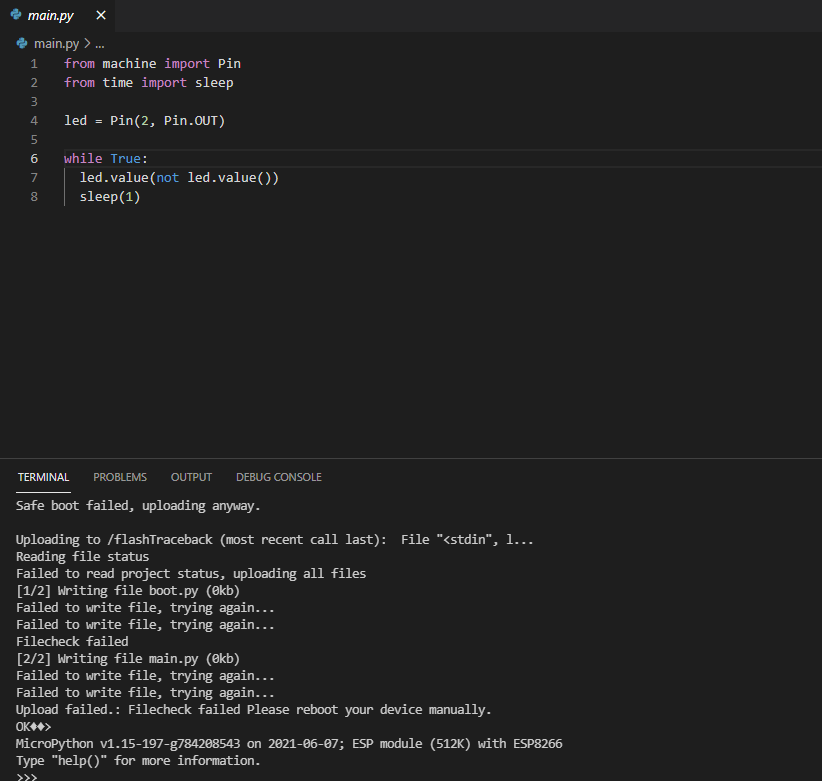
  • Pymkr upload failed

    2
    1
    0 Votes
    2 Posts
    14 Views
    L
    @Alexander-Castillo Are you sure that you are on the right forum? From you message i see ESP8266 We use here ESP32 only.
  • Pymakr error on VSCode

    10
    0 Votes
    10 Posts
    67 Views
    T
    @Matthew-Felgate-0 It does not accept the command, shows error "Command 'Pymakr > Extra's > List serial ports' resulted in an error (command 'pymakr.extra.getSerial' not found)"
  • WLAN connection problem "dhcps: send_nak>>udp_sendto result 0"

    8
    0 Votes
    8 Posts
    41 Views
    J
    @Anthony-Leung I suppose the firmware or the underlying ESP-IDF starts the dhcp server when in AP or AP+STA mode and doesn’t stop it when you switch. Not sure if there’s anything you could do from your micropython code to stop the messages, but I would believe them to be pretty harmless, though one would need to recheck the code which prints this. Things you could try include switching off WiFi via WLAN.deinit() and then switching it on again. Or worst case, reboot the board between the two modes.
  • 0 Votes
    3 Posts
    28 Views
    M
    Thanks @robert-hh. Not sure how I missed that post in my initial search.
  • AWS IoT topic subscribe callback never called

    2
    1
    0 Votes
    2 Posts
    14 Views
    F
    OKAY! The problem has been solved by adding a receive policy to the group the thing belongs to. { "Effect": "Allow", "Action": [ "iot:Receive" ], "Resource": [ "*" ] }
  • Pymakr stopped working in VSCode 1.49

    5
    0 Votes
    5 Posts
    37 Views
    ahmadelmasriA
    please check the new version 1.1.7
  • RMT preipheral won't transmit?

    6
    2
    0 Votes
    6 Posts
    22 Views
    robert-hhR
    @mogplus8 P5 and P7 are fine. The ADC's are limited to 8, P13 - P20, since only ADC1 can be used. P4, P8 and P23 are connected to the SD Card adapter on the expansion board. If you want to use the SD card, you cannot use the for other purposes. Otherwise you can use them. The USB is connected through a USB/UART bridge on the expansion board to UART0 on P0 and P1.
  • RMT peripheral known issue and workaround

    1
    0 Votes
    1 Posts
    15 Views
    No one has replied
  • WLAN issue: wlan auto-connects upon entering function body

    1
    0 Votes
    1 Posts
    20 Views
    No one has replied
  • Pymakr in VSCode can't find NodeJS (but it is installed)

    2
    0 Votes
    2 Posts
    40 Views
    D
    I've determined so far (by a small hack to pycom.pymakr/pymakr.js after installation) that the PATH that VSCode receives does not include /usr/local/bin, where the "node" executable is installed. (VSCode is being launched from Finder.) So the problem reduces to how to get that PATH into VSCode, which appears remarkably difficult in more recent versions of MacOS, and none of the recipes I've found work reliably without manual intervention. Moving node into /usr/bin is not possible due to MacOS System Integrity Protection. I can at least use pymakr now, but the extension or the installation instructions need to be updated to provide a workaround for this issue.

Pycom on Twitter