• Homemade enclosure for pygate

    1
    1 Votes
    1 Posts
    26 Views
    No one has replied
  • Sigfox Downlink and adafruitio

    1
    0 Votes
    1 Posts
    12 Views
    No one has replied
  • 3.3V output power off?

    6
    0 Votes
    6 Posts
    63 Views
    N
    @robert-hh That is also my experience. There is a circuit quoted in the pycom docs at OEM MODULES/G01/DATASHEET pdf/page22. [image: 1629409466427-b2129764-468f-4b6a-a03f-9b7bc9647180-image.png] which does the job. Note that there is an error in this dwg, and Q2 should be a P channel pwr fet such as the BSP170. When the gate of Q1 - which could be tied to a GPIO output - goes high, the 'active power' output will be at 3.3v. I use this circuit (with a P ch FET) to switch off the 3.3v to non essential devices when my G01 goes to sleep.
  • SW420 vibration sensor LOPY4

    1
    0 Votes
    1 Posts
    15 Views
    No one has replied
  • Example PWM: MarioBros

    pwm buzzer
    2
    5 Votes
    2 Posts
    2k Views
    K
    @vruizvil Good one, was fun to try! Thanks!
  • 0 Votes
    2 Posts
    28 Views
    J
    @Chandan-Verma see https://forum.pycom.io/topic/6963/pytrack-s-accelerometer-sampling-rate/4 for a discussion on the topic.
  • How can I read Hertz frequency from a LoPy Pin?

    13
    0 Votes
    13 Posts
    36 Views
    L
    @robert-hh Thank you very much, hope to solve this soon
  • fipy as i2c slave?

    3
    0 Votes
    3 Posts
    28 Views
    H
    okay, thank you for the answer!
  • Setting up a single channel for connection to the gateway

    4
    0 Votes
    4 Posts
    44 Views
    robert-hhR
    @Benjamin-Mavinga Which region code are you using?
  • mqtt on/off message on button press

    2
    2 Votes
    2 Posts
    170 Views
    C
    @jupiter8 thx for your code :) This is what I was looking for. Is there a way to disconnect Lte to save power and only power up to send the message? I did some adjustments to check connectivity but I can’t break the loop.. so the Message is send again after a undefined period of time.. Next thing: the program exit on error 104 if the button debounce (reed contact) Awesome would be something like: In deepsleep wait for interrupt - if interrupted by button Connect to lte > publish actual state of button/reed ( door locked / door unlocked & door closed / door open) + Rtc and battery (ok / low/ warning) > disconnect Lte > deepsleep. > wait for interrupt. Is this easy to develop or never can be handled by an newbie?? Kind regards
  • How to connect Xiaomi MiBand 4 with FiPy board?

    1
    0 Votes
    1 Posts
    17 Views
    No one has replied
  • Cellular LoRaWAN Nanogateway

    lora gateway lora
    12
    0 Votes
    12 Posts
    955 Views
    M
    @robert-hh So far, I have used the fipy connected to wify and I have also used the fipy with lte. I'm not sure what I'm using (Ap or STA).... but I only use one technology at a time (wifi or lte) wifi code (config.py) """LoPy LoRaWAN Nano Gateway configuration options""" import machine import ubinascii WIFI_MAC = ubinascii.hexlify(machine.unique_id()).upper() GATEWAY_ID = GATEWAY_ID = WIFI_MAC[:6] + "FFFE" + WIFI_MAC[6:12] SERVER = 'router.us.thethings.network' PORT = 1700 NTP = "pool.ntp.org" NTP_PERIOD_S = 3600 WIFI_SSID = '' WIFI_PASS = '' LORA_FREQUENCY = 903900000 LORA_GW_DR = "SF10BW125" # DR_0 LORA_NODE_DR = 0 LTE code (config.py) """ LoPy LoRaWAN Nano Gateway configuration options """ import machine import ubinascii WIFI_MAC = ubinascii.hexlify(machine.unique_id()).upper() Set the Gateway ID to be the first 3 bytes of MAC address + 'FFFE' + last 3 bytes of MAC address GATEWAY_ID = WIFI_MAC[:6] + "FFFE" + WIFI_MAC[6:12] SERVER = 'router.us.thethings.network' PORT = 1700 NTP = "pool.ntp.org" NTP_PERIOD_S = 3600 for US915 LORA_FREQUENCY = 903900000 LORA_GW_DR = "SF10BW125" # DR_0 LORA_NODE_DR = 0
  • LTE signal quality detector

    1
    4 Votes
    1 Posts
    60 Views
    No one has replied
  • USB host controller

    4
    0 Votes
    4 Posts
    37 Views
    G
    Hi, I believe the IC you mention (ft230x) is a USB slave only, so you cannot make it act like a USB host (thats what I got from looking throug the datasheet here https://www.ftdichip.com/Support/Documents/DataSheets/ICs/DS_FT230X.pdf) The USB drive is also a USB slave, meaning they will not be able to talk to each other. I believe you might be looking for a USB host like this one: https://www.ftdichip.com/Products/ICs/FT313H.html (just did a quick google search, don't quote me on this, I think this one needs a lot of GPIO pins to drive) to talk to your usb drive. Best, Gijs

  • This topic is deleted!

    1
    0 Votes
    1 Posts
    7 Views
    No one has replied
  • External Nor flash memory

    3
    0 Votes
    3 Posts
    22 Views
    robert-hhR
    @ArulAfy Peter Hinch has made some drivers. Look here: https://github.com/peterhinch/micropython_eeprom.git They were made for the micropython.org variant. So you may have to adapt them a little bit, most on how to create an SPI object and to mount/create the file system.
  • RFID Reader

    6
    0 Votes
    6 Posts
    70 Views
    J
    @Alois 125 kHz tags are quite common, but I’m not sure if it’s really standard, you may need different readers depending on the exact type of tag. You should find some types of readers on SparkFun for instance. I didn’t know about the 134.2 kHz tags, but they’re animal identification tags, right? Found some reader modules on eBay, Amazon... they seem to have pretty low-level interfaces, though.
  • 0 Votes
    2 Posts
    50 Views
    J
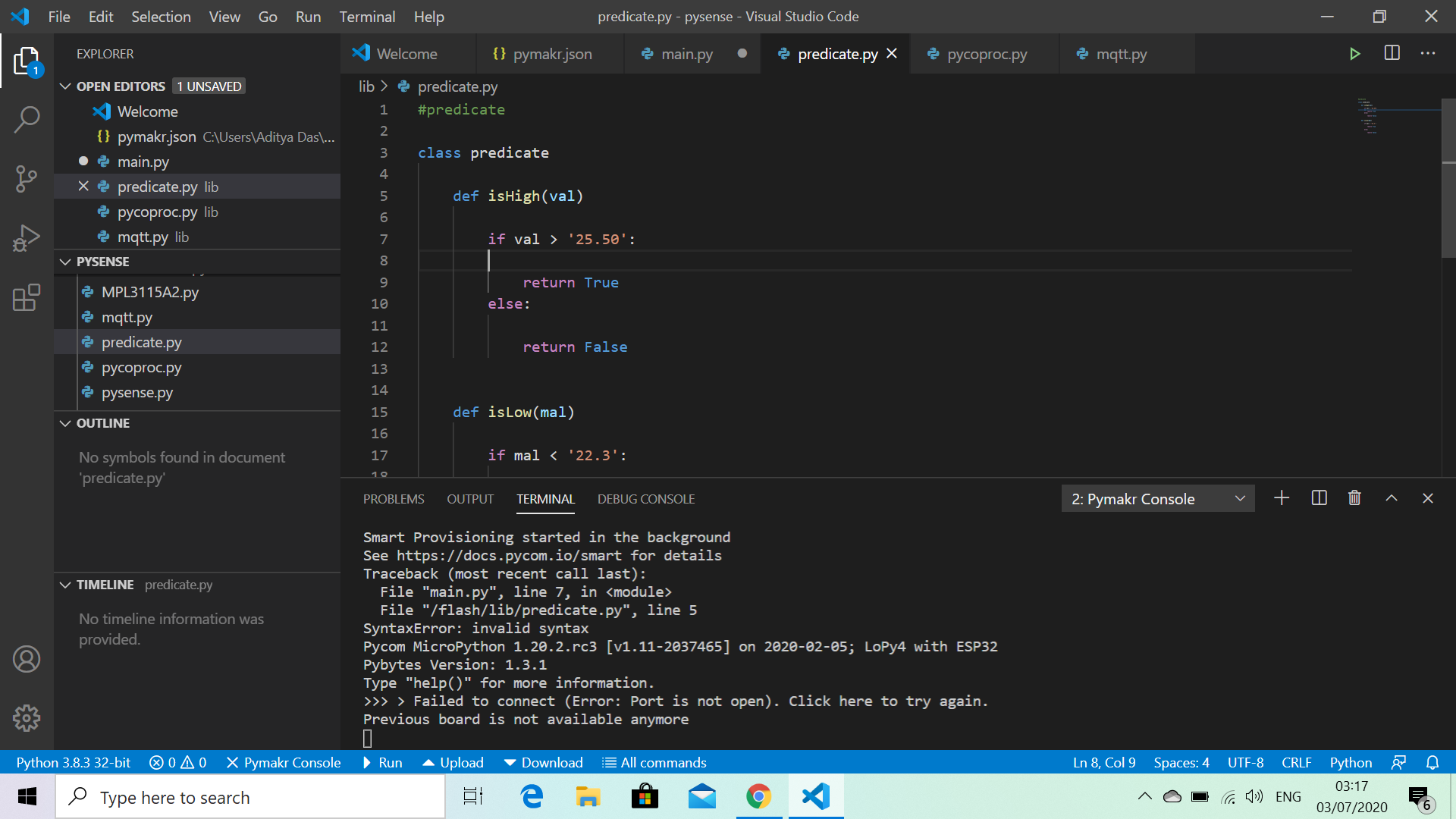
    Is there a reason you are converting the value into a string? The logic looks correct to me so im thinking there is something about comparing strings
  • This topic is deleted!

    1
    0 Votes
    1 Posts
    1 Views
    No one has replied
  • Pycom SH1107 I2C OLED Screen Driver (WIP)

    1
    1 Votes
    1 Posts
    48 Views
    No one has replied

Pycom on Twitter