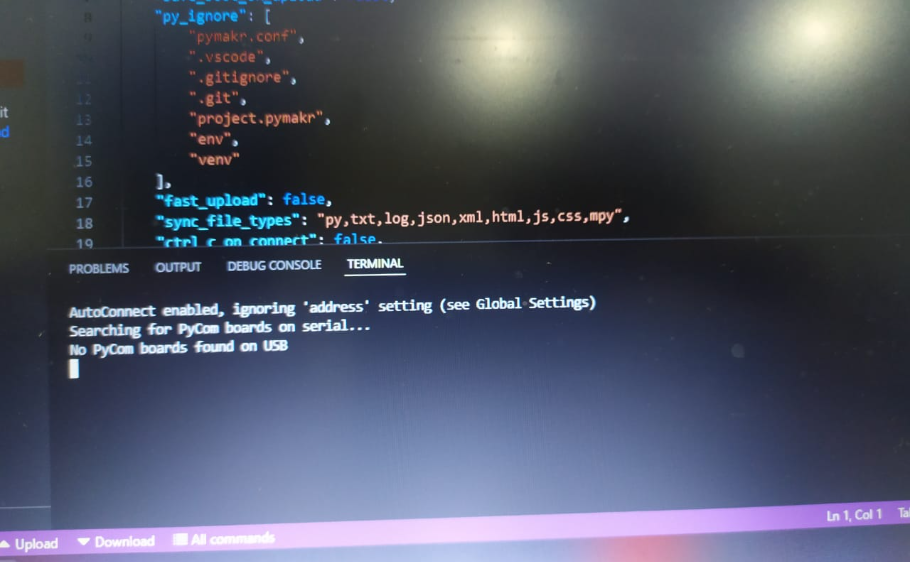
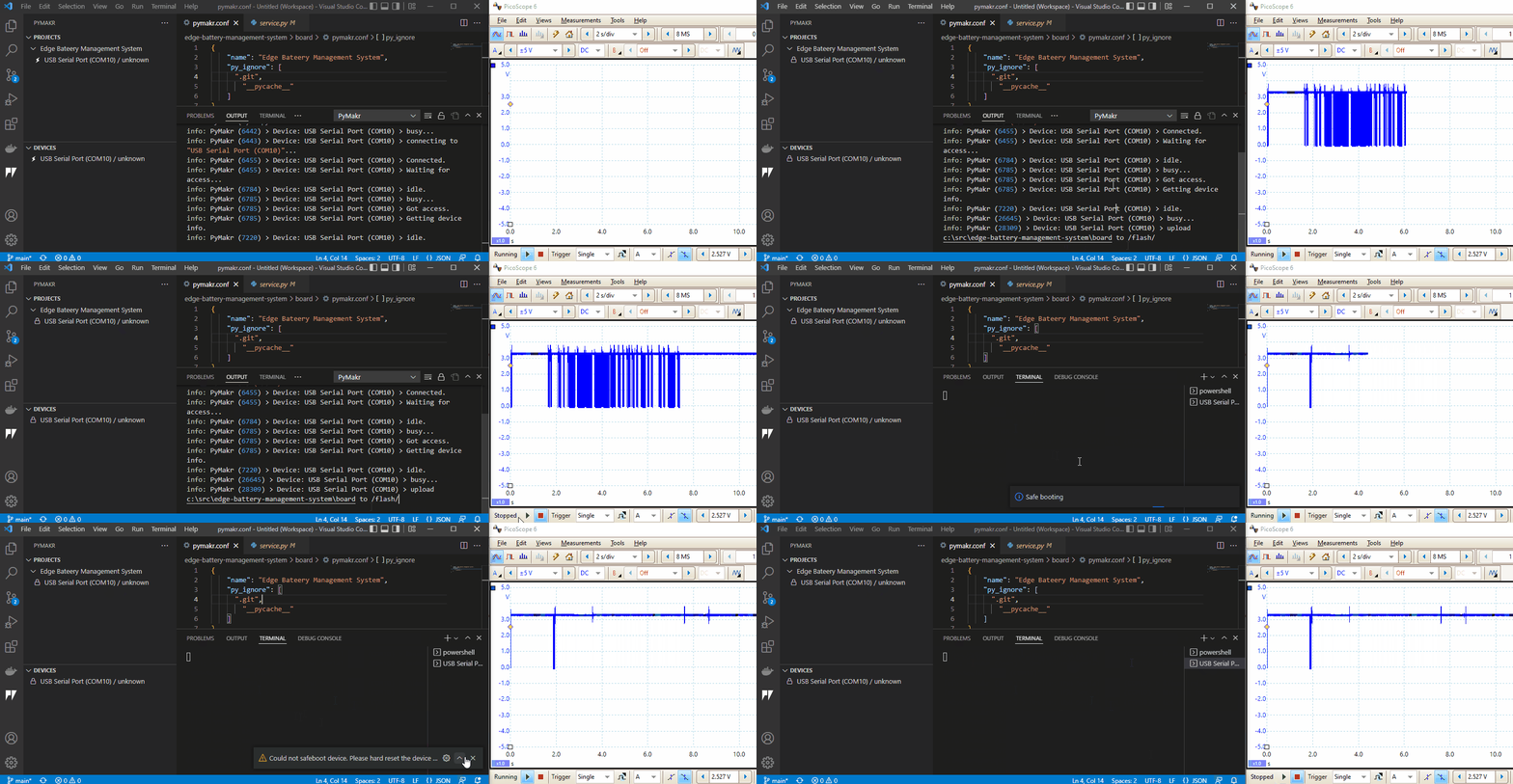
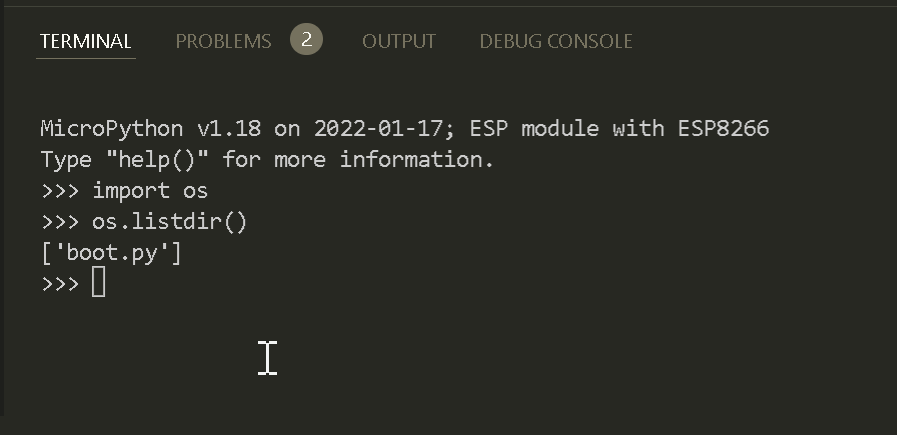
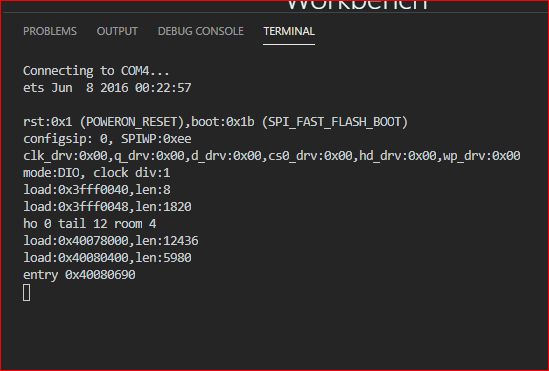
@Elias-Tapia Assuming you have the LOPY4 attached to some kind of USB/Serial interface, like an expansion board, the Updater should always work. You can try to force the ESP32 into update mode by pulling P2 to GND an pushing Reset. You msut as well verify that you use the proper Serial port on your PC.
Have a look at the docs on Github:
https://github.com/pycom/pymakr-vsc#readme
especially:
https://github.com/pycom/pymakr-vsc/blob/next/GET_STARTED.md
https://github.com/pycom/pymakr-vsc/blob/next/WHATS_NEW.md
Hope it helps!
@Jakob-Rosenberg-0 Hello Jakob, Thanks for reply. I'm using firmware 1.20.2r4. I've tried to upgrade to Pymakr v2.22.2 and it's fixed the issue. the terminal can detect my Lopy4. [image: 1660294421486-5cd2e9e5-59e9-4a48-8204-376f25d34b38-image.png]
and now I'm still adapting to new UI in v2.22.2, looks different than previous version.
thank you
I did a test with a ~550kb project consisting of 75 files using Pymakr - Preview. I was unable to reproduce any issues, but will do some further testing tomorrow. There could be room for performance improvements for existing files.
@livius Thanks a lot!! That clears it up haha. I guess these tutorial is erroneous then https://randomnerdtutorials.com/micropython-esp32-esp8266-vs-code-pymakr/ and https://microcontrollerslab.com/micropython-esp32-esp8266-program-vs-code-pymakr/
Hello @serenabilly, how are you able to use Pymakr on Visual Code? It stopped working for me last year when VS Code was updated to 1.59.0. I have asked about this to Pycom several times without any response
I have the same problem with the same byte 0x210000 , also I tried pycom.bootmgr(boot_partition=pycom.OTA_0, fs_type=pycom.LittleFS, safeboot=True, reset=True) and there's nothing change , is there any another solution ?
@DEFRAINE-JM Many thanks. I did find a stable combination after all, although not the latest version of the plugin or VSCODE, but I am happy that it works.
@Campbell-Duncan Solved.
The problem was that I had the Python extension added to VSCode. It was overriding the Pymakr extension and not accepting the basic Pycom import modules. Once I disabled the Python extension and restarted vscode, everything worked.
Thanks.