Welcome to the Pycom forum Forum
    • \[\[global:header.categories\]\]
    • \[\[global:header.recent\]\]
    • \[\[global:header.tags\]\]
    • \[\[global:header.popular\]\]
    • Login
    1. Home
    2. Tags
    3. send data

    Explore Pybytes | Official Documentation | Report a Firmware Bug/Issue | GitHub

    Log in to post

    • All categories
    • A

      Sending Emails using WiFi (GPy)

      Watching Ignoring Scheduled Pinned Locked Moved GPy email gpy wifi send data
      1
      0 Votes
      1 Posts
      47 Views
      No one has replied
    • B

      Communicate with Thingsboard using UMQTT

      Watching Ignoring Scheduled Pinned Locked Moved MicroPython umqtt iot send data
      3
      1
      0 Votes
      3 Posts
      512 Views
      mfalkviddM
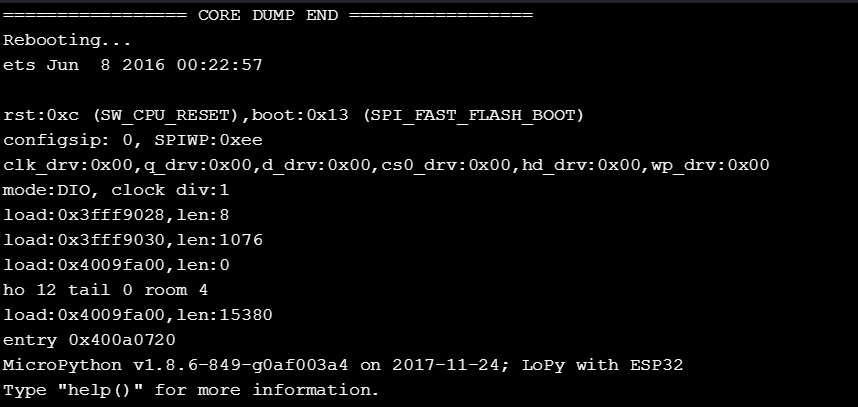
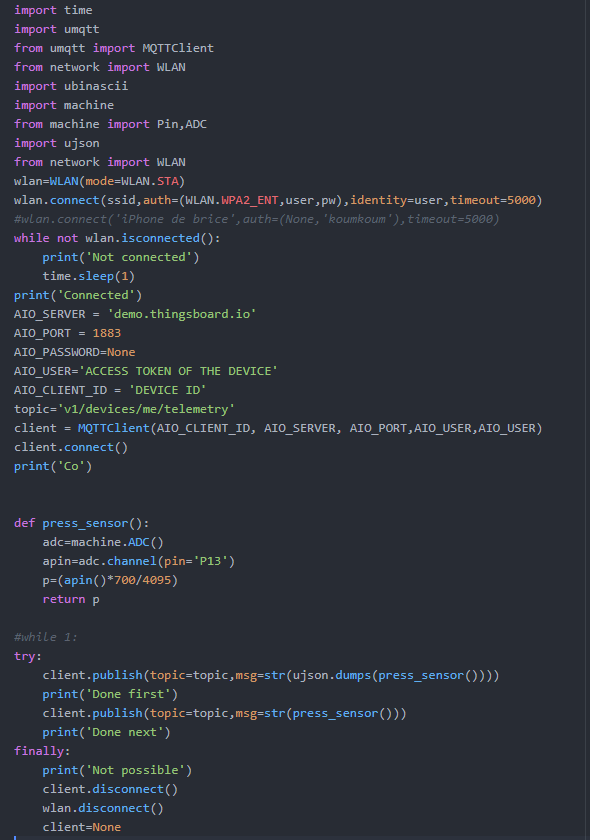
      @brossingo what was the output if the program when you ran it? Checking the return value of client.connect() might yield useful information.
    • L

      Connecting and Sending PyCom LoPy 4 Data to a Server

      Watching Ignoring Scheduled Pinned Locked Moved LoPy lopy server pycom data lopy send data
      3
      0 Votes
      3 Posts
      617 Views
      bmarkusB
      D not forget LoRa as an option if it is a LoPy 4 device.
    • M

      how send string LoPy4 to LoPy4 over Bluetooth LE

      Watching Ignoring Scheduled Pinned Locked Moved LoPy lopy4 ble bluetooh connection send data
      4
      0 Votes
      4 Posts
      802 Views
      J
      @manuelc1318 as I wrote, you can transmit data in both directions: write to a characteristic to send data from client to server, and either read from a characteristic or use notifications for data from server to client.
    • Z

      Unknown fault

      Watching Ignoring Scheduled Pinned Locked Moved LoPy lopy lora lopy lopy wifi send data
      1
      4
      0 Votes
      1 Posts
      488 Views
      No one has replied
    • L

      Connecting two Lopy4's to Wi-Fi Help

      Watching Ignoring Scheduled Pinned Locked Moved Discussion lopy4 wifi two connection prob send data
      2
      0 Votes
      2 Posts
      679 Views
      robert-hhR
      @letsgo If you have a home router & access point, the easiest is to have both LoPys connected to that. For that, follow the instructions at https://docs.pycom.io/chapter/tutorials/all/wlan.html, section: Connecting to a router. if you want to connect them directly, one of them has to run as access point (AP), the other as station (STA). Since the devices run as AP by default, you just have to reconfigure one of them the way, told above.
    • G

      Sigfox RC4 Freezing after 1 msg

      Watching Ignoring Scheduled Pinned Locked Moved FiPy fipy sigfox send data freeze
      5
      0 Votes
      5 Posts
      1k Views
      G
      @jmarcelino said in Sigfox RC4 Freezing after 1 msg: time.sleep(20) Works like a charm. Thanks a lot. The documentation is a bit misguiding here, it says : "there must a minimum of a 20s delay after resetting to the default macro-channel. Our API takes care of this for i in range(1, 100): # send something s.send('Hello ' + str(i)) There will be a 20 second delay after every 2 packets" In fact, there should be a delay added between 2 packets. Maybe a suggestion for modification of the doc. Anyway, thanks a lot for correcting me ! All the best.
    • D

      LoPy: socket send command

      Watching Ignoring Scheduled Pinned Locked Moved LoPy lopy lorawan lorawan otaa send data socket pytrack
      19
      0 Votes
      19 Posts
      4k Views
      D
      @jcaron Thanks a lot , limiting the channels to 0-8 and 64 ( for join/accept) did the trick for now.
    • F

      GPy LTE-M Connection

      Watching Ignoring Scheduled Pinned Locked Moved GPy gpy lte-m send data internet connec
      15
      0 Votes
      15 Posts
      3k Views
      F
      @livius Regards first question: i used the code here: https://docs.pycom.io/chapter/firmwareapi/pycom/network/lte/cat-m1.html... But I did not have any results...The country is Italy and I have the tim sim.. BR
    • 1 / 1