Welcome to the Pycom forum Forum
    • \[\[global:header.categories\]\]
    • \[\[global:header.recent\]\]
    • \[\[global:header.tags\]\]
    • \[\[global:header.popular\]\]
    • Login
    1. Home
    2. Tags
    3. python

    Explore Pybytes | Official Documentation | Report a Firmware Bug/Issue | GitHub

    Log in to post

    • All categories
    • S

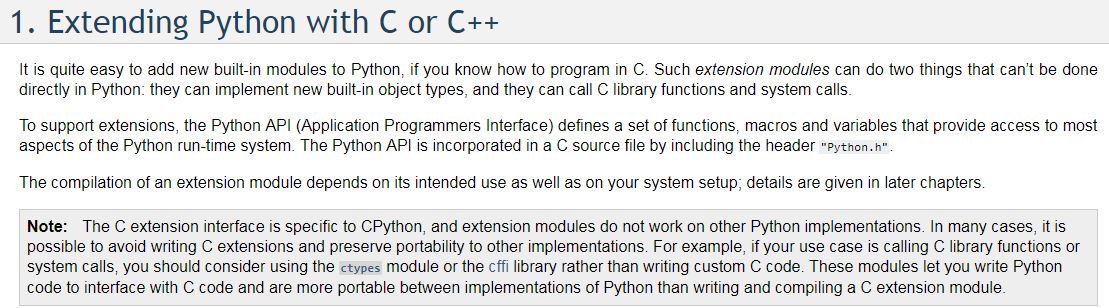
      "Other Python implementations."

      Watching Ignoring Scheduled Pinned Locked Moved LoPy modules lopy python
      2
      1
      0 Votes
      2 Posts
      616 Views
      J
      @stefan85e MicroPython - as used on the Pycom boards - would count as a different implementation from CPython
    • M

      Pymakr & Python Extension : import pycom module failure

      Watching Ignoring Scheduled Pinned Locked Moved Discussion lopy expansion board pymakr python modules
      7
      1 Votes
      7 Posts
      3k Views
      B
      @meven What you advised: "python -m pip install pycom" is working for me also, thank you However next, I got this error: "[pylint] E1101:Module 'pycom' has no 'heartbeat' member" but I could ignore it by: # pylint: disable=maybe-no-member pycom.heartbeat(False) pycom.rgbled(0xffff00)
    • J

      Pymakr with Python Extension

      Watching Ignoring Scheduled Pinned Locked Moved Pymakr pymakr visual studio c linter python
      2
      0 Votes
      2 Posts
      904 Views
      J
      Hi @jhollan3 Pylint and the Python extension aren't really meant for MicroPython or the Pycom boards so it'll throw a lot of errors. There's no linter or extension I know of that would work correctly.
    • S

      2 of my LoPy Stop Working trying on the expansion board 2 and pysense

      Watching Ignoring Scheduled Pinned Locked Moved Expansion Board expansion lopy upload python
      6
      2
      0 Votes
      6 Posts
      1k Views
      catalinC
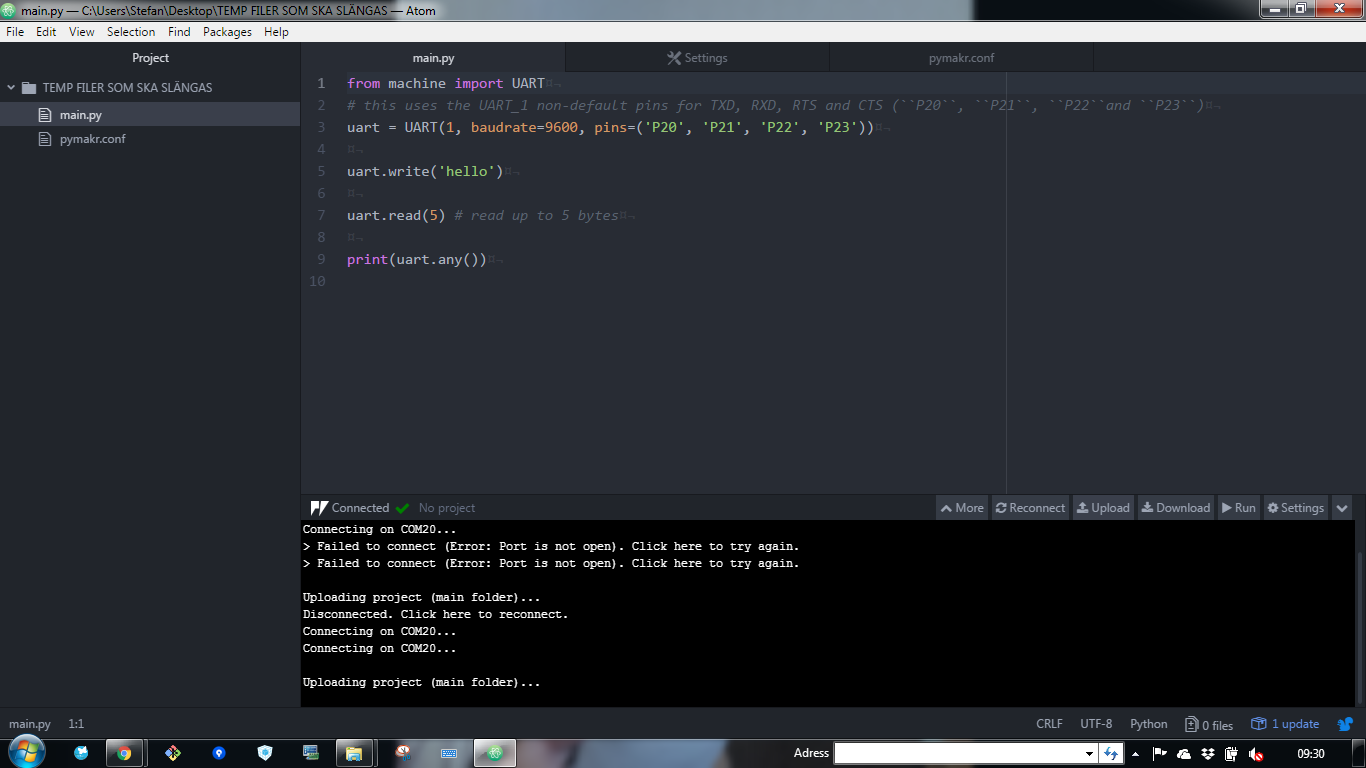
      hi @stefan85e, Short between G28 and 3V3 it's for safe-boot (booting without executing micropython scrips or loading previous OTA firmware). This is not required. Let's simplify and isolate problems. upload scripts with Atom Here make a simple print("hello") , no UART usage, yet; it should work usage of UART class. Here if you just want to output messages, print() method should be enough. UART 0 is already indirected to P0/P1, thru print(). The second UART (#1), it's for communicating with another device connected to the Expansion Board (not with the USB/FTDI chip).
    • S

      What should we have in here data = s.recv(???)

      Watching Ignoring Scheduled Pinned Locked Moved LoPy lopy pytrack python data data lopy
      1
      0 Votes
      1 Posts
      586 Views
      No one has replied
    • S

      Cant upload code to my lopy.... NOTHING HAPPENS :s

      Watching Ignoring Scheduled Pinned Locked Moved LoPy lopy python pytrack
      3
      6
      0 Votes
      3 Posts
      774 Views
      S
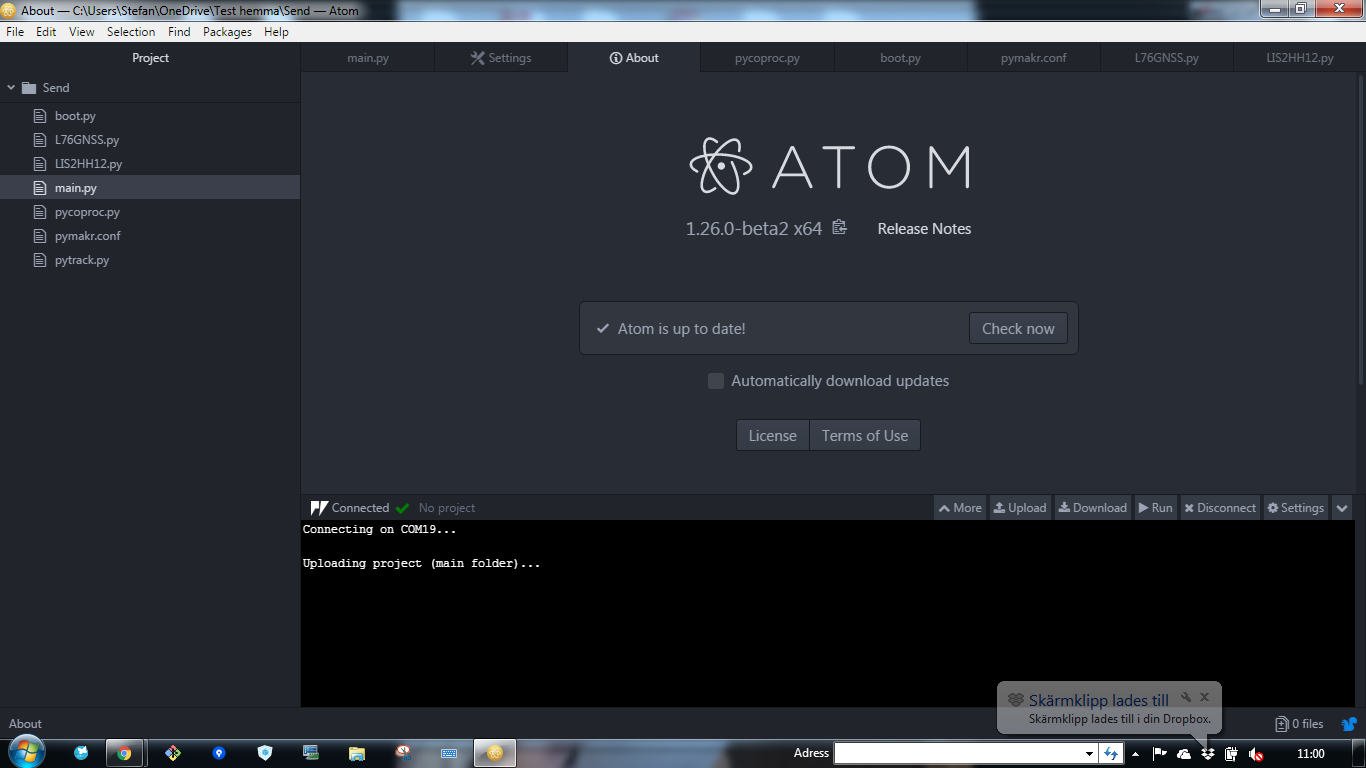
      @robert-hh I know :) it was a pic I took between :) I reinstall it and install latest plugin and atom.version still nothing
    • C

      How can I send something over BLE?

      Watching Ignoring Scheduled Pinned Locked Moved LoPy lopy ble python
      2
      1
      0 Votes
      2 Posts
      639 Views
      C
      Not sure if this could be a possible solution to writing to characteristics, can anyone help me please? https://devzone.nordicsemi.com/f/nordic-q-a/8162/ble-driver-python-concurrent-notifications
    • K

      Measuring power out from solar panel

      Watching Ignoring Scheduled Pinned Locked Moved Expansion Board python power
      5
      0 Votes
      5 Posts
      1k Views
      robert-hhR
      @kbman99 This INA169 device is also interesting, because you can set the sensitivity yourself with the appropriate shunt resistor. But the INA219 device @timh mentions is even more interesting, since it takes both voltage and current, and avoids the noisy ADC of the ESP32.
    • S

      Handshaking with lopy?

      Watching Ignoring Scheduled Pinned Locked Moved LoPy lopy python lora
      11
      0 Votes
      11 Posts
      2k Views
      S
      @robert-hh I want to remove the time.sleep and just focus on checking if the packed is sent before sending more so I can max out the send and recv part...
    • S

      Failed 50% of the time to send data!? LORA

      Watching Ignoring Scheduled Pinned Locked Moved LoPy lopy lora python
      1
      1
      0 Votes
      1 Posts
      568 Views
      No one has replied
    • B

      Best way to not block uploads from Atom

      Watching Ignoring Scheduled Pinned Locked Moved Discussion pycom upload failure python
      6
      0 Votes
      6 Posts
      1k Views
      robert-hhR
      @xykon Thanks. Even if I'm a little bit self-confident, please give it a second thought and a second test.
    • A

      Two LoRa Socket

      Watching Ignoring Scheduled Pinned Locked Moved LoPy lora socket thread pymakr python
      7
      0 Votes
      7 Posts
      1k Views
      T
      @ahelllycan I think we would need to see code, or general overview of your process. At the moment we are guessing. But @jcaron is right. You should have a call back on message receive and you choose when to send messages based on other criteria. The rest of the time you will be sleeping or waiting.
    • B

      General LoPy + Pytrack Sleep Functions

      Watching Ignoring Scheduled Pinned Locked Moved Comments & Feedback lopy sleep pytrack python firmware update
      2
      0 Votes
      2 Posts
      1k Views
      sebS
      Hi, Yes, the way the Pytrack/Pysense/Deepsleep shield sleep works is that they disconnect the power from the module, sensors etc entirely. In the case of the Pysense and Pytrack the USB is also de-initialised meaning you will lose the serial connection, this can make talking to the device difficult if it does not wake up for long The Pytrack/Pysense/Deepsleep shield sleep is a a "deep" sleep rather than a regular sleep. Once you use this, when the module wakes up it will be like it was rebooted. Pycom board do not currently support machine.sleep although this is being investigated. The way this differs from the machine.deepsleep is that this uses external hardware and powers off everything on the board, not just the ESP32 processor. You can still use machine.deepsleep if you desire but note that on the WiPy2, LoPy and SiPy, due to an issue with the way the voltage regulator is connected the deepsleep current draw will be quite high (15mA) If you connect P12 to 3.3v with a jumper cable and wait for the device to wake from sleep you will see the on-board LED blink orange. Once this happens you can disconnect the cable. The device will now "safe boot". This prevents the device from running boot.py and main.py and therefore the code putting the device to sleep. The best way to stay informed of firmware updates is to use the forums subscribe feature for the announcements forum. We will always post in there when a new firmware is released
    • B

      General LoPy + Pytrack Sleep Questions

      Watching Ignoring Scheduled Pinned Locked Moved LoPy lopy sleep deepsleep pytrack python
      1
      0 Votes
      1 Posts
      773 Views
      No one has replied
    • S

      Pymakr 1.2.8 Cand upload code / Safeboot????

      Watching Ignoring Scheduled Pinned Locked Moved Pymakr pycom upgrade pycom python code
      4
      3
      1 Votes
      4 Posts
      1k Views
      sebS
      @stefan85e Have you tried disabling the safe-boot feature, does this work?
    • S

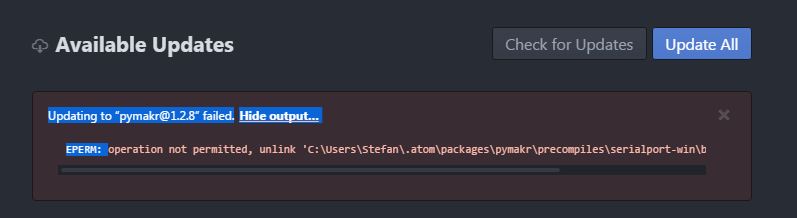
      Installing “pymakr@1.2.8” failed.Hide output…

      Watching Ignoring Scheduled Pinned Locked Moved Pymakr pymakr pycom pycom upgrade python lopy
      2
      1
      0 Votes
      2 Posts
      941 Views
      sebS
      Could you try deleting C:\Users\Stefan\.atom\packages\pymakr\ and re-install the pymakr plugin
    • J

      To run a C++ program in Micropython

      Watching Ignoring Scheduled Pinned Locked Moved MicroPython c++ python micropython
      2
      0 Votes
      2 Posts
      1k Views
      robert-hhR
      @jhoguaman You can not. There is no OS on pycom modules. Micropython is the OS. If you build your own firmware, you can write C modules, wich you then can call from Python.
    • K

      Decode Python struct on TTN using Javascript

      Watching Ignoring Scheduled Pinned Locked Moved MicroPython decode python lopy packet data
      2
      0 Votes
      2 Posts
      1k Views
      K
      Found my answer after hours of looking around. Found this beautiful post on TTN regarding decoding the values of different types and what have you found here by Arjanvanb on TTN The main answer was posted on Stackoverflow by Ilya Bursov.
    • S

      Read and write value of the characteristic

      Watching Ignoring Scheduled Pinned Locked Moved LoPy characteristic python pysense lopy lopy ble
      1
      0 Votes
      1 Posts
      960 Views
      No one has replied
    • 1
    • 2
    • 3
    • 2 / 3