• Pytrack + Fipy not attaching to NB-IoT base station of TIM (Italy)

    5
    2
    0 Votes
    5 Posts
    75 Views
    G
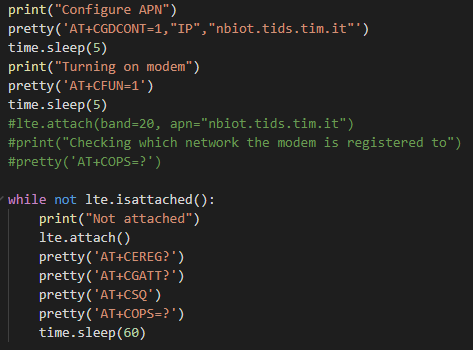
    @robert-hh thanks for the suggestions but I have tried both strategies and they both lead me to the same unsatisfactory result. The code I shared is the one that seems to get closer to the success (cell_acquired state).
  • This topic is deleted!

    1
    0 Votes
    1 Posts
    12 Views
    No one has replied
  • Issue with RTC on FiPy. Unexplainable delays when used.

    11
    1
    0 Votes
    11 Posts
    118 Views
    R
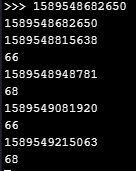
    Ok. There is a bug the way i see it. Because saving my timestamp and the operations i do with them using global variables, also produces the delays at the regular seen intervals! With this code running: import time import utime import machine import gc import struct from machine import Timer, RTC from network import WLAN rtc = machine.RTC() current_timestamp = None diff = None sampleTime = None sec = None micro = None last_timestamp_id = 0 def getTimeStamp(): global sampleTime global sec global micro sampleTime = rtc.now() sec = utime.mktime(sampleTime)*1000 micro = sampleTime[6] /1000 return sec + round(micro) print(rtc.now()) def sample(): global last_timestamp_id global diff global current_timestamp current_timestamp = getTimeStamp() diff = current_timestamp - last_timestamp_id last_timestamp_id = current_timestamp if diff > 12: print("Delay registered!") print(diff) print(rtc.now()) Output: [image: 1589805118110-95988151-52bc-417f-b204-1905a6f7fdd7-image.png] I am still seeing delays every 6 mins and 40 secs! And if i sync with the NTP Server first, while using global variables, i am seeing the delay of 2min 13 secs too! [image: 1589805381089-88d09f29-cd5a-4121-840c-50773f01f123-image.png] So using global variables all over does not solve the problem either! Seems to me that when using the RTC on a 10 milisecond schedule the FiPy has a bug. How it's related to the GC i am not able to tell...
  • Receiving downlink packets (e.g join-accept) does not work

    1
    0 Votes
    1 Posts
    21 Views
    No one has replied
  • FiPy or Gpy as modem?

    modem at commands
    11
    1 Votes
    11 Posts
    2k Views
    B
    Hey @Sebastien, Hope you are doing well. Just curious, were you able to use FiPy/ GPy as a modem? If so, how? If we connect UART of Pi with LTE RX, TX. does it act like a network interface like lte0? eth0? Also, if we are able to do this, by default the way of communication (accessing internet) would be via LTE? What if, we want to use SigFox or Wifi? Also, is there a detail blog post regarding the same? Cheers, Vijay
  • Cannot Connect to Modem when NOT using Atom?

    3
    0 Votes
    3 Posts
    156 Views
    D
    With firmware 1.20.2.rc7, this problem persists. However the error I get from it has been expanded to: Couldn't connect to Modem (modem_state=connecting) Hope this helps fix the issue. This still consistently happens when FiPy is powered. As soon as a UART serial connection is made with the FiPy through a python script or through Atom, it connects on the next try.
  • NBIoT and FiPy

    18
    0 Votes
    18 Posts
    279 Views
    A
    @patmolloy I can't reproduce right now the problem into my FiPy, because my MNO only supports IPv6, but you can do another check to see if you really have a data connection: If you have access to a Public Server and you can setup a UDP listener then you can try to send a UDP packet as follows, and see if reaches the destination: import socket s=socket.socket(socket.AF_INET, socket.SOCK_DGRAM) s.sendto(b'hello', ('<IP address>', <UDP Port>)) time.sleep(3) s.close()
  • I cant upload code to Fipy and Gpy

    3
    0 Votes
    3 Posts
    55 Views
    stephen.ugwuanyiS
    @railmonitor Thanks for your response. I go them working again after updating the modules again with the latest firmware
  • General LTE-M (Cat M1) connection problems thread 2020

    6
    0 Votes
    6 Posts
    173 Views
    E
    error: See https://docs.pycom.io/smart for details None Traceback (most recent call last): File "main.py", line 16, in <module> OSError: [Errno -80] MBEDTLS_ERR_NET_CONN_RESET Pycom MicroPython 1.20.2.rc6 [v1.11-01f49f7] on 2020-02-28; FiPy with ESP32 Pybytes Version: 1.3.1 Type "help()" for more information. >>>
  • FiPy LTE antenna

    3
    0 Votes
    3 Posts
    141 Views
    N
    Same issue here. Why does the documentation of the IP67 case mention FiPy and the LTE antenna is needed to use LTE? Do we need to cut part from the antenna?
  • No machine.wake_reason() for lightsleep?

    2
    0 Votes
    2 Posts
    49 Views
    R
    Anyone from Pycom who have a answer about this?
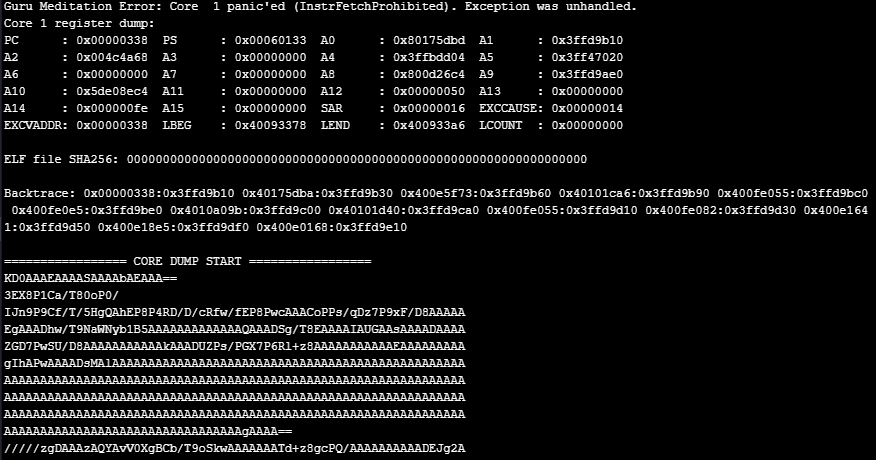
  • Guru Meditation Error when connecting to Azure IoT-Hub.

    1
    2
    0 Votes
    1 Posts
    27 Views
    No one has replied
  • Cannot establish MQTT SSL connection

    2
    0 Votes
    2 Posts
    110 Views
    G
    I'm going to be working on something similar over the next little while, so if you do make progress, I would be interested to read about it. In my arduino environment, the 'secure' connection happens when you're starting the wifi... you either start the wifi client with or without 'security'....
  • FiPy in Canada

    fipy canada
    3
    0 Votes
    3 Posts
    602 Views
    G
    Replying to this old post, because I just received my Pycom Fipy in Edmonton, Alberta... Took a day or two to sort out all the requirements, but my Pycom Fipy is connected to the Telus LPWA (LTE Cat M1) I'm scanning bands 4 and 13.
  • "Cannot import name sigfox" on new firmware?

    3
    0 Votes
    3 Posts
    41 Views
    G
    Hi Rob, yes you were right something small!
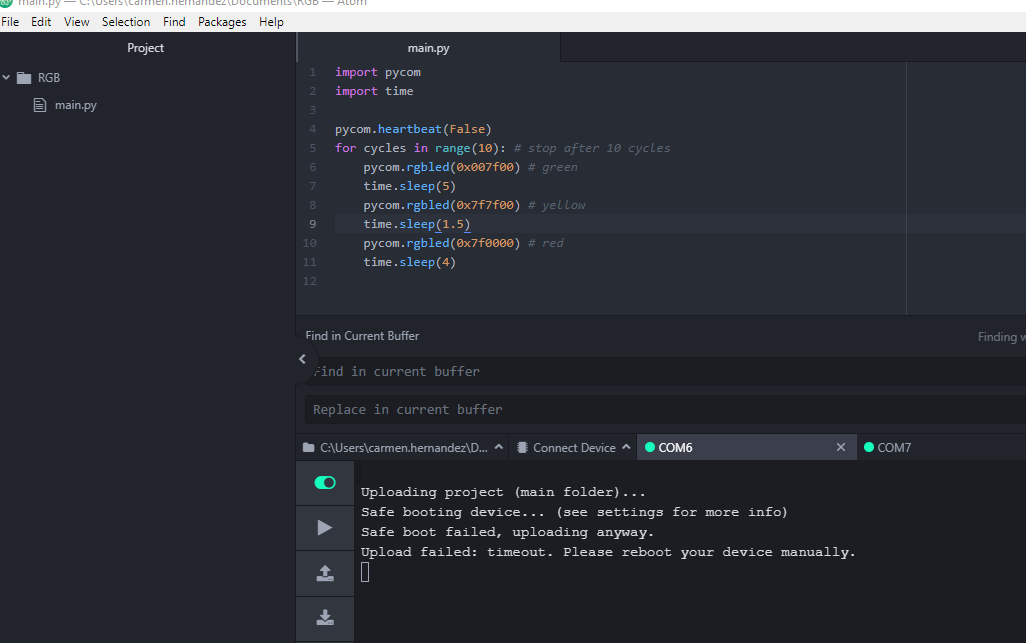
  • Fipy upload/run/download failed with Pytrack

    1
    1
    0 Votes
    1 Posts
    32 Views
    No one has replied
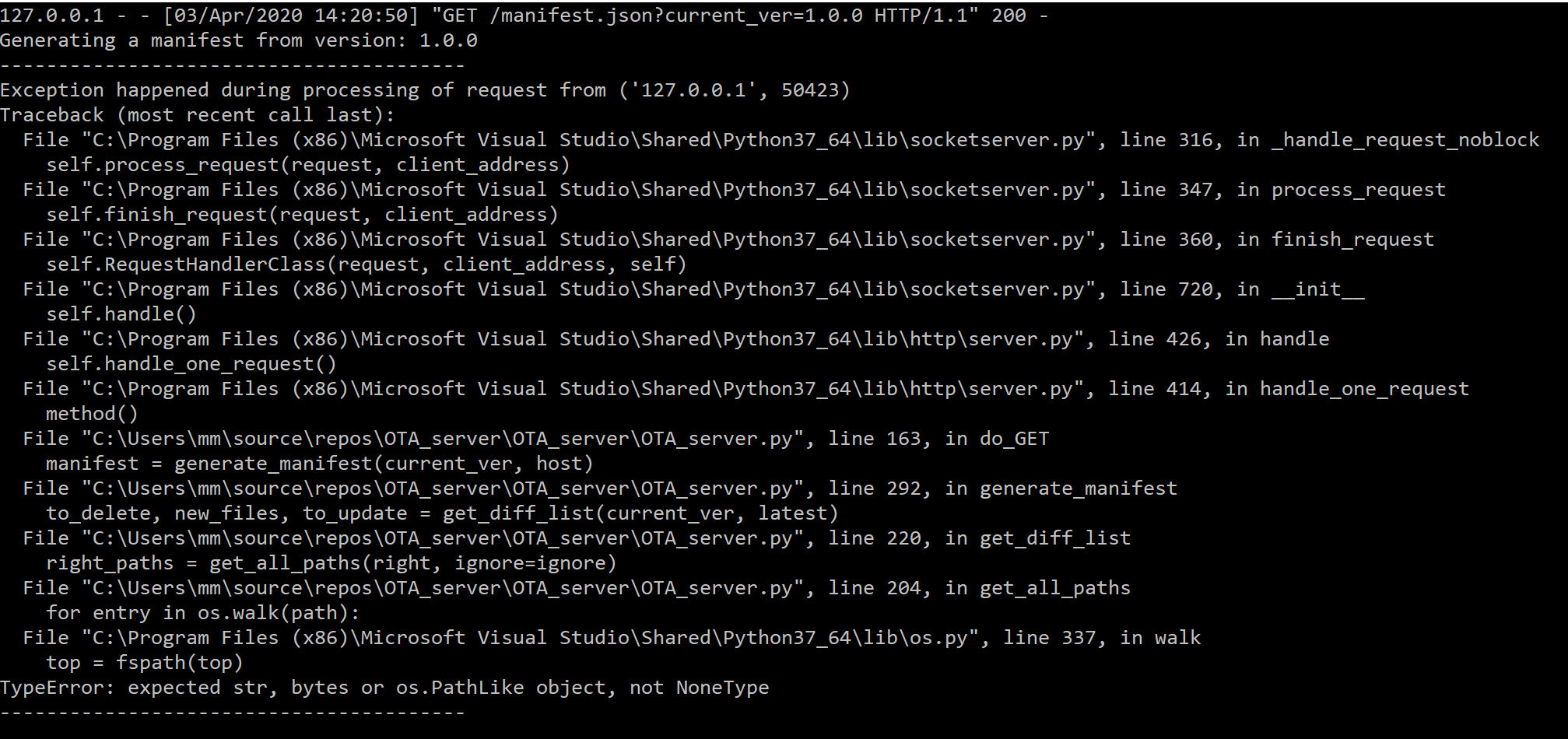
  • OTA updates: HTTP Server not working

    1
    1
    0 Votes
    1 Posts
    28 Views
    No one has replied
  • Checking bandwidth available for FiPy possible?

    3
    0 Votes
    3 Posts
    107 Views
    R
    So my bandwidth is not really the problem here. The problem is that the umqtt / simple library is slow in use. When my FiPy is already connected to LTE, and it then tries to connect to Azure IoT Hub, establishing the connection takes around 30 seconds, whereas simply publishing is fast and not a issue at all. So i am currently looking into optimizing / speeding up the connect routine if possible in the simple.py library. Here is the code i use to connect: def iot_connect(self): if self.IoTConnectedFlag == False: self.password = self.generate_sas_token(self.uri, self.primary_key, self.policy_name) beforeConn = utime.ticks_us() self.username_fmt = "{}/{}/api-version=2018-06-30" self.username = self.username_fmt.format(self.hostname, self.device_id) self.client = MQTTClient(client_id=self.device_id, server=self.hostname, port=8883, user=self.username, password=self.password, keepalive=4000, ssl=True) self.client.connect() print("IoT Connected!") self.IoTConnectedFlag = True afterConn = utime.ticks_us() connDone = afterConn - beforeConn print(connDone) the utime.ticks_us() are used to observe how long time the method takes to execute. Whole method = 28.61 secs Whole method minus SAS Token generation = 27.27 secs self.client.connect() = 16.94 secs Any ideas on how to optimize this speed is very welcome! Thanks /RM
  • Fipy LTE

    fipy lte
    3
    0 Votes
    3 Posts
    211 Views
    R
    Also you might want to have a look at this thread, might be useful, since it took a lot of effort for me to be able to connect to Azure IoT Hub with my FiPy. FYI: I am using a regular phone sim-card from Telia (Scandinavian mobile provider), which is possible since they have LTE coverage in most of Northern Europe, and Germany as well i suppose. https://forum.pycom.io/topic/5713/send-data-to-azure-iothub-with-mqtt-protocol-without-using-pybytes-solved
  • Periodic crashing/restarts and the program does not continue

    2
    0 Votes
    2 Posts
    153 Views
    C
    This issue occurs because of the device was not in range of the WiFi network specified in the pybytes config. The program ran as normal until the pybytes connection timeout. Fixing the pybytes configuration fixed this issue for me.

Pycom on Twitter