• Send a file from one Lopy to another Lopy

    lopy to lopy wlan wifi lopy
    27
    0 Votes
    27 Posts
    8k Views
    Z
    Good again. I return to post, because I would need the LoPy that receives the txt file is the one that starts the wifi as wlan = WLAN (mode = WLAN.AP, ssid = 'Gateway1', auth = (WLAN.WPA2, 'password'), antenna = WLAN.INT_ANT) I have tried to modify the code as I have the partner that works so that it is but I get error everywhere. Once trying once more, if I do not restart the board and try to execute the code, I always get the error: Traceback (most recent call last): File "<stdin>", line 17, in <module> OSError: [Errno 12] ENOMEM Because it is ? If someone can give me a hand code please! Capture Errors: [image: 1528129559872-f1.png] [image: 1528129567703-f2.png] used code: Server And Wifi AP: from network import WLAN import socket import select import time #Setup WiFi AP wlan = WLAN(mode=WLAN.AP, ssid='Gateway1', auth=(WLAN.WPA2,'password'), antenna=WLAN.INT_ANT) port = 12345 s = socket.socket() s.bind(socket.getaddrinfo("0.0.0.0", port)[0][4]) s.listen(1) print("Running server") while True: cl, remote_addr = s.accept() cl.setblocking(True) print("Client connection from:", remote_addr) file = "/flash/registro2.txt" with open(file, 'wb') as f: try: data = s.recv(1024) print(data) f.write(data) except TimeoutError: break Client and Lopy and in charge to send file: from network import WLAN import socket import select import machine import time # Abrimos wifi wlan = WLAN(mode=WLAN.STA) nets = wlan.scan() for net in nets: if net.ssid == 'Gateway1': print('Network found!') wlan.connect(net.ssid, auth=(net.sec, 'password'), timeout=5000) while not wlan.isconnected(): machine.idle() # save power while waiting print('WLAN connection succeeded!') break else: raise Exception("WiFi network not found") # sleep just to make sure the wifi is connected time.sleep(1) ip, subnet, gateway, dns = wlan.ifconfig() # Connect to server # Bind to the port port = 12345 s = socket.socket() s.connect((gateway, port)) s.setblocking(True) s.settimeout(2) while True: readable, writable, errored = select.select([s], [], []) for s in readable: cl, remote_addr = s.accept() cl.setblocking(True) print("Client connection from:", remote_addr) file = "/flash/registro.txt" print("Sending: ", file) with open(file, 'rb') as f: data = f.read(1024) while(data): print("sending", data) cl.sendall(data) data = f.read(1024) print("Done Sending") cl.close()

  • LoRaWAN TTN Uplinks Ok, no Downlinks. Channel issue? Help! ;)

    lopy4 lorawan ttn
    20
    1 Votes
    20 Posts
    3k Views
    Charly86C
    @jmarcelino Hey, got it, thanks As you suggested I'll write a prog to quick send data and looks on my backend for frequencies of received packet ;-) Look like the faster way
  • Ping-Pong Example Reset

    lopy lora example node pytrack
    15
    0 Votes
    15 Posts
    2k Views
    B
    @robert-hh I finally got a new probe, and I was able to confirm on an oscilloscope that it is no longer sending the 'Ping' after awhile.
  • Deep Sleep not working

    lopy pysense deep sleep sleep
    8
    0 Votes
    8 Posts
    3k Views
    Charly86C
    @dbrgn I'm having the same issue and I can reproduce it even with all latest firmware So to get back to your original question, is there a way to reset PIC with a Lopy GPIO, ie in case of I2C Error, reset the PIC should recover. Can we locate the PIC reset pin on the PySense/PyTrack boards? I would like to solder a wire from LoPy GPIO on it. It's difficult to tell our customers to recycle power on devices located in the field.
  • [solved] lopy BLE antenna not switching to external

    bluetooh antenna ble
    5
    0 Votes
    5 Posts
    1k Views
    M
    I think I have an older version, ill update.. new firmware fixed the issue!! Thank you for the quick response!
  • 0 Votes
    11 Posts
    3k Views
    J
    @robert-hh, the method function very well, thank you
  • BLE throughput with pycom

    ble lopy
    5
    0 Votes
    5 Posts
    1k Views
    C
    @jmarcelino Sorry for late answer.Yes...packet length extension it will be great if we can configure.
  • Broken update of LoPy4

    lopy4 boot update failed core dump coredump
    9
    3
    0 Votes
    9 Posts
    2k Views
    B
    @jmarcelino The only thing connected during update is PyTrack module which I use to connect USB.
  • LoPy on corporate WiFi and using Tx/Rx commands **SOLVED**

    lopy wifi uart solved
    23
    0 Votes
    23 Posts
    8k Views
    D
    @jmarcelino [Solved ] Resolved, used a different power supply unit and it worked. I guess even though I was getting enough juice of 3.3VDC out of the Expansion board with a LoPy current was not enough. Thanks much!
  • I2C 4-20ma Sensor Integration

    i2c 4-20ma current 2-wire
    14
    0 Votes
    14 Posts
    2k Views
    T
    @jimpower Oh, didn't realize you had changed devices. So do you get a value equivalent to 4ma through the INA device (may need to be scaled) ? when not in the water ?
  • Main.py seems to be updating, but isn't!

    bugs
    3
    0 Votes
    3 Posts
    622 Views
    X
    @cclawton Please download the latest library inside Pybytes, there have been some updates to the main.py It is also recommended that, when working with the Pybytes firmware, you start with the main.py_example1 file in the flash/examples directory instead of the full main.py
  • LoPy - oscillator frequency

    lopy4 oscillator frequency
    5
    0 Votes
    5 Posts
    877 Views
    M
    @jmarcelino Ok, thank you! Best regards
  • LoPy4 Firmware upgrade impossible

    lopy4 firmware upgrad problem
    23
    0 Votes
    23 Posts
    5k Views
    robert-hhR
    @dicktonyboy You could check, whether P2 is connected at least to the RGB Led. It is one of the connections faced to the LoPy Shield, opposite to P2. [image: 1526890778035-lopy.jpg]
  • LoRaWAN without server

    lorawan gateway no server
    3
    0 Votes
    3 Posts
    930 Views
    G
    Thanks @jmarcelino. Thus the encryption part is not something you get for free... At this point, would it still make sense to prefer LoRaWAN over LoRa-MAC for a standalone network?
  • 0 Votes
    3 Posts
    1k Views
    M
    You have to look at machine.deepsleep link text For example with machine.deepsleep(60000) the LoPy will sleep for 60 seconds (better to say about 60 seconds).
  • Lopy with a hc-sr04 endless loop

    lopy expansionboard hc-sr04
    4
    1
    0 Votes
    4 Posts
    882 Views
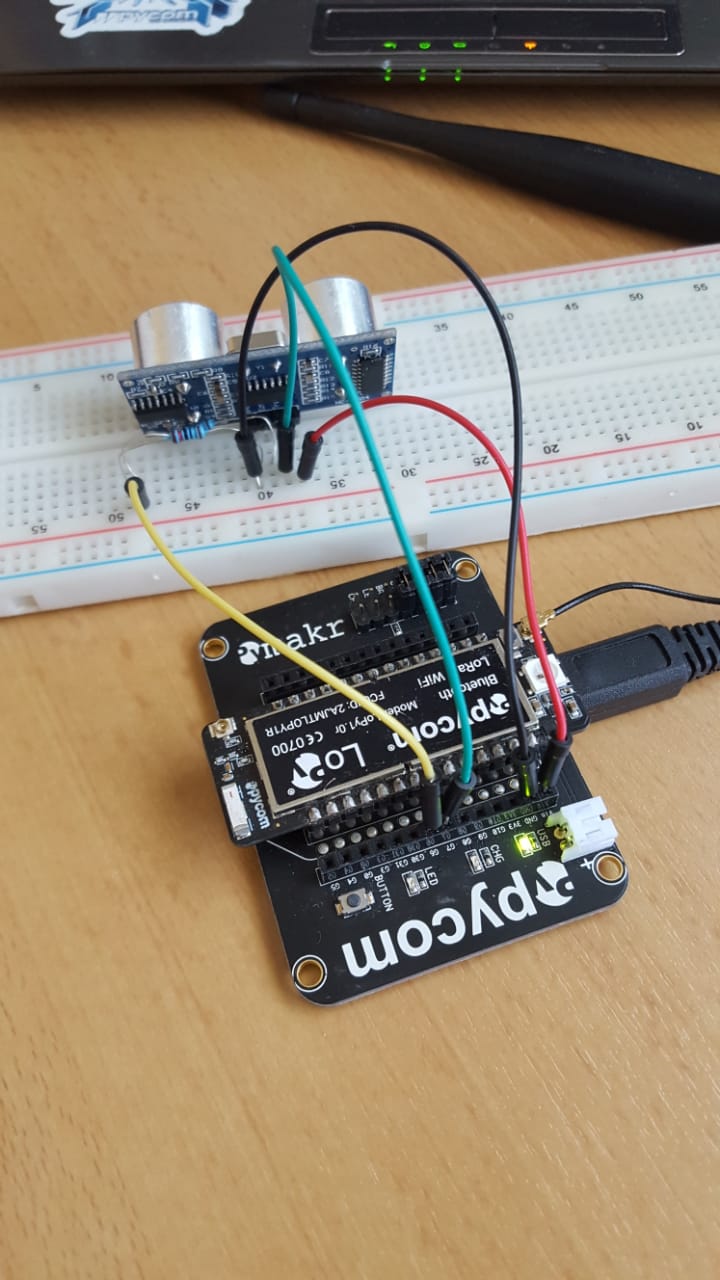
    J
    @rootmi I’m no electronics expert and I don’t know the full specs of the sensor, but I’m not sure I understand how those two resistors would be enough. You are still powering a 5V device with 3.3V and sending it a 3.3V signal, aren’t you?
  • 0 Votes
    6 Posts
    1k Views
    X
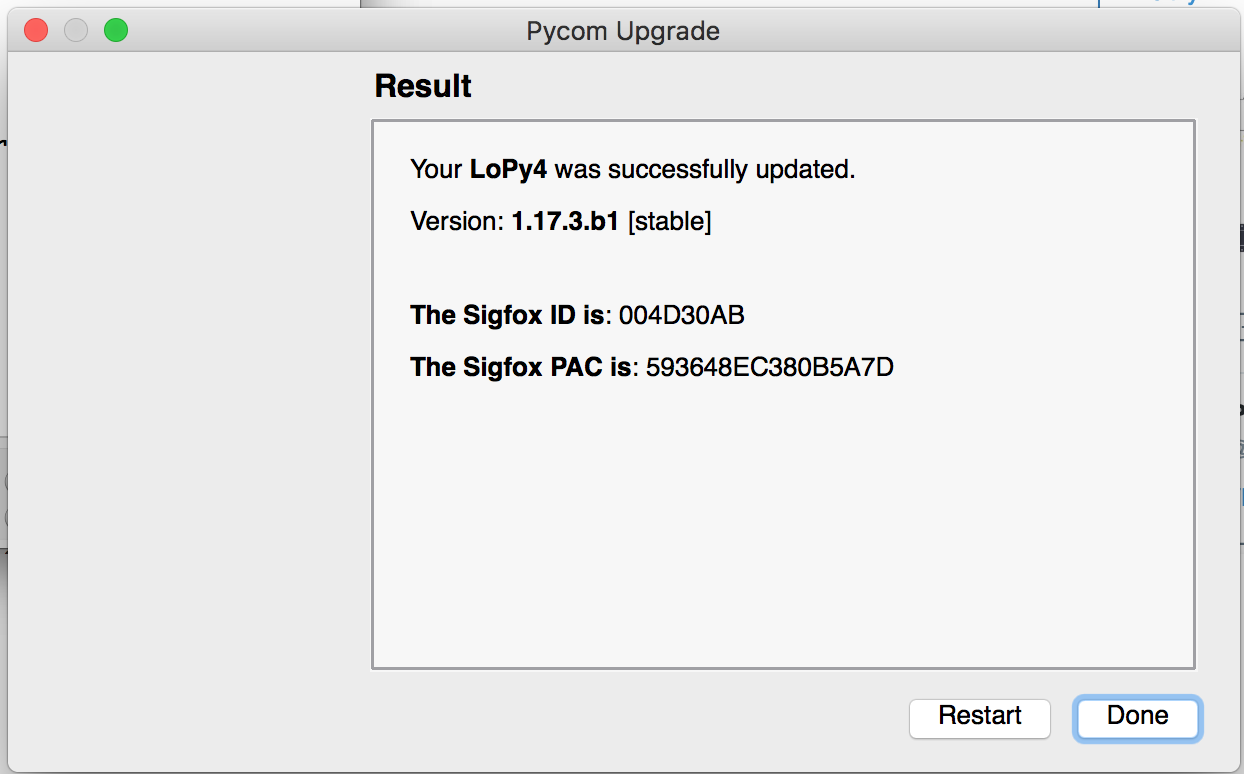
    @sukandar Thanks a lot. It seems the serial communication is working. Can you please try the following two commands next: cd "/Applications/Pycom Firmware Update.app/Contents/MacOS" "Pycom Firmware Update" -v This will open the firmware updater (please follow the same steps as before) but during the update it should print some text in the terminal window. Please send the output in the terminal window along with the wireless Mac address from the previous command and a link to this forum post to support@pycom.io Thanks a lot.
  • INA219 Library Port Help

    ina219 4-20ma i2c 2-wire
    2
    1
    0 Votes
    2 Posts
    649 Views
    J
    Here is the Library logging.py
  • L01 flash,nvs,partitions,efuse configuration

    l01
    8
    0 Votes
    8 Posts
    2k Views
    X
    @queifaro said in L01 flash,nvs,partitions,efuse configuration: @xykon Where i can found it ? https://pycom.io/downloads
  • A library for Cayenne LPP

    cayenne lpp lopy ttn
    5
    4 Votes
    5 Posts
    3k Views
    M
    @jojo The problem is that I have insufficient knowledge in python. I cannot write a working script that(for example) reads a DHT22 sensor and formats the data in LPP. Thats why I want a working example with a real sensor.

Pycom on Twitter