• Ethernet Port

    Helium Hotspot
    3
    0 Votes
    3 Posts
    58 Views
    P
    Hi Jason, I'm afraid it doesn't support wired ethernet. Sorry
  • PyMesh manifest

    FiPy
    6
    0 Votes
    6 Posts
    50 Views
    P
    This issue has been fixed, so mesh deployment should be working
  • PyMesh Config.json

    FiPy
    4
    0 Votes
    4 Posts
    43 Views
    P
    This issue has been fixed, so mesh deployment should be working
  • Trouble shooting guide Pycom Miner

    Helium Hotspot
    10
    5 Votes
    10 Posts
    287 Views
    J
    @Bram-Djakaria Yeah, I get a pause then this... [image: 1661951788507-ce7b1e8d-8341-4e92-8503-0799511b2236-image.png] I wonder what we're missing. I'd love to be able to see what's going on with my miner.
  • Serial logging errors

    Discussion
    4
    0 Votes
    4 Posts
    24 Views
    A
    The Pass to IP Layer .... string is generated into lwip library. I've added that string into the ethernet.c file that is part of the lwip library. I've built the wifi/scan project and then substituted the lwip.a file into the pycom-micropython project. The code used to generate that strings is something like this LWIP_DEBUGF(ETHARP_DEBUG, ("Pass to IP Layer \n")); Of course i've changed the ETHARP_DEBUG value from LWIP_DBG_OFF to LWIP_DBG_ON into lwipopts.h header file in order to enable the ETHARP DEBUG. The TCP - _send_receive ... string is generated at level application. I'm using a TCP Modbus external python library. I've added the following code into the library print('TCP - _send_receive - Receive %s' % response) The application (and the modbus tcp library of course) is frozen into the final build and then uploaded through pycom firmware update tool. TCP Modbus messages are managed from a manager that runs as a python thread. The log output is got from USB interface.
  • 0 Votes
    3 Posts
    47 Views
    D
    @Miguel-Moreno I appreciate your response and it's funny but I have reached the same conclusion regarding pygates. One troubling issue is that unless I misread some posts you cannot flash micropython firmware onto these boards? What method are you using to get your boards into service?
  • PyGate and red LED

    Expansion Board
    2
    0 Votes
    2 Posts
    32 Views
    J
    Hi, same happening here!, after various days working normally , it suddenly appeared. ForoLopy4.jpeg image url)
  • M1 Mac and Pycom

    Software Tools
    2
    0 Votes
    2 Posts
    18 Views
    No one has replied
  • 0 Votes
    6 Posts
    53 Views
    M
    Hello @ventureoverland . You are not alone ... One of the most annoying things I have experienced since I delved into the MicroPython/Python and JavaScript ecosystems is that you are always suffering from "dependency hell" issues here and then ... Myself being more familiar with statically linked binary executable development tools, where the apps work for ever for a given base OS, did not expect that almost all MicroPython/Python/JavaScript development tools rely on external modules that keep evolving all the time and cause former good working apps to break unexpectedly. That is the case with all Pycom editor plugins, be it for Atom or for Visual Studio Code. As a result, I have resorted to the following actions in order to keep my development system working at all times, no matter what: On my M1 Mac ( MacBook Pro 13" ) I manually downloaded and installed the version "1.58.2, x86_64 bit" of "Visual Studio Code" (download link here). Then I installed the version "1.1.12" of the Pymakr plugin from Pycom (download link here) In Visual Studio Code preferences, I set the "Update: Mode" to "None" and the "Extensions: Auto Update" to "None", so that VSCode won't automatically update either itself or the extensions/plugins without my consent, which can potentially break the Pymakr plugin. After performing these steps, I have not suffered any "sudden break" of my Pycom boards development environment. I do not have the specific steps for Atom, but they should be similar to the ones I have listed for Visual Studio Code. Hope this helps you, since the Pymark plugin does add nice functionality on top of what a raw serial communication tool can offer. PS: There are a lot of new versions of Pymakr plugins released since the version that I reliably use ( 1.1.12 ), but to me it is a lot more important to have a stable, reliable and dependable development tools than to be chasing the "latest and greatest" features out of the plugins ... The "dependency hell" of the Python/JavaScript worlds seems to be something you have to take for granted ...
  • FiPy on Expansionboard 2.1A stopped functioning

    Firmware
    4
    0 Votes
    4 Posts
    17 Views
    A
    Well - this is embarrassing.. I first tested this at home, I had 3 micro USB cables - the first one I used worked. I travelled to site; bringing 2 micro USB cables with me - and I'm sure you already know where this is going.. Those cable appear to power up the FiPy only - and not allow the comm's to function. I borrowed a 3rd cable yesterday - and it worked immediately.. Thanks for your support - cutting all my "power only" micro-USB's in half..
  • Sync Time offline - RTC

    FiPy
    7
    0 Votes
    7 Posts
    35 Views
    J
    @Miguel-Moreno Thanks a lot! Indeed currently I am syncing the RTC with the NTP server by connecting the FiPy to the internet. But sometimes I am in places with no coverage (I connected it to my phone's hotspot), and since my application is to scan for WiFi and Bluetooth outside, the internet is not always available. That's why I need to get the current time offline and not to be hard coded.
  • 2 Votes
    1 Posts
    15 Views
    No one has replied
  • Pygate IOT config question

    Expansion Board
    1
    1
    0 Votes
    1 Posts
    17 Views
    No one has replied
  • Cannot connect terminal to FiPy

    FiPy
    7
    1
    0 Votes
    7 Posts
    25 Views
    R
    Update. Going for broke, I used the fwtool to erase the flash and reset the CONFIG and NVS areas. working, connected to REPL etc. I don't see a pyscan DFU listed and wasn't able to grope for it. Seems to be working now after a spring clean. R
  • 0 Votes
    1 Posts
    10 Views
    No one has replied
  • Location not stored

    Support
    1
    2
    0 Votes
    1 Posts
    22 Views
    No one has replied
  • Pairing mode not enabled

    Helium Hotspot
    2
    1
    0 Votes
    2 Posts
    87 Views
    L
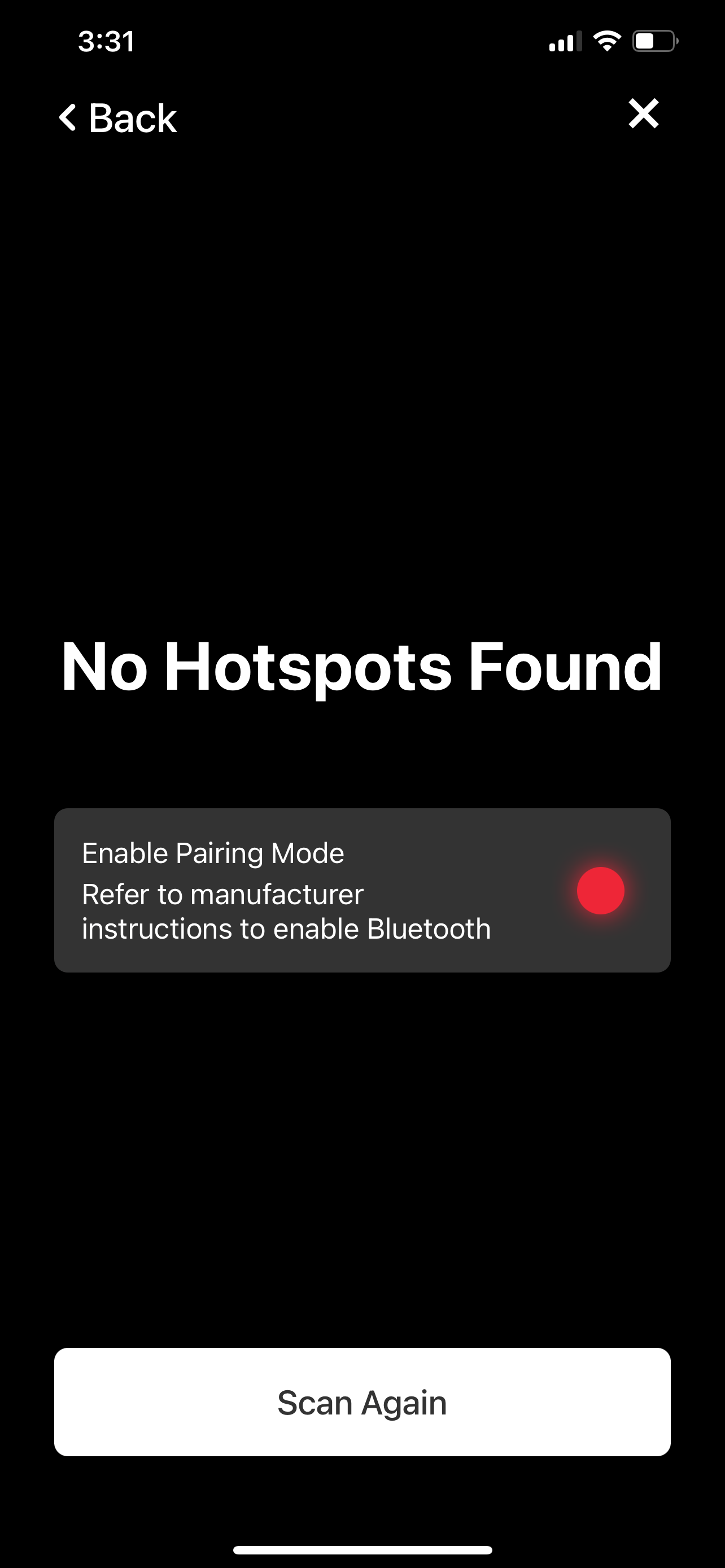
    i had the same issue. i opened the case and the individual parts weren´t connected this guy had the same issue https://forum.pycom.io/topic/7668/unable-to-assert-location-helium-hotspot?_=1660984068047
  • No Hotspots found - Pairing mode?

    Helium Hotspot
    4
    0 Votes
    4 Posts
    104 Views
    D
    @Laurenz-von-Recklinghausen I hadn't the same problem but with one of the three we kept trying to enter the data until I thought of making a network scan. That revealed that the hotspot was already online (look for an unknown raspberry pi device). I think you must stop the maker app before trying again, just to be sure.
  • Stream operation not supported: Explanation?

    GPy
    3
    0 Votes
    3 Posts
    38 Views
    C
    I am following the approach from https://github.com/pycom/pycom-libraries/tree/master/examples/OTA. The code lines which are making the problem are in 1.0.0/flash/lib/OTA.py: def get_update_manifest(self): print(self.get_current_version()) req = "manifest.json?current_ver={}".format(self.get_current_version()) manifest_data = self.get_data(req).decode() print(manifest_data) manifest = ujson.load(manifest_data) gc.collect() return manifest I hope you can help me to fix my code so that a basic program can be updated over the air.
  • LTE on GPY using Arduino IDE for faster boot time

    Firmware
    3
    0 Votes
    3 Posts
    50 Views
    T
    [image: 1661010098836-807c1d0e-442d-40af-8317-9c070d4cc58c-image.png] I added an extra line before going to sleep to turn off the modem. The sleep current in this case is 80 uA. Perfect! //Set functionallity to 0 SerialAT.println("AT+CFUN=0");