• Using LoRaWAN and deepsleep

    lora deepsleep
    1
    0 Votes
    1 Posts
    549 Views
    No one has replied
  • 0 Votes
    2 Posts
    827 Views
    robert-hhR
    @pierrot10 which model of the expansion board arte you using. Version 2 (one push button) or version 3 (two push buttons). Version 2 is more simple. If you cannot see the serial port, it is a problem of the physical connection (cable, jumpers on the board) or the OS X driver. Version 3 adds to the list of trouble sources the firmware in the PIC controller on the board. I assume that you also do not get a REPL prompt.
  • Arduino support on LoPy

    13
    1 Votes
    13 Posts
    5k Views
    VolodymyrV
    I was able to run Arduino on FiPy without issues. Should work on the LoPy too: https://forum.pycom.io/topic/3134/using-pycom-boards-with-arduino-ide/1
  • BLE alias name always LoPy

    ble lopy
    1
    0 Votes
    1 Posts
    514 Views
    No one has replied
  • How can I track my error on onewire library

    onewire lopy4 nameerror ds18b20
    5
    0 Votes
    5 Posts
    928 Views
    pierrot10P
    @robert-hh Hello. Thnak for your reply. Apparently, after the transfer, a H (or a I, etc) is added as the first caracter, as the following: H#!/usr/bin/env python3 """ OneWire library for MicroPython """ It the reason why I got that error. The problem, I can not correct it directely because after saving it, the file become newer than the source and it will be overwritten at the next sync. Then I look at the other lib file and I observed than none of them has that line. I remove and it work until I got a message stating, it can not imported DS18X20. I first open my file with textwrangler, then I open it with Atom and I observed, the text was terribly formated (A lot on the same line). I reformat it and it's works but not always.. Now the problem it state a Traceback (most recent call last): File "main.py", line 9, in <module> File "/flash/lib/onewire.py", line 2 SyntaxError: invalid syntax here is line two: #!/usr/bin/env python3 """ OneWire library for MicroPythonß """ import time import machine class OneWire: What is wrong? Then I gave a spave (return key) before the """ and I got the same error message Traceback (most recent call last): File "main.py", line 9, in <module> File "/flash/lib/onewire.py", line 1, in <module> NameError: name 'A' is not defined Then how can sync my onewire file without a formatting issue and with a unwish caracter before the first line? Does I need to check something on Atom? Thabk for your help EDIT: OK. Problem seems to be solved. I copy again the content of onewire.py to /Flash/lib/onwire.py and on Atom, at the bottom right, I changed LF to CRLF. The problem does not appear any more. That funny because my main.py has LF (and not CRLF) and I do not have this problem with main.py

  • LoRa-MAC (Raw LoRa)

    adafruit lopy loramac
    3
    0 Votes
    3 Posts
    918 Views
    V
    @robert-hh Thanks! You saved my day again.
  • What should we have in here data = s.recv(???)

    lopy pytrack python data data lopy
    1
    0 Votes
    1 Posts
    565 Views
    No one has replied
  • 0 Votes
    3 Posts
    988 Views
    pierrot10P
    @robert-hh Oh! thank, I missed it. Great I am happy to try it, this evening! Thank a lot!
  • LoPy4 - Both LoRa antennae required?

    lopy4 433mhz antenna damage
    2
    0 Votes
    2 Posts
    667 Views
    J
    Hi @prawnhead You just need an antenna for the frequency you need
  • How to correctely use Analog input

    adc vref analog in
    6
    0 Votes
    6 Posts
    3k Views
    robert-hhR
    @pierrot10 Vref is an internal voltage independent from the supply voltage of the extension board. And it is, like @seb said, just used for correcting the values returned by the API. The default assumption about VRef is 1100 mV. You may also completely ignore it, and just use wm_1.value() to get the raw value; especially since your application does not seem to be a priori linked to any standard physical quantity. You have have to make your interpretation table of the returned values yourself, and it does not matter if that is mV -> humidity or number -> humidity.
  • LoPy: socket send command

    lopy lorawan lorawan otaa send data socket pytrack
    19
    0 Votes
    19 Posts
    4k Views
    D
    @jcaron Thanks a lot , limiting the channels to 0-8 and 64 ( for join/accept) did the trick for now.
  • Lora: Documentation vs. Example code regards OTAA

    lora otaa
    23
    0 Votes
    23 Posts
    7k Views
    A
    Hello! I am having issue with activating using method otaa lopy with ttn gateway fot US915. whats correct code i should use I searched a lot of topics over weekend and could not find correct code. Thank you Same time using ttn node US915 with ttn gateway activation worked as shown.
  • What does a green LED after power up mean?

    lopy4 boot mode rgbled
    20
    0 Votes
    20 Posts
    4k Views
    robert-hhR
    @sympatron OK. I do not know where I found that, and cannot see it in the sources either. The only thing I found in the comments to 1.17.3.b1 was to switch of the RGB led early. So maybe it lights up for other reasons. A transition on P2 may bring the LED on. But at least the fact, that it switched off indicates the normal boot being started.
  • What is this Value!?

    pytrack lopy characteristic characteristics ble
    4
    1
    0 Votes
    4 Posts
    928 Views
    S
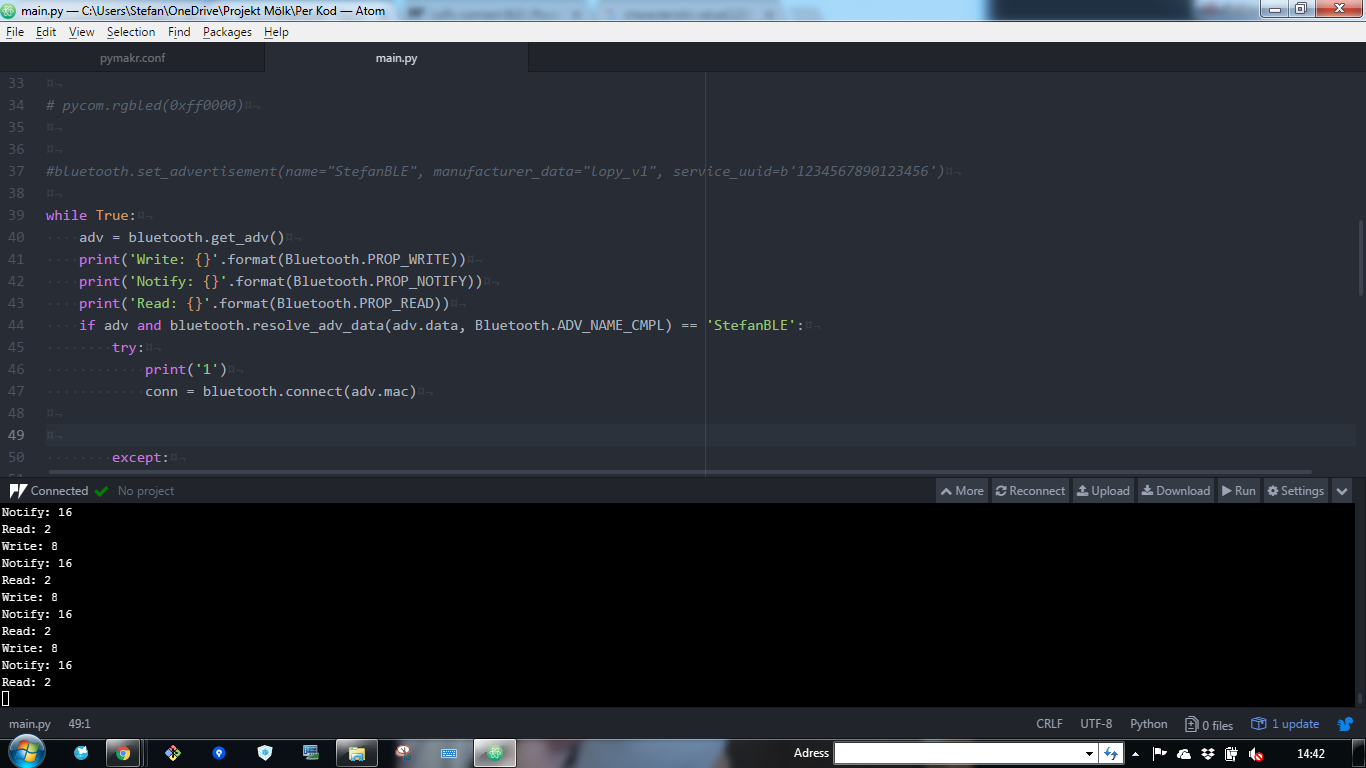
    @jmarcelino [image: 1524488362634-e78568e9-9adb-4679-b068-205fbf18cf47-image-resized.png]
  • LoPy connect BLE

    Moved bluetooth ble problem issues lopy
    14
    0 Votes
    14 Posts
    8k Views
    S
    @jmarcelino Is this problem fixed?
  • ADR Support

    adr
    2
    0 Votes
    2 Posts
    612 Views
    J
    @john It should be, provided you're running the latest firmware version. Previous versions had various issues with ADR which should have been addressed now (haven't tested yet though). Also, if you're facing issues, it would be helpful to know which region you are in, what your config is, what the server is sending, etc.
  • Internal PCB/Metal LoRa Antennas

    antenna lora pcb ufl 868mhz
    1
    2 Votes
    1 Posts
    707 Views
    No one has replied
  • 0 Votes
    2 Posts
    603 Views
    J
    @asergio You'll want to use the RMT module https://docs.pycom.io/chapter/tutorials/all/rmt.html
  • maximum number of clients

    wifi
    2
    0 Votes
    2 Posts
    650 Views
    J
    @dhk111 As you found 4 clients is the maximum number of clients for the LoPy or WiPy in AP mode. This is a limit set by the microcontroller core libraries/framework we use (ESP-IDF) so probably not going to increase anytime soon.
  • [SOLVED] LoRaWAN Nano Gateway and TTN - Status not connected

    lorawan ttn gateway
    12
    0 Votes
    12 Posts
    7k Views
    robert-hhR
    @nojava4u if your gateway is connected, you should see in it's log lines like: [1194454.555] Pull ack [1194479.579] Push ack [1194479.579] Pull ack [1194504.623] Pull ack [1194529.418] Pull ack If you do not get that, then either your gateway cannot connect to the the TTN server (unlikely), or your gateway is not (properly) registered. For that, follow the instructions at: https://docs.pycom.io/chapter/tutorials/lora/lorawan-nano-gateway.html, starting with "Registering at TTN". Besides that, you will ever see messages being received by your gateway. I see them here too, at my nanogateway about once every 30 minutes. At my fully compliant gateway I'm receiving these every two minutes. Looking at the content, it looks like noise, even if I do not understand the statistics behind that. At a triggering preamble length of 40 bit and a data rate of 5670 bit/s, there should not be a random match more often than once every 3 years.

Pycom on Twitter