• GPIO Pins free on Gpy and Pytrack

    Discussion gpy pytrack fipy sd card gpio
    6
    0 Votes
    6 Posts
    2k Views
    Charly86C
    @seb it looks like the pytrack button wakes the board only if you enable the accel wake up. Since I disabled the accel wake up the button does not wake up anymore. Can anyone can confirm this ?
  • Fipy LTE Not Attaching

    FiPy fipy lte connection
    13
    2
    0 Votes
    13 Posts
    5k Views
    rubencg195R
    Thank you @jcaron, for the data consumption topic, you're right, I will check the requirements again. For the gateway, can you recommend us some low price, fair range LoraWAN gateways? Doesn't matter if they aren't battery powered. We can start from there.
  • Trouble with FiPy code not working

    FiPy fipy code
    33
    0 Votes
    33 Posts
    10k Views
    robert-hhR
    @dylan It is hard to believe that this is the reason, because the standard value for sys.path is ['', '/flash', '/flash/lib']. Since main.py resides in /flash, any code to be imported may reside at that place too, like also in /flash/lib or the actual directory (frisdt entry). The latter may be the a cause, if you have multiple copies of your code, good and bad ones, on the file system.
  • REPL not showing up after

    Discussion fipy safeboot repl
    3
    0 Votes
    3 Posts
    1k Views
    M
    @robert-hh yeah the P12 reset worked out. Thank you :)
  • External antenna switch?

    FiPy fipy
    4
    0 Votes
    4 Posts
    1k Views
    J
    @misterlisty This pin is directly connected to the WiFi/BT RF antenna switch so any signal you input or output may cause it to switch between the internal and external antenna setting. This effectively means you can’t use it if you use WiFi or BT.
  • 0 Votes
    3 Posts
    1k Views
    C
    @jmarcelino In the board, I have a custom code running, and it shows what it should on the console, but whenever I try to upload a project, it fails. It had worked until I updated the plugin to the last version.
  • 0 Votes
    1 Posts
    617 Views
    No one has replied
  • Telstra LTE Cat-M Working on FiPy .... Just..

    FiPy fipy lte cat-m1 lte-m telstra
    26
    0 Votes
    26 Posts
    10k Views
    John BairdJ
    @ioag Any chance you could share your Telstra connect code? I must be doing something wrong... Does anyone have an update on the stability issues?
  • configuring in BLE

    Discussion fipy pycom bluetooth reset
    3
    0 Votes
    3 Posts
    864 Views
    M
    thanks seb, this would work wonders :)
  • Fipy Firmware Upgrade Error

    FiPy fipy firmware firmware fipy
    18
    3
    0 Votes
    18 Posts
    3k Views
    P
    @emmecilab I have only managed to see this when I've done something like put the module in the wrong way round or I'm using a usb cable that makes a bad physical connection. Im sure you already have but could you try removing/reseating the module in the expansion board and trying again. Same with the USB. If its still failing. drop a ticket to support@pycom.io or pm me on here and I'll help get this sorted.
  • Successful network connections?

    FiPy gpy fipy lte cat-m1
    10
    1 Votes
    10 Posts
    3k Views
    P
    @timh (and anyone else trying to reset) I'm using nbiot have managed to attach and connect to the vodafone network but seem to be able to get the module in a state that it won't accept any at commands frequently - just returns empty strings to all attempts to talk to it or reset it? Is there any way to avoid a machine.reset()? lte.send_at_cmd('AT+CSQ') '' lte.send_at_cmd('AT^RESET') '' lte.send_at_cmd('AT^RESET') '' lte.send_at_cmd('AT+CFUN=0') '' lte.send_at_cmd('AT+CPIN?') '' machine.reset() ets Jun 8 2016 00:22:57 rst:0x7 (TG0WDT_SYS_RESET),boot:0x13 (SPI_FAST_FLASH_BOOT) configsip: 0, SPIWP:0xee clk_drv:0x00,q_drv:0x00,d_drv:0x00,cs0_drv:0x00,hd_drv:0x00,wp_drv:0x00 mode:DIO, clock div:1 load:0x3fff8028,len:8 load:0x3fff8030,len:1728 load:0x4009fa00,len:0 load:0x4009fa00,len:14584 entry 0x400a059c +CSQ: 99,99+CESQ: 99,99,255,255,255,255 <<- modem talking again False getting an nbiot connection attach attempt: 0 OK+CEREG: 5,"2332","024C8C21",7+CEREG: 0OKOKOKOKOK

  • 0 Votes
    79 Posts
    30k Views
    J
    @archana-kadam Normal LTE no.. unless you use a WiFi-LTE router (MiFi) or external LTE modem.
  • SDCard and UARTS and Fipy

    Firmware lopy fipy
    2
    0 Votes
    2 Posts
    713 Views
    L
    @robd No SD card is exception here it can not be changed.
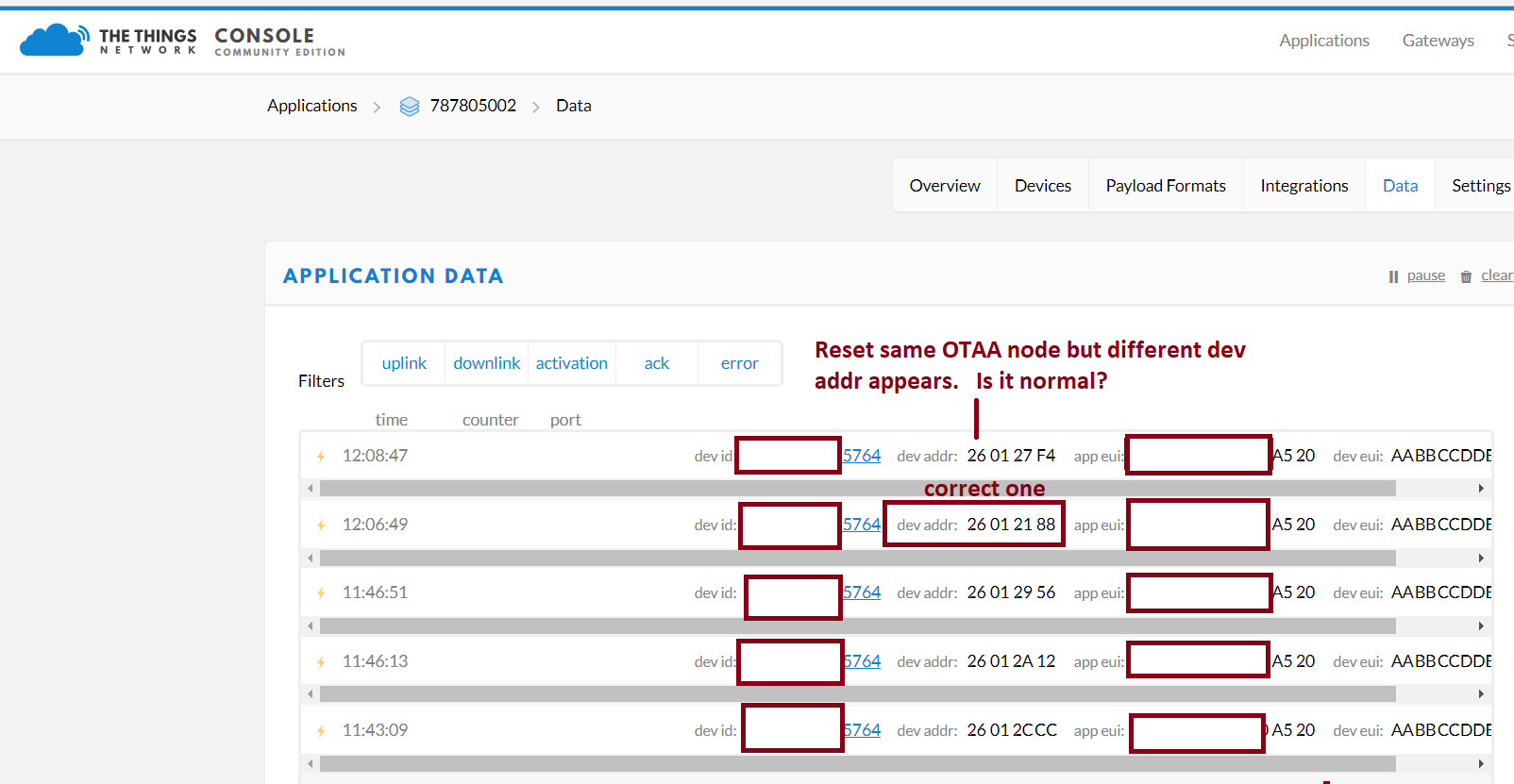
  • Fipy with OTAA node - Nano Gateway - TTN (not join)

    FiPy fipy lora otaa
    19
    3
    0 Votes
    19 Posts
    4k Views
    robert-hhR
    @apiwize after the join worked, the TTN server will send a list of frequencies to use. The node will uses these in a random matter. Unfortunately the nanogateway can listen only to one of these three frequencies, meaning that you will miss 2 of 3 messages. That is not related to timing. The best option then is to switch to abp mode, copying over from the TTN console the values for device address, network session key and app session key. See the discussion at this thread about 10 days ago. https://forum.pycom.io/topic/2728/lopy-and-nanogateway-example-inaccurate-timing-prevent-otaa-join
  • Cannot open COM port for FiPy and PyTrack

    FiPy pytrack fipy gpy com port
    16
    0 Votes
    16 Posts
    4k Views
    robert-hhR
    @combaindeft B) is clear, since the 3.3 regulator is on the FiPy device. Without that, no power at the 3.3V pin. Due to A) with the rock solid supply through a battery it is hard to accept, that it's a firmware issue, at least of the FiPy. Still, the PyTrack board can be the culprit. Did you try to run the FiPy without the PyTrack board, like on a breadboard with a separate USB/serial interface? Shorting 3.3 and GND should be avoided. P.S.: It's a pity that Pycom does not publish schematics.
  • LTE CAT-M1 on Telstra using FiPy

    FiPy fipy catm1 telstra
    9
    0 Votes
    9 Posts
    3k Views
    N
    @sat said in LTE CAT-M1 on Telstra using FiPy: I can confirm that certification is NOT required for connection to the network. I have tested various uncertified modules to connect to Telstra's network. @jmarcelino @IOAg @Sat I spoke with an IoT engineer at Telstra today and you are correct @Sat , Telstra do not block devices. However, the engineer was aware of the Pycom devices and stated without prompting that they have a "firmware" issue and that's why they won't connect, it is nothing Telstra side. I tried to dig deeper but he could not give any specific details other than a firmware issue with the current Pycom LTE devices. **EDIT**: I spoke again with Telstra and they believe the issue is with the firmware on the Sequans modem. Looking through the forums here I saw that the APN name "internet" is hardcoded in? According to my sim supplier the APN for Telstra's IoT network should be telstra.m2m (or alternatively telstra.internet). The Telstra engineer confirm this needs to be set correctly and could be causing issues. I am good working with python but my ability to easily update and recompile the firmware for a FiPy is lacking... Is there someone out there that could do a quick check to see if this fixes the issue? Or at least give the option to specify the APN on the LTE.init() function?
  • Disable radios

    Discussion fipy
    3
    0 Votes
    3 Posts
    1k Views
    sebS
    you can disable the radios in the following way: from network import WLAN, LTE w = WLAN() w.deinit() lte = LTE() lte.deinit() And the Sigfox and LoRa radios are turned off automatically if you are not transmitting or receiving with them
  • LTE-M and NB-IoT in unlicensed spectrum?

    FiPy fipy lte-m nb-iot frequency
    3
    0 Votes
    3 Posts
    1k Views
    J
    Hi @panik, The LTE modem only support bands 1, 2, 3, 4, 5, 8, 12, 13, 18, 19, 20, 28 you cannot set the frequency arbitrarily. None of those are in - or confined to - ISM spectrum. There is a relatively new standard called LTE-U to operate LTE in unlicensed spectrum (usually coexisting with WiFi at 5Ghz), but we don't support it.
  • Fipy reporting as LoPy after firmware update

    Firmware fipy lte-m
    5
    0 Votes
    5 Posts
    1k Views
    robert-hhR
    @xykon said in Fipy reporting as LoPy after firmware update: MAC address will get lost Actually that's what I did, erasing the devices (or never updating them via the updater tool), leading to a LRA Mac of all FF's. So I think I have to write an E-mail to Pycom for set of numbers.